Airbnb Listing Photos That Actually Book: A Host's Complete Guide
Learn how to create scroll-stopping Airbnb photos that increase bookings by up to 40%. From composition to AI editing, everything hosts need to know.
Every Airbnb host has experienced it: your property is clean, well-located, competitively priced, and stocked with thoughtful amenities --- yet your calendar has gaps. Meanwhile, a comparable listing down the street is booked solid three months out. The difference almost always comes down to one thing: listing photos.
Airbnb's own research has confirmed it repeatedly. Listings with high-quality photos earn up to 40% more revenue and receive significantly more booking inquiries than those with mediocre images. Your photos are not just a nice-to-have. They are the single most important marketing asset your rental property has.
This guide covers everything you need to know about creating Airbnb listing photos that convert browsers into bookers, from understanding how Airbnb's algorithm treats your images to leveraging AI editing tools that let you achieve professional results without a professional budget.
Why Photos Are the Number One Factor in Booking Decisions
When a potential guest searches for a place to stay, they see a grid of thumbnail images before they read a single word of your description. Airbnb's search results page is fundamentally visual. Your cover photo has approximately 1.5 seconds to stop a scrolling thumb and earn a tap.
The Psychology of the Scroll
Guests process visual information 60,000 times faster than text. Before they register your nightly rate, your star rating, or your location, they have already formed an emotional impression based on your photos. That impression determines whether they click through or keep scrolling.
Research from Cornell University's hospitality studies found that travelers make accommodation decisions based on a hierarchy: photos first, then location, then price, then reviews. This means that even if your property is perfectly priced and impeccably reviewed, weak photos create a bottleneck that prevents potential guests from ever discovering those advantages.
What Airbnb's Data Shows
Airbnb has published data showing that professional photography leads to a 24% increase in bookings and a 26% increase in nightly rates. These numbers represent averages --- many hosts report even more dramatic improvements after upgrading their photos. The compounding effect of more bookings at higher rates means the revenue impact of better photos can be substantial over a full year.
How Airbnb's Photo Algorithm Works
Airbnb does not just display your photos passively. The platform uses image quality as a ranking signal in search results.
Quality Scoring
Airbnb's algorithm evaluates your listing photos for resolution, brightness, composition, and visual appeal. Listings with higher-quality images are more likely to appear in prominent search positions. Low-resolution photos, dark images, and poorly composed shots actively hurt your search ranking.
Cover Photo Impact
Your cover photo (the first image in your listing) receives approximately 95% of all impressions in search results. It is the image that appears in the grid, in wishlists, and in recommendation emails. Choosing the wrong cover photo is one of the most common and costly mistakes hosts make.
The best cover photos share several characteristics: they show the most visually striking space in your property, they are well-lit with warm tones, they establish the character and style of the property, and they create curiosity that motivates a click-through.
Photo Count and Ordering
Airbnb recommends at least 20 photos per listing, and hosts who provide 20 or more photos tend to perform better in search. The ordering of photos also matters. Guests view an average of 7-10 photos before making a decision, so your most compelling images need to come first.
Try it free
Transform your first property photo in seconds, no account needed.
Composition Rules for Rental Spaces
Professional real estate photographers follow a set of composition principles that make spaces look their best. You do not need a professional camera to apply these rules --- they work just as well with a smartphone.
The Corner Shot
Stand in one corner of a room and shoot diagonally toward the opposite corner. This angle maximizes the visible floor area and creates depth, making rooms appear larger and more inviting. It is the single most effective composition technique for interior spaces and the approach used in the vast majority of professional listing photos.
The Two-Wall Rule
Every interior photo should show at least two walls. Photos that capture only one wall feel flat and give the viewer no sense of the room's dimensions. When you include two walls and a portion of the floor, the brain naturally constructs a three-dimensional understanding of the space.
Height Matters
Hold your camera or phone at about chest height --- roughly 4 feet from the ground. This is lower than eye level and closer to the perspective you see in magazine photos. Shooting from this height minimizes ceiling area (which is rarely interesting) and maximizes floor space and furniture, which is what guests care about.
The Rule of Thirds
Enable the grid overlay on your phone's camera. Place key elements --- a fireplace, a bed headboard, a kitchen island --- along the grid lines or at their intersections rather than dead center. Off-center composition creates visual energy and draws the eye into the scene.
For more on capturing stunning interior shots, our guide to bright and airy real estate photography covers the techniques that make indoor spaces feel open and inviting.
Lighting for Different Room Types
Lighting can make or break your Airbnb photos. Each room type presents different challenges and opportunities.
Living Rooms and Common Areas
The living room is typically the largest open space and benefits most from natural light. Shoot during the day with all curtains and blinds fully open. Turn on all lamps and overhead lights to fill in shadows. The combination of natural and artificial light creates warmth and dimension.
If your living room faces east, shoot in the morning. If it faces west, shoot in the afternoon. The goal is to have soft, indirect sunlight flooding through the windows without harsh direct beams creating hot spots on furniture.
Bedrooms
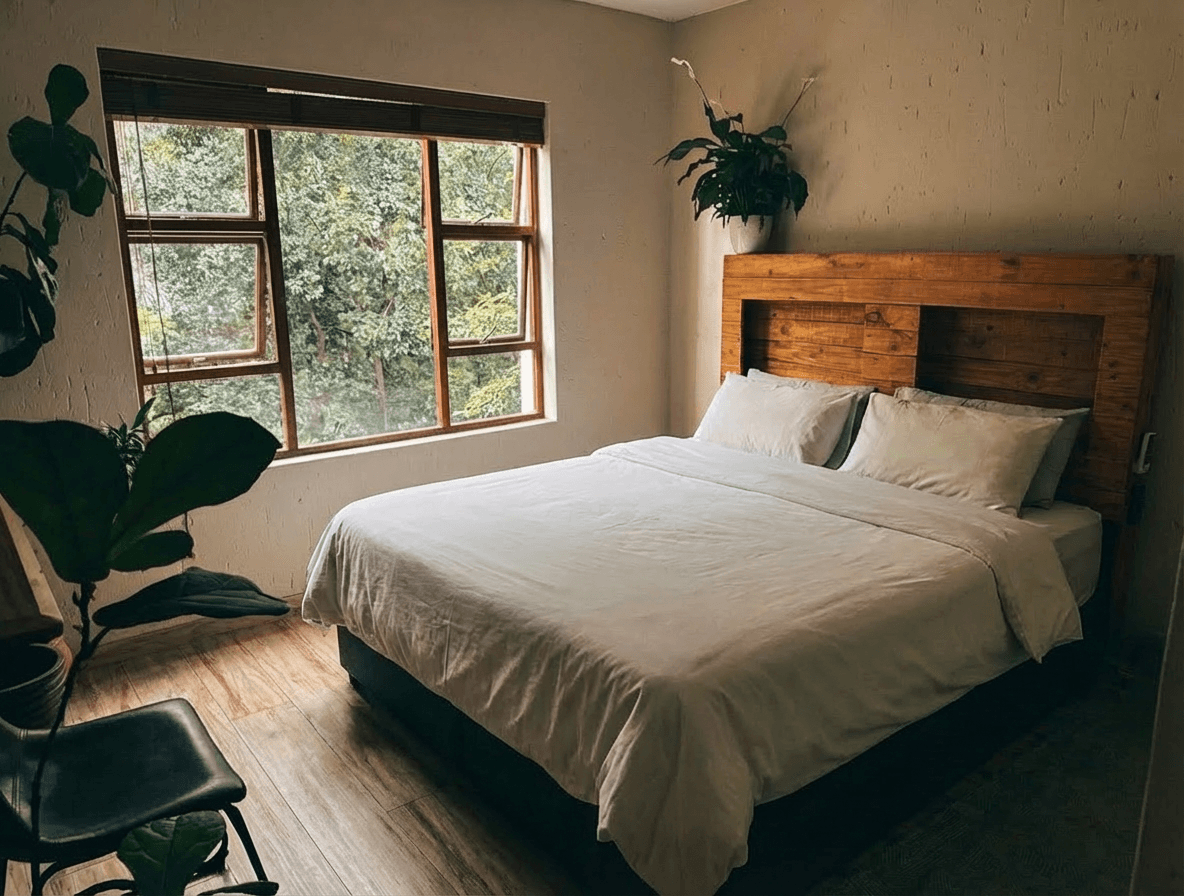
Bedrooms should feel cozy and inviting. Natural light is important, but bedrooms benefit from a slightly warmer, softer look than living areas. Make the bed with your best linens, fluff all pillows, and ensure bedside lamps are on. If the bedroom has blackout curtains that guests love, photograph the room with them open for the listing photos --- you can mention the blackout curtains in the description.
Kitchens
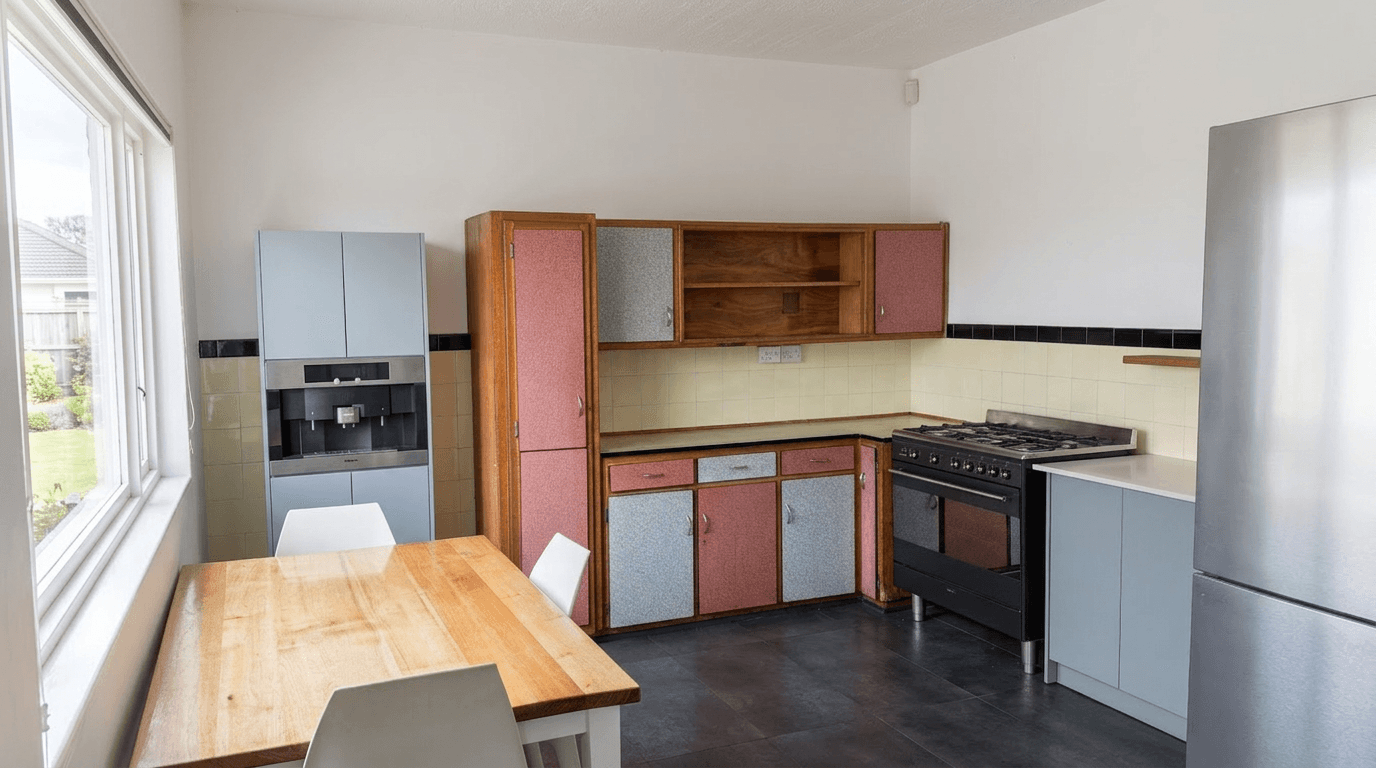
Kitchens are utilitarian spaces that need to look both functional and clean. Turn on under-cabinet lighting if available. Clear all countertops except for one or two intentional styling elements (a coffee maker, a fruit bowl, a small herb plant). Shoot from the doorway to capture the full layout.
Bathrooms
Bathrooms are the room most hosts photograph poorly. The keys: toilet lid down, all personal items removed, fresh towels artfully displayed, and lights on. Shoot from the doorway rather than from inside the bathroom, which avoids the cramped feeling that comes from wide-angle distortion in a small space. If your bathroom has a notable feature like a rainfall shower or a soaking tub, get a shot that highlights it.
Outdoor Spaces
Patios, balconies, and yards are enormous selling points for vacation rentals. Shoot outdoor spaces during golden hour (the hour before sunset) for the most flattering light. Stage outdoor furniture as if guests are about to sit down --- a throw blanket draped on a chair, an open book on a side table, candles ready to be lit.
For outdoor shots with imperfect skies, sky replacement technology can transform an overcast day into the perfect backdrop.
The Hero Photo Strategy
Your hero photo --- the first image in your listing --- deserves its own strategy session. It should be the single most compelling image you have, and choosing it requires thought.
What Makes an Effective Hero Photo
The best Airbnb hero photos share these characteristics:
- Immediate sense of place. The viewer should instantly understand what kind of property this is (cozy cabin, sleek city apartment, beachfront villa).
- Warm lighting. Photos with warm tones outperform cool-toned images in click-through rates.
- A "wow" element. A stunning view, a beautifully styled space, a unique architectural detail, or a twilight exterior shot that creates drama.
- Enough context. The hero photo should show a meaningful portion of a signature space, not a tight crop of a single detail.
Testing Your Hero Photo
If your booking rate is lower than you'd like, try changing your hero photo before adjusting your price. Many hosts have reported significant booking increases simply by swapping to a different cover image. Consider rotating between two or three strong options and tracking which generates more inquiry activity over two-week intervals.
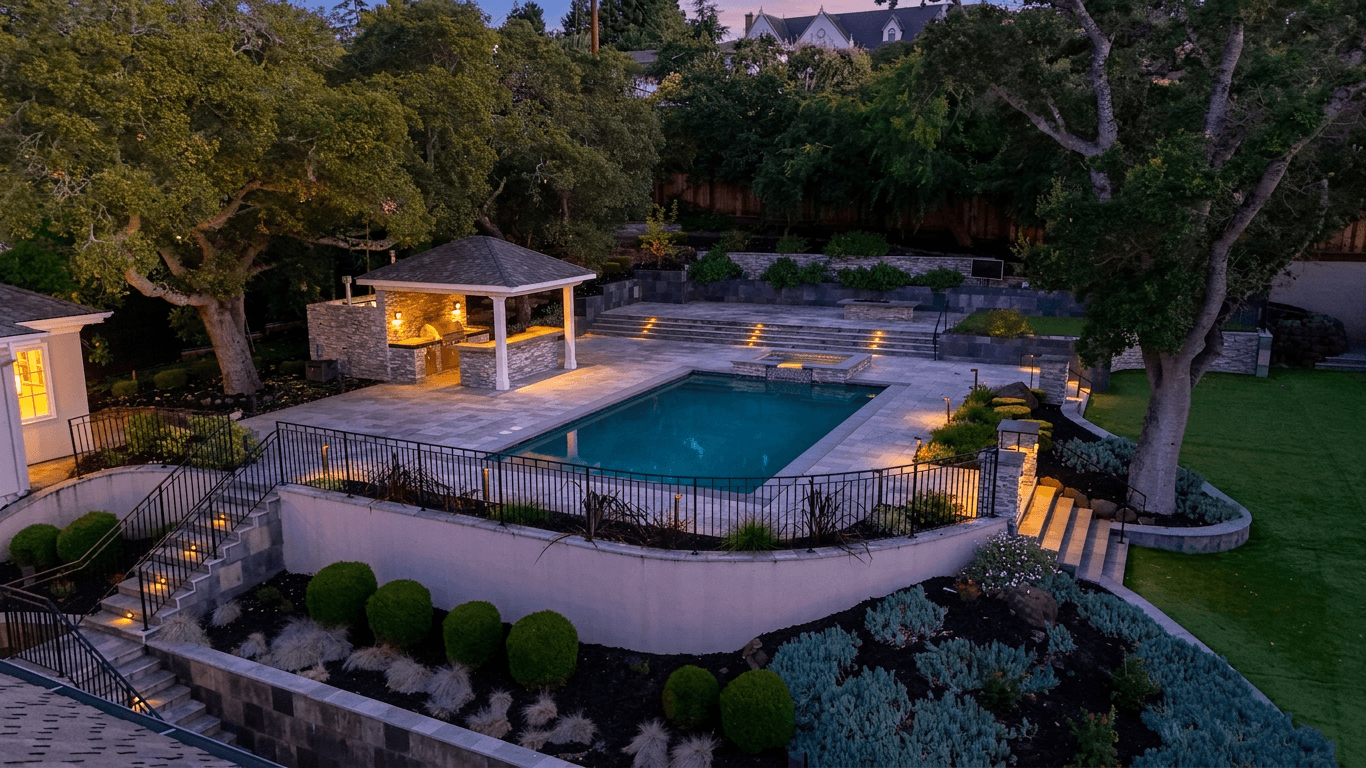
A twilight exterior shot often makes the most effective hero photo. Our guide to twilight photography for real estate explains why dusk photos create such strong emotional responses.
Editing for Maximum Appeal
Even the best raw photos benefit from editing. The difference between a good Airbnb photo and a great one is usually made in post-processing.
Essential Edits for Every Airbnb Photo
- Straighten the verticals. Nothing looks more amateurish than tilted walls and doorframes. Most editing tools have a perspective correction feature --- use it on every interior shot.
- Brighten shadows. Lift the dark areas in your photos to reveal detail in corners and under furniture. Dark shadows make spaces look smaller and less inviting.
- Correct white balance. Indoor lighting often gives photos a yellow or orange cast. Correcting this makes spaces look cleaner and more modern.
- Boost clarity and sharpness. A subtle increase in clarity adds definition to textures like wood grain, fabric, and tile, making the photo feel more premium.
- Crop intentionally. Remove distracting elements at the edges of the frame --- a visible power outlet, a sliver of hallway, the edge of a doorframe.
The "Bright and Airy" Edit
The bright and airy editing style is the most popular look for vacation rental photography. It involves lifting shadows, slightly reducing contrast, and warming up the overall tone just enough to feel inviting without looking unrealistic. This style makes spaces feel open, clean, and contemporary --- exactly the attributes guests look for.
For a detailed tutorial on achieving this look, see our bright and airy photography guide.
Get started free
Create your free account and get 5 credits to start editing.
Using AI to Batch-Edit Entire Properties
The biggest challenge for Airbnb hosts is not editing a single photo --- it is editing 20 to 40 photos per property, maintaining a consistent look across all of them, and doing it quickly enough to actually list the property.
This is where AI photo editing tools like Twilight transform the hosting workflow.
The Batch Editing Advantage
Traditional editing requires processing each photo individually, adjusting exposure, color balance, and tone one image at a time. Even experienced editors need 3-5 minutes per photo, which means a full property set can take 1-3 hours.
AI batch editing applies intelligent enhancements to your entire photo set at once. Upload all your images, select a style preset, and the AI analyzes each photo individually --- adjusting brightness, color, and tone based on the specific conditions of each image --- while maintaining a consistent overall aesthetic across the full set.
The result: 30 professionally edited photos in under 5 minutes instead of 3 hours.
Popular Edits for Airbnb Hosts
- Bright and airy enhancement to make interiors feel spacious and clean
- Twilight conversion to create a dramatic hero exterior shot from a daytime photo
- Sky replacement to fix overcast or washed-out skies in outdoor shots
- HDR enhancement to balance bright windows with darker interiors
- Color correction to eliminate unflattering yellow or green color casts
For a comprehensive comparison of the best tools available, our review of photo editing software in 2026 covers pricing, features, and which tools are best suited for short-term rental hosts.
A Real-World Example
Here is a common scenario: you photograph your property on a cloudy afternoon. The interiors are a bit dark, the outdoor shots have a flat gray sky, and the overall look feels dull. With AI editing, you can brighten and warm every interior shot, replace the gray sky with a natural blue sky, and create a twilight version of your best exterior shot --- all in one session. What would have been a mediocre photo set becomes a professional-looking listing package.
To see what these transformations look like in practice, check out our Airbnb photo editing before and after examples.
Seasonal Photo Updates
One overlooked strategy that separates top-performing hosts from average ones is seasonal photo updates.
Why Seasonal Photos Matter
Guests searching for a summer getaway want to see your property looking sun-drenched and lush. Guests booking a winter holiday want to see cozy interiors and potentially snowy exteriors. A listing with summer photos in December feels out of date and subtly signals that the host may not be actively managing the property.
The Four-Season Approach
If your property experiences distinct seasons, build a photo library over the course of a year:
- Spring: Fresh greenery, flowers, open windows
- Summer: Bright sun, outdoor living spaces in full use, pool or water features
- Fall: Warm tones, foliage, cozy interior shots with throws and candles
- Winter: Holiday-ready interiors, fireplace shots, snow scenes if applicable
You do not need to reshoot everything each season. Keep your core interior shots year-round and rotate 5-8 seasonal images that showcase outdoor spaces and seasonal styling.
AI Editing for Seasonal Updates
AI tools can help with seasonal updates too. A twilight conversion of your exterior can work any time of year. Sky replacement lets you add seasonally appropriate skies to outdoor shots. And consistent editing presets ensure your seasonal updates match the overall aesthetic of your listing.
Putting It All Together: Your Action Plan
Here is a step-by-step plan to upgrade your Airbnb listing photos:
- Audit your current photos. Look at them as a guest would. Are they bright, inviting, and high-resolution? Do they tell the story of your property?
- Plan your shoot. Choose a day with good weather and schedule your shoot when natural light is best for your property's orientation.
- Stage every room. Clear clutter, make beds, set tables, arrange towels. Add small lifestyle touches that help guests envision themselves in the space.
- Shoot with intention. Use the composition rules above. Take 3-5 shots of every room from different angles so you have options.
- Edit with AI. Upload your full set to Twilight, apply a consistent editing style, and create a twilight hero shot of your exterior.
- Order strategically. Put your best photos first. Lead with your hero shot, followed by the most impressive interior space, then work through rooms logically.
- Update seasonally. Set calendar reminders to swap in seasonal photos and reshoot after any property improvements.
Your listing photos are the front door of your vacation rental business. Invest in making them exceptional, and the bookings will follow. And if you manage a unique property -- a treehouse, tiny home, or converted boat -- our guide on photography for unique Airbnb properties covers the specific challenges and opportunities these spaces present.
View pricing
Credit packs from $12, plans from $29 a month.
Related Articles
Airbnb Photography vs Real Estate Photography: Key Differences That Matter
Airbnb vs real estate photography: how shooting style, staging, editing and photo order differ, and how to optimize for each market.
Seasonal Airbnb Photo Strategy: Update Your Listing Photos for Year-Round Bookings
Smart hosts update their Airbnb photos seasonally to match what guests are searching for. Here's your complete seasonal photo playbook.
Photography for Unique Airbnb Properties: Treehouses, Tiny Homes, Boats, and Beyond
How to photograph unique Airbnb stays: treehouses, tiny homes, boats, yurts and glamping sites. Small-space tips and how to show what guests are booking.