Seasonal Airbnb Photo Strategy: Update Your Listing Photos for Year-Round Bookings
Smart hosts update their Airbnb photos seasonally to match what guests are searching for. Here's your complete seasonal photo playbook.
Here is something that separates consistently booked Airbnb properties from those that experience seasonal slumps: their photos change with the seasons. While most hosts upload one set of photos when they launch their listing and never touch them again, top-performing hosts rotate their imagery to match the season their guests are planning to visit.
Think about how you search for vacation rentals. If you are looking for a winter cabin getaway, you want to see that cabin with snow on the roof, a fire in the fireplace, and warm blankets on every chair. If you see that same cabin with summer photos -- green trees, a sunny deck -- it is harder to visualize the cozy winter escape you are looking for. You might keep scrolling.
This is not a theory. Hosts who update their listing photos seasonally report 12-20% higher booking rates during off-peak months compared to hosts who use the same photos year-round. The reason is simple: seasonal photos help guests visualize themselves at your property during the specific time period they are planning to visit.
This guide is your complete seasonal photo playbook -- what to shoot, when to shoot it, what to swap out, and how AI editing tools can help you maintain a fresh, season-appropriate listing without reshooting every few months.
Why Seasonal Photos Matter
How Guests Search and Visualize
Guests booking vacation rentals are not making abstract decisions. They are imagining a specific trip at a specific time. A family booking a beach house for July is visualizing sandy feet, sunscreen, and popsicles. A couple planning a Vermont fall foliage trip is visualizing sweaters, cider, and golden trees.
When your listing photos match the season a guest is booking for, several things happen:
- Faster emotional connection. The guest immediately sees their imagined experience reflected in your photos. They do not have to mentally translate summer photos into a winter experience.
- Increased confidence. Seasonal photos signal that the property is actively managed and maintained year-round, not a set-it-and-forget-it listing.
- Better expectation setting. Guests arrive knowing what to expect for the season, which reduces the likelihood of disappointment and negative reviews.
Platform Algorithm Signals
Airbnb and other platforms track when listings are updated. While the exact algorithm is not public, multiple analyses of Airbnb's search ranking factors suggest that recently updated listings receive a temporary boost in search visibility. Updating your photos seasonally gives you four ranking boosts per year, each timed to capture peak search activity for the upcoming season.
This is consistent with Airbnb's public statements about favoring "active" hosts who regularly engage with and update their listings.
The Off-Season Advantage
Seasonal photo updates are most powerful during your property's traditional off-season. If you run a beach house that dominates in summer but struggles in winter, winter-specific photos showing the charm of an off-season coastal stay (stormy seas from a cozy living room, a fireplace with hot cocoa, an empty beach at sunset) can capture the niche market of guests who specifically want a quiet, cozy coastal escape.
Without winter photos, these guests have no way to visualize that experience at your property, and they will book somewhere that shows them what they want to see.
The Spring Photo Playbook (March - May)
Spring is about renewal, color, and the promise of outdoor living. Your photos should communicate freshness and the beginning of the outdoor season.
What to Shoot
Exteriors and outdoors:
- Blooming flowers, flowering trees, and fresh green landscaping
- Patio and deck areas freshly cleaned and staged for the season
- Open windows with curtains blowing gently (communicates fresh air)
- Garden areas in bloom, especially if your property has noteworthy plantings
Interiors:
- Bright, airy rooms with natural light streaming in. This is the season to embrace the bright and airy photography style that makes spaces feel clean and inviting.
- Fresh flowers in vases on kitchen counters and bedroom nightstands
- Light bedding and throw pillows in spring colors (soft greens, pastels, whites)
- Open doors leading to outdoor spaces
Lifestyle details:
- A breakfast setup on the patio with fresh fruit and juice
- Gardening tools by the door (if your property has a garden guests can enjoy)
- Bicycles (if you provide them) staged on the porch or driveway
Spring Staging Tips
- Replace heavy winter throws and dark bedding with lighter textures and brighter colors
- Add fresh flowers to at least two rooms (kitchen and primary living space)
- Open all blinds and curtains to maximum
- If you have seasonal decor, keep it subtle -- a small spring wreath on the door, not an Easter egg explosion
The Summer Photo Playbook (June - August)
Summer is peak season for most vacation rentals. Your photos should communicate outdoor living, fun, and that your property is the perfect base for a warm-weather vacation.
What to Shoot
Exteriors and outdoors:
- Pool or water features in full use (consider adding a single float or two towels draped on loungers). For complete pool photography guidance, see our outdoor space photography guide.
- Patio with outdoor dining staged for a summer evening
- Lawn games set up (cornhole, croquet, bocce)
- Grill area staged and clean
- Any outdoor shower, if applicable
Interiors:
- Bright, sun-filled rooms with windows open
- Kitchen with summer fruits (watermelon, berries, lemons)
- Bedrooms with light, breezy bedding
- Living areas that feel cool and airy
Lifestyle details:
- Beach gear if near a coast (towels, a cooler, sunscreen by the door)
- A cooler or picnic basket on the deck
- Sunglasses and a book on a poolside table
- Ice cream or cold drinks visible as props
Summer Staging Tips
- Stage outdoor spaces more heavily than indoor spaces -- summer guests will live outside
- Show your cooling features: ceiling fans running, AC unit visible (but not as the focal point)
- If you have outdoor lighting, capture at least one twilight shot to show the evening potential
- Add a few summer-specific amenities like a beach bag, sun umbrella, or portable speaker and photograph them
The Hero Photo Rotation
Your hero photo -- the first image guests see in search results -- should always match the current season. In summer, make it your best outdoor shot. In winter, lead with your coziest indoor shot. This single change can measurably impact click-through rates from search results to your listing page.
Try it free
Transform your first property photo in seconds, no account needed.
The Fall Photo Playbook (September - November)
Fall is an underrated season for vacation rentals. Guests looking for fall trips want to see autumn color, cozy atmosphere, and harvest-season charm. If your property is in a region with fall foliage, this is your time to shine.
What to Shoot
Exteriors and outdoors:
- Fall foliage as the backdrop for exterior shots
- A fire pit area staged with blankets, mugs, and a s'mores setup
- Pumpkins and seasonal gourds on the porch (tasteful, not theme-park)
- The property framed by autumn trees
Interiors:
- Warm lighting -- lamps on, candles placed (unlit for safety, but they add warmth to the scene)
- Throw blankets on sofas and chairs
- Kitchen with autumn produce (apples, squash, cinnamon sticks)
- Fireplace lit (or staged with candles if not functional)
- Warm-toned bedding and pillows
Lifestyle details:
- A mug of cider or coffee on the porch railing with a fall backdrop
- A stack of board games on the coffee table (fall is game night season)
- A reading nook with a blanket and warm lighting
- Hiking boots by the door (if in a hiking area)
Fall Staging Tips
- Warm tones are your friend: rust, amber, deep green, burgundy
- Do not overdo the seasonal decor. A few pumpkins and some warm textiles are enough. Full harvest-festival staging looks over-the-top and dates quickly.
- If your area has notable foliage, schedule exterior shoots for peak color -- this window is typically only 2-3 weeks
- Include one shot that shows the view from inside looking out at fall scenery through a window
The Winter Photo Playbook (December - February)
Winter is where seasonal photography makes the biggest difference. Properties that look warm, cozy, and inviting in their winter photos capture bookings that properties with only summer photos miss entirely.
What to Shoot
Exteriors:
- The property with snow (if applicable) -- a snow-covered property looks charming and magical in photos
- Exterior lighting (porch lights, path lights) at dusk against snow
- Any hot tub (steam rising in cold air is incredibly photogenic)
- A cleared walkway and inviting entrance
Interiors:
- Fireplace lit and flanked by cozy seating
- Heavy throws, warm blankets, and plush pillows everywhere
- Kitchen staged for winter cooking (a pot on the stove, baking supplies)
- Bathroom with extra-plush towels and a candle for spa vibes
- Bedrooms with layered bedding that looks warm and indulgent
Lifestyle details:
- Hot cocoa setup in the kitchen (mugs, marshmallows, cocoa tin)
- A board game in progress on the coffee table
- Slippers by the door and a coat rack with winter gear
- Wine glasses by the fireplace
- Holiday lights on the exterior (tasteful and neutral -- white lights, no inflatables)
Winter Staging Tips
- Layer, layer, layer. The more textiles and soft surfaces visible, the cozier the space feels
- Turn on every light source when shooting. Winter photos need warmth, and artificial lighting contributes to that
- If you have a fireplace, light it for the shoot. A lit fireplace is the single most powerful image for winter bookings
- If it snows, drop everything and shoot exteriors immediately. Fresh, untouched snow is photographic gold
Holiday Decoration Photography: Tasteful vs. Overdone
Holiday decor in listing photos is a double-edged sword. Done well, it creates warmth and atmosphere. Done poorly, it looks cluttered, kitschy, or exclusionary.
The Rules for Holiday Decor in Listing Photos
Do:
- Keep decorations neutral and inclusive (white lights, greenery, candles)
- Use natural elements (pine branches, pinecones, holly, evergreen wreaths)
- Maintain the clean, uncluttered feel of your listing -- decorations should enhance, not overwhelm
- Limit explicitly religious decor in listing photos (guests of all backgrounds should feel welcome)
Do not:
- Stage full themed displays (no Santa's workshop in the living room)
- Use decorations that cover or hide the actual features of the room
- Include decorations that might look dated or cheap in photos (tinsel, certain types of garland)
- Leave holiday decor in photos year-round -- nothing says "I do not update my listing" like a Christmas tree visible in a July listing
When to Add and Remove Holiday Photos
Add seasonal holiday photos to your listing starting about 6 weeks before the holiday period, when guests are actively searching for holiday-season stays. Remove them within 2 weeks after the holiday. This timeline works for major year-end holidays. For other seasonal events (Easter, Halloween, Fourth of July), the window is shorter -- add 3-4 weeks before, remove within a week after.
What to Keep Constant Year-Round
Not every photo should change with the seasons. Some images should remain consistent to provide a stable foundation for your listing.
Always-On Photos
- Kitchen and bathroom shots (these are about cleanliness and amenities, not seasonal atmosphere). For specific guidance on these spaces, see our guide on photographing Airbnb kitchens and bathrooms.
- Bedroom standard shots showing the bed, layout, and storage
- Floor plan or layout shots that help guests understand the space
- Amenity detail shots (washer/dryer, workspace, entertainment system)
- Neighborhood or location photos (unless the seasonal change is the appeal, like a beach in summer vs. winter)
Seasonal Rotation Photos
- Hero/cover photo (always match the upcoming season)
- Exterior shots (landscaping, entrance, curb appeal change dramatically)
- Outdoor living spaces (patio, pool, garden, fire pit)
- Living room and common areas (change textiles and staging)
- View photos (if the view changes seasonally)
A good rule of thumb: keep 60% of your photos constant year-round and rotate the other 40% seasonally.
Capturing Seasonal Amenities
Different seasons highlight different amenities. Make sure you photograph the features that matter most for each season.
Summer Amenity Photos
- Pool, hot tub, outdoor shower
- AC units or ceiling fans (subtle, not featured)
- Outdoor grill and cooking area
- Beach access, kayaks, paddle boards
- Screened porch (bug-free outdoor living)
Winter Amenity Photos
- Fireplace (lit)
- Heated floors (show bare feet on warm floors)
- Hot tub (with steam)
- Ski storage or boot dryer
- Garage or covered parking (practical in bad weather)
- Entertainment system for indoor days
Fall Amenity Photos
- Fire pit (lit at dusk)
- Indoor games and entertainment
- Kitchen features (baking, cooking capabilities)
- Scenic views through windows
- Warm bathtub setup
Spring Amenity Photos
- Garden access
- Outdoor dining setup
- Bicycles or outdoor recreation equipment
- Open windows and fresh air
- Nearby trails or nature (if applicable)
Get started free
Create your free account and get 5 credits to start editing.
Batch Editing Seasonal Shoots with AI
One of the biggest barriers to seasonal photo updates is the time investment. Shooting a full set of new photos four times a year is daunting. AI editing tools can dramatically reduce this burden.
What AI Can Do for Seasonal Photos
Sky and weather transformation: Shot your exterior on an overcast autumn day? AI sky replacement can give you a crisp blue autumn sky or a moody, atmospheric sky that matches the fall vibe you want.
Twilight conversion: A daytime patio shot can be converted into a stunning twilight scene that shows off your string lights and outdoor lighting -- perfect for fall and winter listings when evening ambiance matters most.
Brightness and warmth adjustment: AI tools can adjust the overall tone of your photos to feel warmer (for fall and winter) or cooler and brighter (for spring and summer) without reshooting.
Lawn and foliage enhancement: If you shot in late fall when the grass was dormant but need a spring-looking lawn, AI can enhance greens to look healthy and vibrant.
The Efficient Seasonal Workflow
Here is how to maintain seasonal photos without losing your mind:
-
Do one comprehensive shoot per year (ideally in late spring or early summer when everything looks its best). Capture every room, every angle, every outdoor space. This is your master library.
-
Do brief seasonal update shoots (30-60 minutes each) for fall, winter, and spring. Focus only on the 40% of photos that rotate: exteriors, outdoor spaces, living room staging, and seasonal details.
-
Use AI editing to enhance and adapt photos between full shoots. Sky replacement, lighting adjustments, and color grading can make a fall exterior look warmer and moodier or a spring patio look brighter and more inviting.
-
Batch process your seasonal edits. Rather than editing photos one by one, tools like Twilight let you apply consistent presets across multiple photos, ensuring your listing has a cohesive look.
-
Set calendar reminders to swap photos at the start of each season. Make it a 15-minute task: swap the hero photo, add 3-5 seasonal shots, remove the previous season's most date-specific images.
Building a Seasonal Photo Archive
Over time, you will build a library of seasonal photos that you can rotate through year after year. A photo of your property in fresh snow from 2024 is still perfectly usable in 2026 if the property has not changed significantly. This means the annual workload actually decreases over time.
Organize your archive with clear naming conventions:
property-name/
  year-round/
    kitchen-wide.jpg
    bathroom-vanity.jpg
    bedroom-primary.jpg
  spring/
    exterior-front-blooms.jpg
    patio-morning-coffee.jpg
  summer/
    pool-golden-hour.jpg
    grill-area-staged.jpg
  fall/
    exterior-fall-foliage.jpg
    firepit-dusk.jpg
  winter/
    exterior-snow.jpg
    fireplace-lit.jpg
If you manage multiple properties, this organizational approach becomes even more critical.
Platform-Specific Photo Update Tips
Airbnb
Airbnb allows you to reorder photos at any time without losing reviews or booking history. When updating seasonally:
- Move the new seasonal hero photo to position one
- Group seasonal outdoor photos near the top (positions 2-5)
- Keep year-round interior photos in the middle
- Place amenity and detail shots toward the end
Vrbo
Vrbo gives you the ability to tag photos by room and category. Use this system to swap seasonal photos into the right categories without disrupting your overall organization.
Booking.com
Booking.com requires a minimum number of photos and has specific category requirements. When updating seasonally, make sure you maintain the required categories (bedroom, bathroom, property front) even as you swap out specific images within them.
Your Seasonal Photo Calendar
Here is a simple annual calendar to keep your listing fresh:
March: Shoot spring exteriors and update listing with spring photos. Remove any remaining winter/holiday images.
June: Full comprehensive shoot (your annual master shoot). Update listing with summer photos as your primary set.
September: Shoot fall exteriors and seasonal details during peak foliage. Swap to fall hero photo and add fall atmosphere shots.
December: Shoot winter interiors and snowy exteriors (when applicable). Swap to winter hero photo and cozy interior shots. Add tasteful holiday decor photos.
Between these shoots, use AI editing to keep everything polished -- correcting skies, adjusting brightness, and ensuring color consistency across your seasonal sets.
The hosts who keep their listings visually fresh are the ones who book consistently through every season. It takes some upfront effort to build your seasonal photo library, but once established, the quarterly refresh becomes a small task with outsized returns on your booking rate. For more foundational strategies, see our guide to Airbnb listing photos that book.
Related Articles
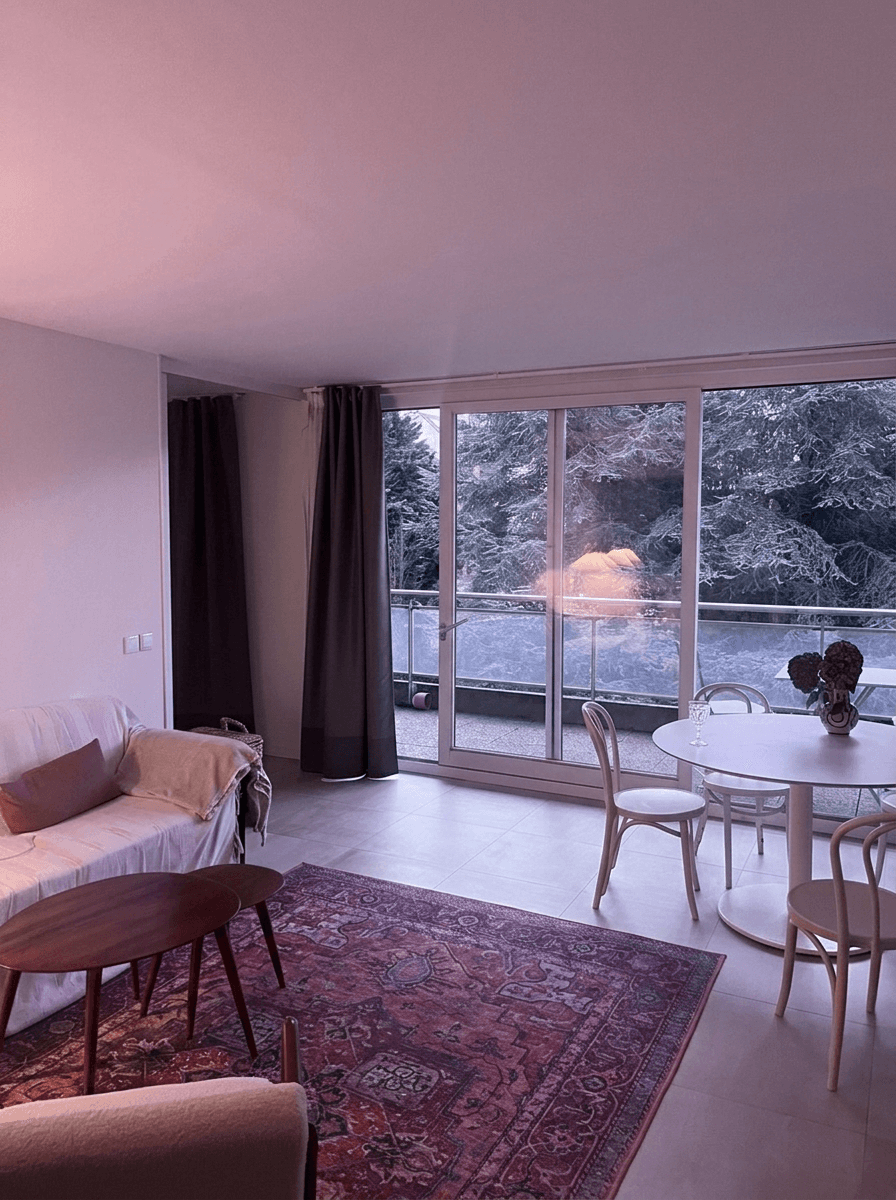
Airbnb Listing Photos That Actually Book: A Host's Complete Guide
Learn how to create scroll-stopping Airbnb photos that increase bookings by up to 40%. From composition to AI editing, everything hosts need to know.
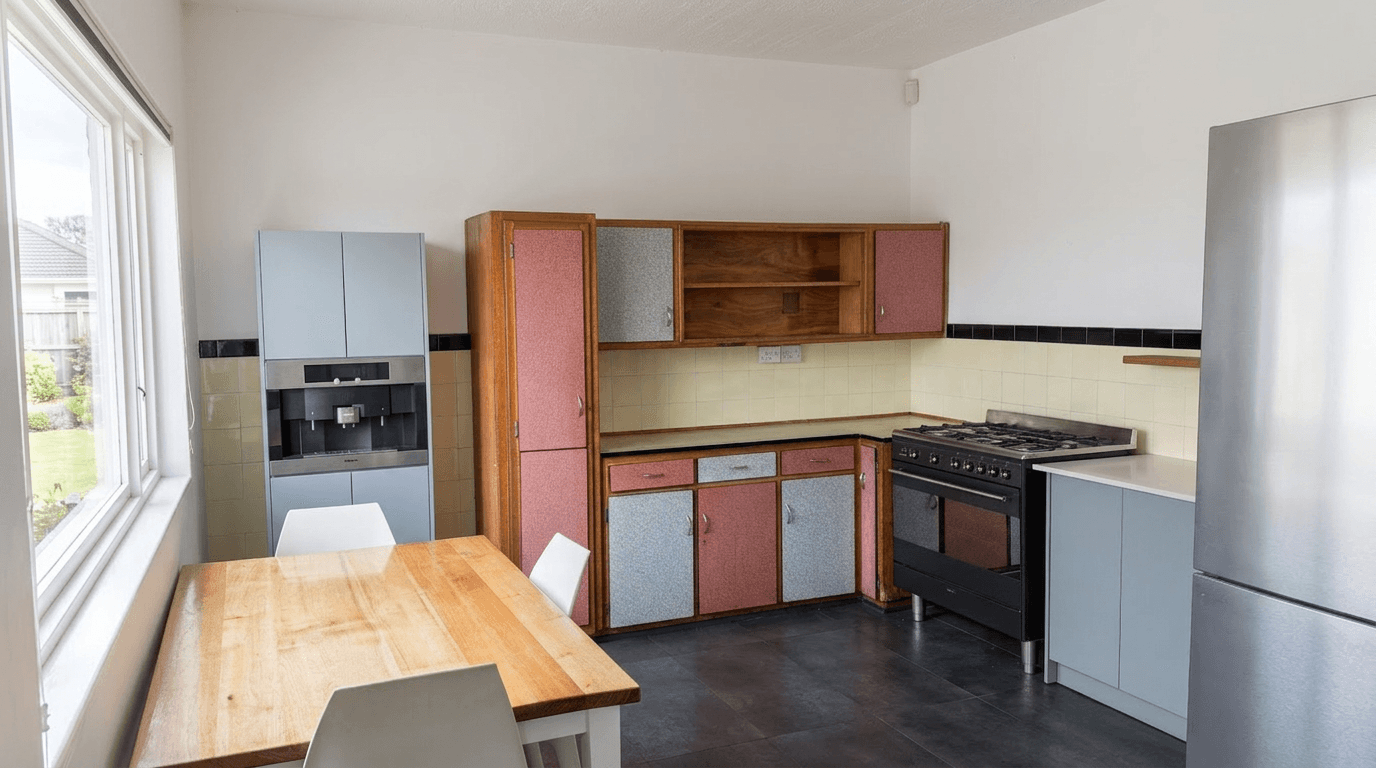
Photography for Unique Airbnb Properties: Treehouses, Tiny Homes, Boats, and Beyond
How to photograph unique Airbnb stays: treehouses, tiny homes, boats, yurts and glamping sites. Small-space tips and how to show what guests are booking.
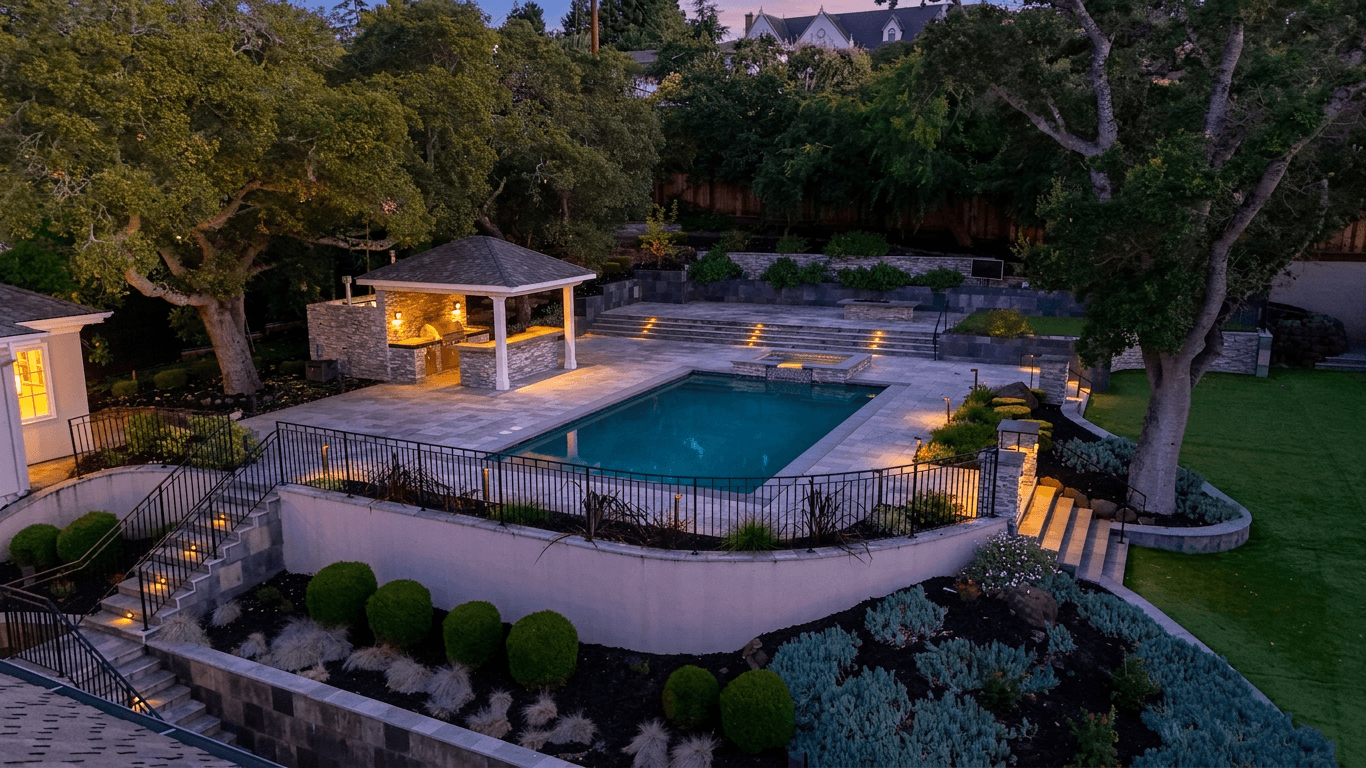
Airbnb Photography vs Real Estate Photography: Key Differences That Matter
Airbnb vs real estate photography: how shooting style, staging, editing and photo order differ, and how to optimize for each market.