Managing Photos for Multiple Airbnb Properties: A Scaling Host's Workflow
Running multiple vacation rentals? Here's how to efficiently photograph, edit, and manage listing photos across your entire portfolio.
When you had one Airbnb property, managing photos was simple. You spent an afternoon shooting, an evening editing, and you were done. Maybe you updated the photos once a year or after a renovation. The whole process lived in your head and on your phone's camera roll.
Then you added a second property. And a third. Now you have five, or ten, or twenty units, and the photo management situation has quietly become a disaster. You cannot remember which property has updated kitchen photos. Two of your listings still have summer hero shots in January. The new unit you onboarded three months ago still has the rushed photos you took on move-in day because you never got around to reshooting. Your cleaners send you photos that are sideways, dark, and taken in portrait mode.
This is the reality for scaling Airbnb hosts and property managers. Photography is one of the highest-impact factors in booking performance -- data consistently shows that listings with professional-quality photos earn significantly more per night -- but it is also one of the hardest operational tasks to systematize as you grow.
This guide provides a complete framework for managing listing photography across a multi-property portfolio: from building a sustainable photo system to batch shooting and editing strategies, delegation, and the economics of photo quality at scale.
The Multi-Property Photo Challenge
Managing photos for multiple properties introduces problems that single-property hosts never face.
Consistency
Each listing needs to feel like it belongs to a professionally managed portfolio while also showcasing its unique character. If your downtown studio has bright, polished photos and your beachfront house has dim, amateur snapshots, guests who find you through one property will hesitate to book another.
Currency
Photos need to be current. This means updating after renovations, seasonal changes, furniture swaps, and general wear-and-tear. With one property, you notice when a photo is outdated. With fifteen, outdated photos slip through the cracks and silently cost you bookings for months.
Scale
The time investment compounds. If each property needs 20-30 photos, and each photo requires staging, shooting, editing, and uploading, you are looking at 4-6 hours per property for a proper photo set. Multiply that by your portfolio size and factor in seasonal updates, and photography becomes a significant operational burden.
Delegation
As your portfolio grows, you cannot personally photograph every property. You need to delegate to co-hosts, cleaners, or photographers, which introduces quality control challenges that are difficult to manage remotely.
Building a Photo System
The foundation of multi-property photo management is a system. Not a vague intention to "get around to updating photos" but an actual documented process with naming conventions, folder structures, schedules, and standards.
Folder Structure
Create a consistent folder hierarchy that works across all properties. Here is a structure that scales well:
portfolio-photos/
  [property-name-or-id]/
    master/
      exterior/
      living-room/
      kitchen/
      bedroom-1/
      bedroom-2/
      bathroom-1/
      bathroom-2/
      outdoor/
      amenities/
      neighborhood/
    seasonal/
      spring/
      summer/
      fall/
      winter/
    archive/
      2024/
      2025/
    raw/
    edited/
    listing-live/
The listing-live folder is critical. It contains only the photos currently active on the listing platform. When you update photos, you swap files in and out of this folder, giving you a clear record of exactly which images are live at any time.
Naming Conventions
Use a consistent naming convention across all properties. Include the property identifier, room, angle or feature, and date:
downtown-studio_kitchen_wide-south_2026-03.jpg
downtown-studio_kitchen_coffee-station_2026-03.jpg
beachfront-2br_pool_aerial_2026-06.jpg
beachfront-2br_pool_golden-hour_2026-06.jpg
This naming convention makes it possible to:
- Sort and find specific photos quickly across hundreds of images
- Identify when each photo was taken (and flag old ones for updates)
- Know exactly which room and angle is represented without opening the file
- Batch-rename across properties with consistent patterns
Version Control
Track what is live and what has changed. Maintain a simple spreadsheet or document for each property that records:
| Photo Position | Description | Date Taken | Date Uploaded | Season | Notes |
|---|---|---|---|---|---|
| 1 (Hero) | Exterior twilight | 2026-01-15 | 2026-01-16 | Winter | Swap to pool shot for summer |
| 2 | Living room wide | 2025-08-10 | 2025-08-12 | Year-round | |
| 3 | Kitchen wide | 2025-08-10 | 2025-08-12 | Year-round | Update after reno Q2 |
This tracker tells you at a glance what each property's photo situation looks like, when things were last updated, and what is scheduled to change.
Batch Shooting Strategies
When you manage multiple properties, individual photo sessions for each unit are not sustainable. Batch shooting -- photographing multiple units in a single day -- is the efficient approach.
Planning a Multi-Property Shoot Day
Preparation (1-2 days before):
- Create a shot list for each property, prioritizing rooms and angles that need updating. Not every property needs a full 30-photo reshoot each time. Focus on what has changed or what is currently weakest.
- Coordinate with cleaners to have each property freshly cleaned and staged before your arrival.
- Prepare staging props that travel with you: fresh white towels, a fruit bowl (use faux fruit that looks real -- it travels better), a small plant, coffee mugs, and a few folded throws. A small staging kit that fits in a tote bag can upgrade the look of every property without requiring different props at each location.
- Check the weather forecast. For exterior shots, you want clear or partly cloudy skies. If overcast days are unavoidable, plan to use AI sky replacement in post-processing.
Shooting day logistics:
- Allow 45-90 minutes per property depending on size and how many rooms need new photos.
- Route your day geographically to minimize drive time between properties.
- Shoot exteriors in the morning or golden hour and interiors during midday when natural light through windows is strongest.
- Follow your shot list strictly. It is easy to get sidetracked noticing maintenance issues or chatting with cleaners. Stay focused on the photos.
What to Shoot Every Time vs. Selectively
Every visit (10-15 minutes):
- Hero shot / exterior if lighting is good
- Any rooms that have been updated since the last shoot
- Seasonal rotation shots (outdoor areas, living room staging)
Quarterly (30-45 minutes):
- Full interior re-evaluation (check each photo against the current state of the room)
- Amenity documentation (new amenities, replaced items)
- Detail and lifestyle shots
Annually (60-90 minutes):
- Complete reshoot of all rooms and outdoor areas
- Updated neighborhood photos
- New exterior shots in optimal conditions
The 80/20 Rule for Multi-Property Shoots
In most portfolios, 20% of properties generate 80% of the revenue. Prioritize your photo quality investment accordingly. Your highest-performing (or highest-potential) listings should get the most attention, the best seasonal updates, and the most careful editing. Lower-revenue units still need good photos, but they do not need quarterly refreshes of every detail shot.
Consistent Editing Style Across Properties
A cohesive editing style across your portfolio is what separates a professional property management operation from a collection of random listings. When a guest who had a great experience at one of your properties browses your other listings, the visual consistency builds trust and brand recognition.
Defining Your Editing Style
Before you start editing, decide on a visual style for your portfolio:
Bright and clean: High brightness, neutral or slightly cool white balance, minimal shadow, even exposure. This style works well for modern, urban, and beach properties. For a deep dive into this approach, see our guide on bright and airy real estate photography.
Warm and inviting: Slightly warmer white balance, softer contrast, gentle shadow retention. This style suits mountain cabins, rural retreats, and properties with a cozy character.
Dramatic and luxurious: Higher contrast, richer colors, dramatic sky replacement, twilight exteriors. This style works for high-end properties where you want to communicate a premium experience.
The key is choosing one style and applying it consistently. A portfolio where some listings look bright and airy and others look dark and moody feels disjointed, even if each individual listing looks fine on its own.
Using AI Presets for Consistency
This is where AI editing tools become invaluable for multi-property management. Rather than manually adjusting brightness, white balance, contrast, and color grading for each individual photo across each individual property, you can apply consistent presets that produce the same look every time.
With AI-powered editing tools, you can:
- Apply the same brightness and color correction to all interior photos across properties, ensuring consistent white balance and exposure.
- Use the same sky replacement style for all exteriors, so every property's outdoor shots have the same quality of sky.
- Apply twilight conversion with the same parameters, giving all your twilight shots a consistent look and feel.
- Batch-process seasonal updates across multiple properties in a single editing session rather than treating each property's photos individually.
This consistency is nearly impossible to achieve with manual editing, where subtle differences in technique, mood, and time pressure lead to inconsistent results across a large portfolio. AI presets eliminate that variability.
Creating a Brand Look
If you operate under a brand name (a property management company or a recognizable host identity across platforms), your photo style becomes part of your brand. Guests who recognize your visual style from one listing will transfer the trust and quality expectations to your other properties.
Elements that create brand consistency:
- Identical editing style (brightness, warmth, contrast)
- Similar staging approach (white towels, consistent prop style)
- Matching hero photo treatment (all twilight, all bright daylight, etc.)
- Consistent photo count and ordering across listings
Scheduling Photo Refresh Cycles
Without a schedule, photo updates happen reactively -- usually when you notice a listing is underperforming and wonder why. A proactive refresh cycle keeps all your listings current without requiring constant attention.
The Quarterly Review
Set a quarterly calendar reminder to review the photo status of every property in your portfolio. During this review:
- Open each listing and scroll through all photos.
- Flag any photos that are outdated (show old furniture, renovated spaces in pre-renovation state).
- Flag any photos that are seasonal mismatches (summer pool shot as hero photo in January).
- Note any new amenities or features that are not yet photographed.
- Prioritize which properties need attention based on booking performance and photo age.
The Seasonal Swap
Four times a year, update the seasonal photos for applicable properties. Not every property needs a full seasonal rotation (a downtown condo looks largely the same year-round), but properties with outdoor spaces, seasonal views, or weather-dependent appeal should have their hero shots and outdoor photos rotated.
The Annual Comprehensive Shoot
Once a year, ideally in late spring when everything looks its best, do a full photography day for each property. This is your chance to capture fresh master photos that will serve as the year-round foundation for the next 12 months.
Delegating Photography to Co-Hosts and Cleaners
As your portfolio scales beyond what one person can photograph, you need to delegate. But delegation without standards produces the amateur photos you are trying to avoid.
What to Tell Your Photography Team
Create a simple photo guide document (one page, with visual examples) that covers:
Technical requirements:
- Always shoot in landscape (horizontal) orientation
- Use the standard wide-angle lens (1x), not ultra-wide (0.5x)
- Turn off flash -- always, no exceptions
- Use HDR mode on the phone camera
- Hold the phone at chest height for room photos
- Ensure the phone is level (use the built-in grid and level tools)
Staging requirements:
- Close all toilet lids
- Close all cabinet doors and drawers
- Remove all personal items, cleaning supplies, and clutter
- Straighten all pillows, throws, and bedding
- Open all blinds and curtains
- Turn on all lights
Shot list:
- Provide a specific list of shots needed per room, ideally with example photos from a previous shoot showing the exact angle and composition you want
- Include detail shots of specific amenities
- Specify the hero shot you want for each property
Quality Control Workflow
Even with clear instructions, you need to review delegated photos before they go live:
- Delegated photographer shoots and sends photos to a shared folder (Google Drive, Dropbox).
- You or your operations manager reviews within 24 hours, flagging any issues (dark, blurry, wrong angle, staging problems).
- Rejected photos are reshot at the next property visit.
- Approved photos go through editing (AI batch processing for brightness, color, and consistency).
- Edited photos are uploaded to the listing and tracked in the version control document.
This workflow adds one step compared to doing it yourself (the review), but it scales infinitely. One operations manager can review photos from dozens of properties per week.
Tools for Photo Management
Beyond the photography and editing itself, several tools help manage the organizational side of multi-property photos.
Cloud Storage
- Google Drive or Dropbox for the master folder structure. Both support folder sharing with team members and have mobile apps for easy upload from the field.
- Google Photos for auto-organization and search. Its AI can search for "kitchen" or "bedroom" across thousands of photos.
Project Management
- A simple spreadsheet (Google Sheets) for tracking photo status across properties. Columns for property, room, photo date, edit status, upload status, and seasonal notes.
- Airtable if you want a more visual database approach. You can attach photos directly to records and build views that show which properties need attention.
Editing
- AI-powered property photo editors like Twilight for batch processing. Upload multiple photos, apply consistent presets (brightness, sky replacement, color correction), and download edited versions in minutes rather than hours.
- Lightroom if you prefer traditional editing with the ability to sync adjustments across multiple photos.
Platform Management
- Hospitable, Guesty, or OwnerRez -- property management platforms that let you manage listing content (including photos) across multiple booking platforms from a single dashboard. Update photos once and push them to Airbnb, Vrbo, and Booking.com simultaneously.
The Economics of Photo Quality at Scale
The financial case for professional-quality photos gets stronger, not weaker, as your portfolio grows.
Professional Photographer: Cost Per Property
Hiring a professional real estate photographer costs $150-400 per property per shoot, depending on your market and the size of the property. For a 10-property portfolio:
- Annual comprehensive shoots: 10 properties x $250 average = $2,500
- Quarterly seasonal updates (for applicable properties, assume 5): 5 properties x 4 x $150 = $3,000
- Ad-hoc reshoots (renovations, new furniture): approximately $500-1,000 per year
- Total annual photography budget: $6,000-6,500
This is a significant line item, and for budget-conscious operators, it is one of the first expenses that gets cut -- usually to the detriment of booking performance.
AI Editing with Self-Shot Photos: Cost Per Property
The alternative is shooting photos yourself (or with your team) and using AI editing to bring them to professional quality:
- Your time per property (including staging, shooting, and basic review): 1-2 hours
- AI editing cost per photo: $0.50-2.00 per image depending on the tool and plan
- Cost per property for editing (25 photos): $12.50-50.00
- Total annual editing budget (10 properties, quarterly updates for 5): $500-2,000
The savings are substantial: roughly $4,000-5,000 per year for a 10-property portfolio. At 20 properties, the gap widens to $10,000+ annually.
When to Invest in Professional Photography
The economics point toward self-shooting with AI editing for the majority of your portfolio, but there are situations where a professional photographer is worth the investment:
- Launch photos for a new property. First impressions matter, and a professional shoot for a new listing gives you the best possible starting point. You can then maintain and update with self-shot photos going forward.
- High-end properties. Listings priced above $300/night attract guests with higher aesthetic expectations. Professional photography (especially twilight and drone work) justifies its cost through premium nightly rates.
- After major renovations. If you have invested $20,000+ in renovating a property, a $300 professional shoot to showcase the transformation is a rounding error on the renovation budget.
- When your self-shot photos are not performing. If a listing's photos are consistently underperforming despite AI editing, a professional reshoot may reveal composition and staging issues that editing cannot fix. Review the common photo mistakes to see if your photos have fundamental issues that need to be addressed at the shooting stage.
The Hybrid Approach at Scale
Most successful multi-property operators use a hybrid model: professional photography for launch and annual refreshes of their top-earning properties, self-shot with AI editing for everything else. This balances quality with cost-efficiency across the portfolio.
ROI Math That Matters
The true measure is not cost per photo but return per photo dollar spent. Consider this scenario for a single property:
- Current nightly rate: $150
- Current occupancy: 65% (237 nights/year = $35,550 annual revenue)
- After photo upgrade: Occupancy increases to 72% (263 nights/year = $39,450 annual revenue)
- Revenue increase: $3,900 per year from a 7-percentage-point occupancy improvement
If the photo upgrade cost $300 (AI editing for 25 photos), that is a 13x return on investment. If it cost $250 (a professional shoot), it is still a 15x return. The specific numbers will vary, but the directional math is overwhelming: investing in photo quality is one of the highest-ROI decisions a host can make.
For a deeper analysis of this financial case, our guide on the ROI of professional photos for short-term rentals breaks down the numbers across different property types and markets.
Scaling Your Photo Workflow: A Phased Approach
Phase 1: 1-3 Properties (The Solo Host)
At this scale, you can handle everything yourself. Photograph each property personally, use AI editing for consistency and polish, and update photos on a simple calendar schedule. Your system can live in your phone's photo library with a basic folder structure.
Key investment: Learn to shoot well. Our guides on iPhone photography for real estate and Airbnb listing photos that book provide the foundation.
Phase 2: 4-10 Properties (The Growing Portfolio)
This is where systems become mandatory. You cannot hold the photo status of 10 properties in your head. Implement the folder structure, naming conventions, and tracking spreadsheet described above. Start delegating some photography to cleaners or co-hosts with clear guidelines.
Key investment: Build the system. The upfront time investment in organizing your photo workflow pays dividends every quarter when updates are quick and systematic rather than chaotic.
Phase 3: 10-25 Properties (The Professional Operator)
At this scale, you need a dedicated photo workflow that runs semi-independently. Assign a team member to own photo management. Use AI editing tools for batch processing across properties. Consider professional shoots for top earners and new launches.
Key investment: Delegation and tools. The photo management workflow should be documented well enough that it runs without your direct involvement in every session.
Phase 4: 25+ Properties (The Property Management Company)
At scale, photography is a department function. You likely have standard operating procedures for property onboarding that include a photo checklist, an editing pipeline, and platform upload protocols. AI editing becomes essential at this scale -- manually editing hundreds of photos per quarter is not feasible.
Key investment: Automation and consistency. Every property in your portfolio should meet the same visual standard, and the systems to achieve that need to run with minimal friction.
The Compound Effect
The hosts who manage photos well across multiple properties have a compounding advantage. Each property's photos drive bookings, which generate revenue, which funds further investment in the portfolio. A guest who has a great experience at one property (matched to the beautiful photos they saw) books another property in your portfolio, bringing their own trust and expectations.
Poor photos break this cycle. A guest who finds one of your listings through beautiful photos and then sees amateur snapshots on your other listings questions the overall quality of your operation. Photo quality is not just a per-listing concern -- it is a portfolio-level brand signal. For property managers scaling beyond vacation rentals, our property management photography guide covers systems for maintaining consistent quality across even larger portfolios.
The system you build today -- organized folders, consistent editing, scheduled updates, clear delegation standards -- is the foundation that lets you scale from five properties to fifty without your photo quality degrading. It is one of the least glamorous aspects of property management, and one of the most profitable to get right.
Related Articles
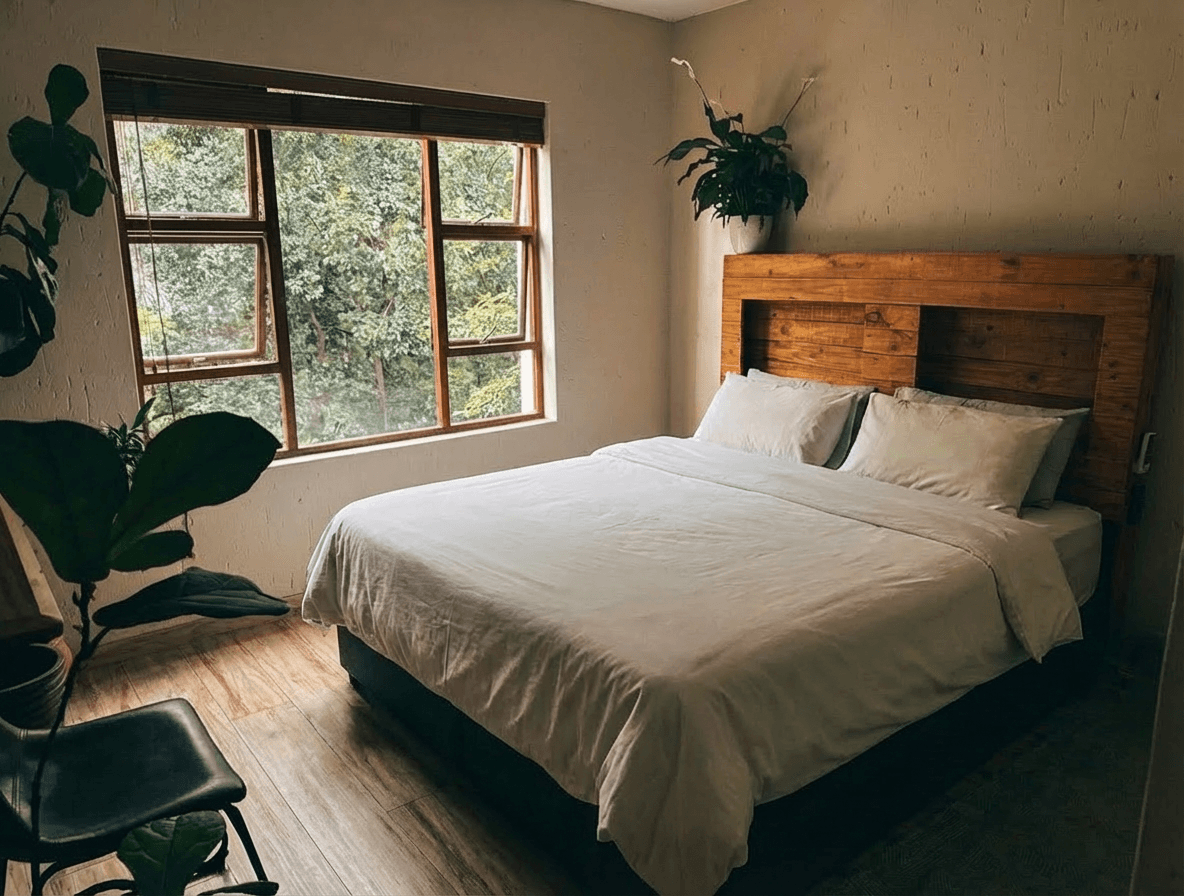
Seasonal Airbnb Photo Strategy: Update Your Listing Photos for Year-Round Bookings
Smart hosts update their Airbnb photos seasonally to match what guests are searching for. Here's your complete seasonal photo playbook.
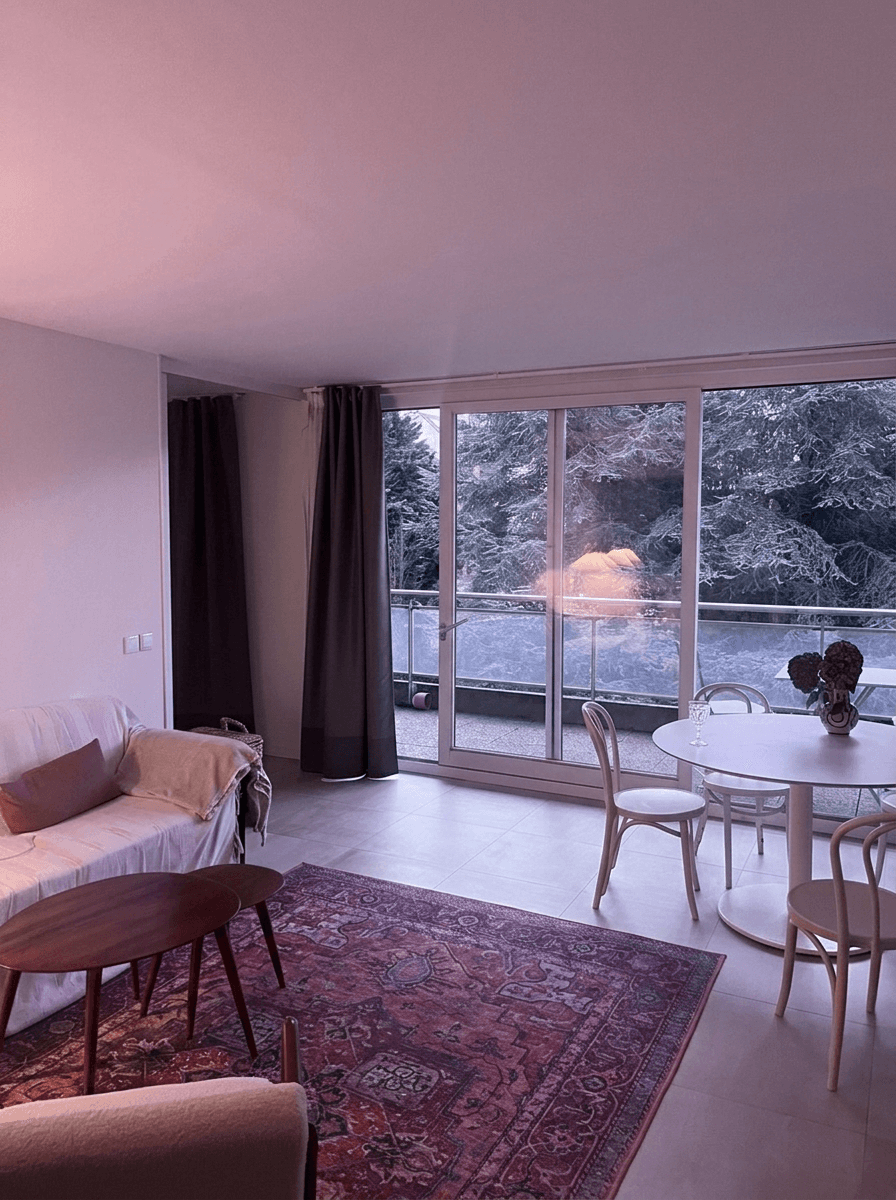
Airbnb Listing Photos That Actually Book: A Host's Complete Guide
Learn how to create scroll-stopping Airbnb photos that increase bookings by up to 40%. From composition to AI editing, everything hosts need to know.
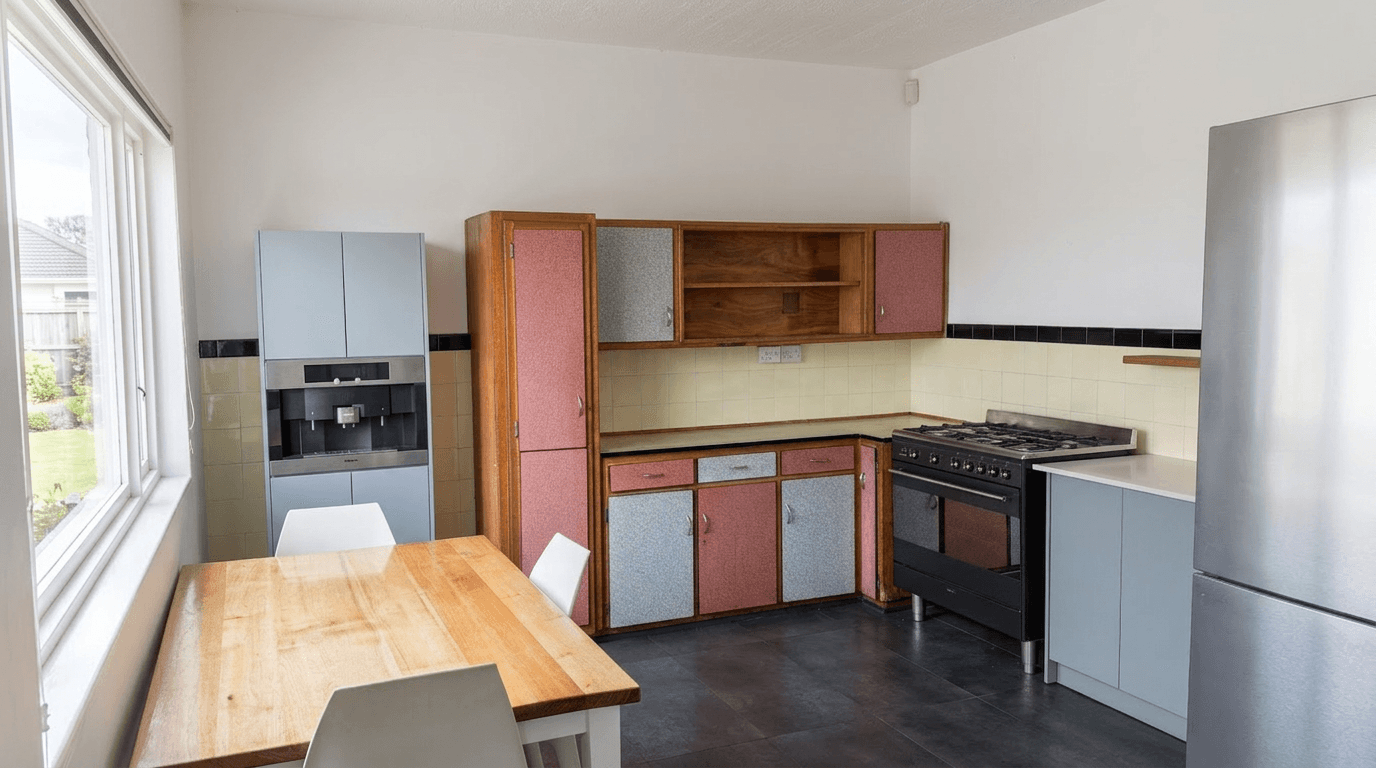
Photography for Unique Airbnb Properties: Treehouses, Tiny Homes, Boats, and Beyond
Master the art of photographing unique Airbnb properties including treehouses, tiny homes, boats, yurts, and glamping sites. Learn small-space techniques, outdoor photography tips, and how to capture the experience guests are booking.