Property Management Photography: Systems for Consistent Listing Quality Across Portfolios
Build scalable photography systems for property management portfolios. Covers shot list templates, staff training, photo refresh scheduling, asset management, budget allocation, and AI batch editing for consistent quality across hundreds of units.
Property management companies face a photography problem that individual agents and hosts never encounter: scale without sacrifice. When you manage fifty, a hundred, or five hundred rental units, you cannot afford to photograph each one like a luxury listing -- but you also cannot afford not to, because the same data that drives individual real estate sales applies to rentals. Better photos mean faster leasing, lower vacancy, and higher rents.
The challenge is not whether good photos matter. Every property manager knows they do. The challenge is building a system that produces consistently good photos across an entire portfolio without requiring a professional photographer at every unit, without eating your operating budget, and without depending on any single person's skill or availability.
This guide is about that system. Not photography tips for a single property, but the operational infrastructure that makes high-quality listing photos sustainable at portfolio scale. Whether you manage twenty units or two thousand, the principles are the same -- only the degree of automation changes.
Why Portfolio Photography Is Different
Individual property photography is a craft. Portfolio photography is an operation. The distinction matters because the skills, tools, and priorities are fundamentally different.
The Consistency Problem
A professional photographer visiting a single luxury listing can spend two hours perfecting every shot. The result is stunning -- and completely unsustainable at scale. When that same photographer visits fifty units, the quality inevitably varies. They are tired by unit thirty. The lighting is different in each building. Some units are staged, some are not. The result is a portfolio where some listings look magazine-ready and others look like they were shot by a security camera.
Consistency beats excellence at scale. A portfolio where every listing has good photos outperforms one where half have great photos and half have terrible ones. The goal is not perfection -- it is a reliable floor that no listing falls below.
The Time Problem
Time is the scarcest resource in property management. A photo session that takes ninety minutes per unit means a forty-unit portfolio requires sixty hours of shooting alone -- not counting editing, uploading, and management. That is more than a full work week dedicated solely to photography, and it needs to happen every time you want to update your listings. For strategies on compressing that timeline, see our guide on real estate photography workflow efficiency.
Any viable portfolio photography system must minimize the time investment per unit while maintaining quality. This is where standardization, delegation, and AI-powered editing become essential rather than optional.
The Turnover Problem
Rental properties turn over constantly. Each turnover is a photography opportunity and a photography burden. The unit has been cleaned and potentially updated, so photos should be refreshed. But the turnover timeline is tight -- maintenance, cleaning, photography, and re-listing all compete for the same narrow window between tenants.
A system that requires a professional photographer to visit during every turnover is fragile. A system that enables your turnover team to capture usable photos is resilient.
Building Your Shot List Template
The foundation of consistent portfolio photography is a standardized shot list. This is the document that ensures every unit, regardless of who photographs it, produces the same set of images covering the same features from the same angles.
Create Your Shot List Once, Use It Forever
Invest the time to build a thorough shot list template with example photos showing exact angles and compositions. This one-time effort pays dividends across every unit and every turnover for years. Print it, laminate it, and include a copy in every property's turnover binder. Share a digital version with every team member who might take photos.
The Universal Shot List
Every rental unit, regardless of type or size, needs these baseline photos:
Exterior (3-5 shots):
- Front of building straight on, showing the entrance
- Building from a 45-degree angle showing depth and context
- Parking area or garage, outdoor amenities (pool, gym, courtyard)
Living area (3-4 shots):
- Wide shot from the main entrance showing the full space
- Wide shot from the opposite corner
- Feature wall or focal point (fireplace, built-in shelving, large windows)
- Natural light shot emphasizing windows and brightness
Kitchen (3-4 shots):
- Wide shot showing the full kitchen layout
- Counter and appliance detail shot
- Storage (open a few cabinets to show capacity)
- Sink and window area
Each bedroom (2-3 shots per room):
- Wide shot from the doorway
- Wide shot from the opposite corner
- Closet (open, showing depth and organization potential)
Each bathroom (2-3 shots per room):
- Wide shot showing the full bathroom
- Shower or tub detail, vanity and mirror
Utility and storage (1-2 shots):
- Laundry area (in-unit or shared)
- Storage closets or additional storage
Total per unit: 20-30 photos depending on bedroom and bathroom count.
Customizing for Property Types
The base shot list adapts to different property types:
Studios and one-bedrooms: Emphasize the living space and kitchen. Small units need fewer photos but better composition to avoid making spaces look cramped. Shoot from doorways and corners to maximize the perceived space.
Multi-bedroom family units: Add shots of each bedroom individually. Include the yard or outdoor play area. Show the laundry setup prominently -- it matters to families.
Luxury units: Increase the detail shots. Capture hardware, fixtures, appliances, and finishes. Shoot the view from every window that has one. Include lifestyle shots of the balcony, terrace, or rooftop access.
Student housing: Focus on functional features -- desk space, closet size, internet hookup areas. Include shots of common areas, study rooms, and proximity to campus amenities.
Training Your Team to Take Usable Photos
In a portfolio operation, the people taking photos are rarely professional photographers. They are maintenance technicians, property inspectors, leasing agents, and cleaning crew leads. Training these team members to capture usable photos is one of the highest-leverage investments you can make.
The One-Page Photo Guide
Create a simple, visual guide that fits on a single printed page. Include:
Camera settings (phone):
- Landscape orientation only -- never portrait
- Standard lens (1x) -- never ultrawide (0.5x) which distorts rooms
- HDR mode on
- Flash off -- always, without exception
- Grid lines enabled for leveling
Positioning rules:
- Stand in the doorway or corner of the room
- Hold the phone at chest height, not eye height
- Keep the phone perfectly level (use the grid)
- Include the floor and ceiling in every room shot
- Step back rather than tilting up or down
Staging checklist (before any photo):
- All lights on
- All blinds and curtains open
- Toilet lids closed
- Cabinet doors and drawers closed
- Counters clear of personal items and cleaning supplies
- Beds made with clean linens
- Towels folded and hung neatly
What NOT to do:
- Do not use filters
- Do not crop in the camera app
- Do not take photos of rooms with people in them
- Do not shoot into a mirror where you are visible
- Do not photograph wet floors, cleaning equipment, or maintenance work in progress
Training Sessions
A thirty-minute training session with your team covers everything they need to know. Structure it as follows:
- Show the shot list (10 minutes). Walk through the template using actual example photos from your best-photographed unit. Show them exactly what each shot should look like.
- Phone settings walkthrough (5 minutes). Have everyone pull out their phones and configure the settings together.
- Practice shoot (10 minutes). Walk to the nearest available unit and have everyone take the same five shots. Compare results on the spot and provide feedback.
- Common mistakes (5 minutes). Show examples of bad photos -- dark, tilted, portrait orientation, flash, ultrawide distortion -- and explain why each is unusable.
Repeat this training annually and whenever new team members join. The investment is minimal and the quality improvement is substantial.
Quality Standards: Accept, Reshoot, or Edit
Not every photo your team takes will be perfect, and that is acceptable. Establish three tiers for incoming photos:
Accept as-is: Well-lit, properly composed, correctly oriented. Ready for editing and upload.
Edit and use: Good composition and content, but needs brightness correction, white balance adjustment, or color enhancement. AI editing tools handle this efficiently.
Reshoot required: Dark, blurry, wrong orientation, missing rooms, or staging issues visible. Send back with specific feedback on what needs to be reshot.
The goal is for 70-80% of incoming photos to fall into the first two categories. If more than 30% require reshoots, your training or shot list needs refinement.
Scheduling Photo Refreshes Across a Portfolio
Without a schedule, photo updates happen reactively -- usually when a unit's vacancy days spike and someone asks "when were these photos last taken?" A proactive refresh schedule prevents this.
The Refresh Frequency Formula
Not every unit needs the same refresh frequency. Base your schedule on three factors: rent level (higher-rent units justify more frequent updates), turnover rate (high-turnover units get photographed at each turnover anyway), and seasonal impact (units with outdoor features need seasonal rotation). A luxury two-bedroom with a patio needs quarterly attention. An interior studio that rarely turns over may only need annual updates.
The Turnover Trigger
The most natural time to update photos is during turnover. The unit is empty, cleaned, and ready for presentation. Build photography into your turnover checklist as a required step, not an optional one.
Turnover photography protocol:
- Cleaning team completes their work and confirms the unit is photo-ready.
- The designated photographer (maintenance lead, inspector, or leasing agent) visits within 24 hours of cleaning completion.
- They follow the shot list and submit photos to the designated shared folder.
- The operations manager or marketing coordinator reviews within 48 hours.
- Approved photos go through batch editing.
- Edited photos are uploaded to listing platforms.
This protocol adds approximately 30 minutes to the turnover process and ensures that every turned unit has fresh photos.
The Quarterly Audit
Set a quarterly calendar event to audit the photo status of your entire portfolio. Create a spreadsheet with columns for:
| Unit | Last Photo Date | Photo Quality (1-5) | Seasonal Match | Updates Needed | Priority |
|---|---|---|---|---|---|
| 101A | 2026-01-15 | 4 | Yes | None | Low |
| 203B | 2025-06-20 | 2 | No (summer photos in winter) | Full reshoot | High |
| 305C | 2025-11-03 | 3 | Yes | Kitchen (new appliances) | Medium |
Sort by priority and schedule reshoots accordingly. This audit takes one to two hours per quarter for a fifty-unit portfolio and prevents photo quality from silently degrading.
The Seasonal Rotation
Properties with significant outdoor features -- pools, patios, gardens, balconies with views -- benefit from seasonal photo rotation. This does not mean reshooting the entire unit four times a year. It means swapping the hero image and a few outdoor shots to match the current season.
Seasonal rotation schedule:
- Spring (March): Switch to photos showing green landscaping, flowers blooming, outdoor furniture set up.
- Summer (June): Pool photos as hero shots, patio dining setups, evening outdoor lighting.
- Fall (September): Warm-toned photos, fireplace shots if applicable, cozy interior staging.
- Winter (December): Focus on interior warmth, holiday-neutral but inviting staging, snow scenes if your market has them.
Build a library of seasonal shots during each season so you have them available for rotation year-round. For a more detailed seasonal strategy, see our seasonal photo strategy guide.
Managing Photo Assets at Scale
When you manage hundreds of units and each unit has twenty-plus photos across multiple seasons and update cycles, you are managing thousands of images. Without a clear organizational system, finding the right photo for the right unit becomes a time-consuming scavenger hunt.
Folder Structure for Portfolio Operations
portfolio-photos/
  [property-address-or-id]/
    current/           (photos currently live on listing platforms)
    archive/           (previous photo sets, organized by date)
    raw/               (unedited photos from most recent shoot)
    edited/            (edited versions ready for use)
    seasonal/
      spring/
      summer/
      fall/
      winter/
The current folder is the single source of truth. It contains only the photos that are currently active on your listing platforms. When you update a listing, you move the old photos to archive and copy the new ones into current.
Naming Convention
Use a consistent naming pattern that encodes all the information you need without opening the file:
[property-id]_[room]_[angle]_[date].[ext]
Examples:
101A_kitchen_wide-north_2026-03.jpg
101A_kitchen_appliances_2026-03.jpg
305C_exterior_front_2026-06.jpg
305C_pool_aerial_2026-06.jpg
This naming convention enables quick sorting, searching, and identification across thousands of files. It also makes it immediately obvious when a photo is outdated -- if you see 2024 in the filename, you know it needs attention.
Cloud Storage and Access Control
Use a cloud storage platform that supports:
- Shared access for your entire team (Google Drive, Dropbox Business, or similar)
- Mobile upload so field teams can submit photos directly from their phones
- Folder-level permissions so that team members can add photos but not delete or reorganize the master structure
- Version history so accidentally deleted or overwritten photos can be recovered
Assign one person -- your marketing coordinator or operations manager -- as the photo asset owner. They maintain the folder structure, enforce naming conventions, and ensure the archive stays organized.
Budget Allocation Per Unit at Scale
Photography costs at portfolio scale need to be treated as a line item, not an ad-hoc expense. Understanding the per-unit cost helps you budget accurately and justify the investment to property owners.
The Professional Photographer Model
Hiring a professional photographer for every unit:
- Cost per shoot: $150-350 depending on market and unit size
- Annual cost per unit (initial shoot plus one update): $300-700
- 50-unit portfolio annual cost: $15,000-35,000
- 200-unit portfolio annual cost: $60,000-140,000
At scale, this model becomes prohibitively expensive for most management companies. It is sustainable for luxury portfolios where rents justify the investment but not for standard multifamily operations.
The In-House Photography Model
Training your team and using AI editing:
- Training cost: One-time investment of a few hours per team member
- Equipment cost: Minimal (team members use their smartphones)
- Time cost per unit: 30-45 minutes of staff time (shooting plus review)
- AI editing cost per photo: $0.30-1.00 depending on volume and tool
- AI editing cost per unit (25 photos): $7.50-25.00
- 50-unit portfolio annual cost (two updates per unit): $750-2,500 in editing plus staff time
- 200-unit portfolio annual cost: $3,000-10,000 in editing plus staff time
The cost reduction is dramatic -- 80-90% lower than the professional photographer model for comparable quality after AI editing.
The Hybrid Model
The most cost-effective approach for large portfolios:
- Professional photography for model units, luxury units, and new acquisitions ($150-350 per unit, limited to 10-20% of the portfolio)
- In-house photography with AI editing for all other units and all routine updates
- Total cost: 20-30% of the full-professional model with 90% of the quality
This is the approach most successful property management companies are adopting. It concentrates professional spending where it has the most impact while using scalable systems for the bulk of the portfolio.
AI Batch Editing for Portfolio Consistency
AI-powered photo editing is the technology that makes portfolio-scale photography practical. Without it, the choice was between expensive professional editing and inconsistent amateur results. AI eliminates that tradeoff.
What AI Batch Editing Solves
When ten different team members photograph fifty different units with different phones in different lighting conditions, the raw photos are inevitably inconsistent. Some are too dark, some have a yellow color cast, some have blown-out windows, and some have dull gray skies.
AI batch editing normalizes these variations. Upload a batch of photos, apply consistent presets, and receive back a set of images that share the same brightness, color balance, contrast, and overall look. The unit photographed by your maintenance tech on a cloudy Tuesday afternoon looks as polished as the one photographed by your leasing agent on a sunny Saturday morning.
Practical Batch Editing Workflow
- Collect raw photos from the field in your cloud storage folder structure.
- Review and cull. Remove duplicates, out-of-focus shots, and photos with staging issues. This takes 5-10 minutes per unit.
- Batch upload to your AI editing tool. Select the preset that matches your portfolio's visual style -- bright and airy for modern units, warm and inviting for traditional properties.
- Review edited results. Spot-check the output for any anomalies. AI handles 95% of images perfectly, but occasionally a challenging source photo needs a different preset or manual adjustment.
- Download and organize. Move edited photos into the appropriate unit folders and update your tracking spreadsheet.
For a fifty-unit portfolio, this entire process takes a few hours per update cycle. Without AI, the same work would take days of manual editing or thousands of dollars in outsourced editing fees.
Maintaining Visual Consistency
The key to portfolio-wide consistency is choosing a single editing style and applying it universally. Decide on your visual standard:
- Brightness level: Bright and well-lit, or warm and atmospheric?
- Color temperature: Neutral, slightly warm, or cool and modern?
- Contrast: High contrast for punch, or softer for approachability?
- Sky treatment: Blue sky replacement for all exteriors, or natural sky with enhancement?
Document this standard and apply the same preset to every photo across every unit. When a prospective tenant browses multiple units in your portfolio, the visual consistency communicates professionalism and attention to detail. For more on creating a consistent editing workflow across properties, see our multi-property workflow guide.
Seasonal Refresh Strategy for Property Portfolios
Seasonal photo updates are often the first thing cut from a property management budget, but they have a measurable impact on leasing velocity, particularly for properties with outdoor amenities.
Not every unit requires seasonal photo rotation. Prioritize units with outdoor features (patios, pools, gardens), scenic views that change by season, and seasonal amenities like fireplaces or rooftop decks. Interior-only units without seasonal appeal can maintain the same photos year-round.
The most efficient approach is to build a complete seasonal library during the first year and then rotate from that library going forward, only reshooting when the property itself changes. This converts seasonal photography from an ongoing operational cost into a one-time asset creation effort with minimal annual maintenance.
When coordinating updates across dozens of properties, stagger the work: update your highest-priority properties in the first week of each season, the next tier in weeks two and three, and remaining properties in week four. This ensures your most important listings get updated first without overwhelming your team. For a deeper look at seasonal strategies, check our seasonal photo strategy guide.
Measuring Photography ROI Across a Portfolio
At portfolio scale, photography investment should be measured against leasing outcomes. Track days on market by photo quality (compare leasing velocity of units with fresh photos versus older photos), inquiry-to-showing conversion (are better photos generating more showing requests?), rent premium (can you command higher rents with professional-quality photos?), and renewal rates (properties marketed with accurate photos tend to have higher tenant satisfaction).
Most property management software can generate these reports if you tag units by photo status. Even a simple A/B comparison -- updating photos on half your vacant units and comparing leasing speed against the other half -- provides actionable data.
The property management companies that treat photography as a measurable operational system rather than an afterthought consistently outperform on vacancy, leasing speed, and achievable rents. The system you build does not need to be complex. It needs to be consistent, scalable, and backed by tools that make quality achievable without professional photographers at every door. For tips on getting the most out of smartphone photography in your operation, see our guide on iPhone real estate photography.
Related Articles
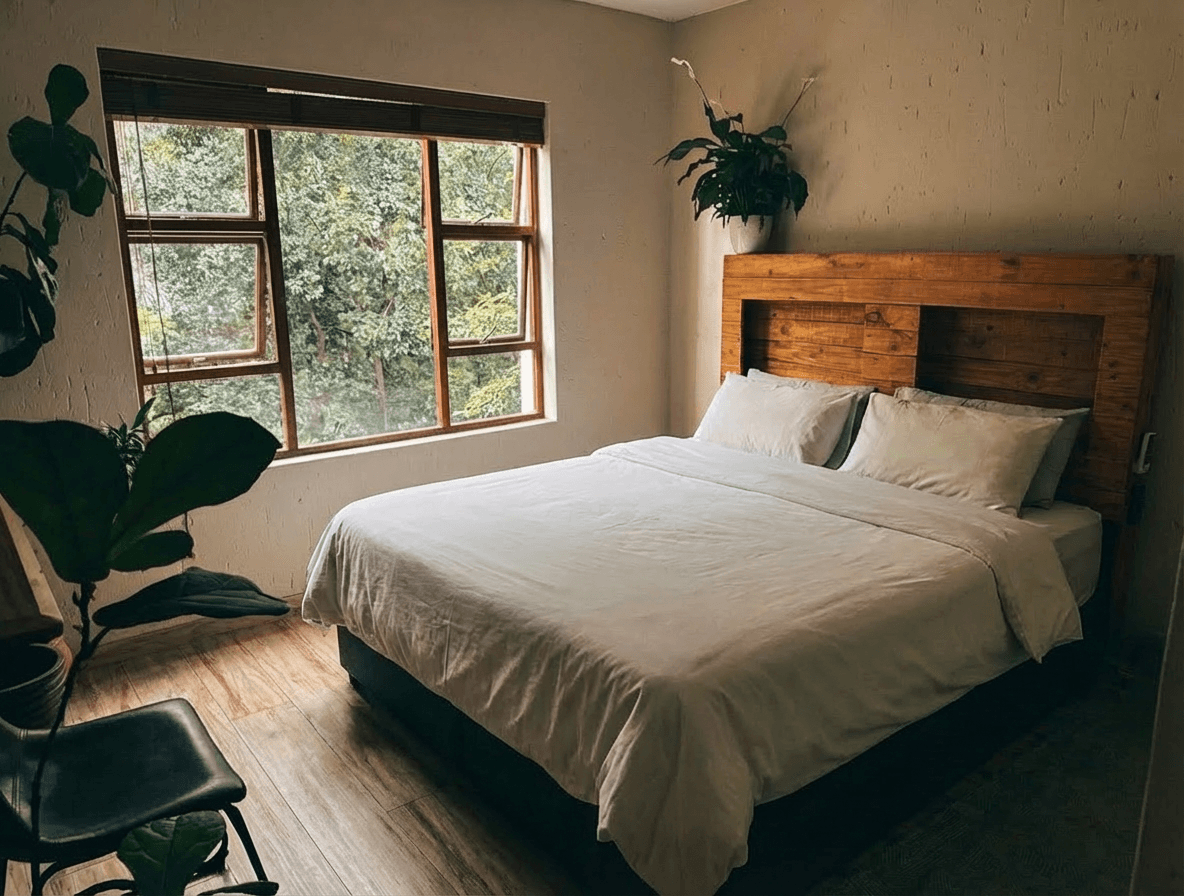
Managing Photos for Multiple Airbnb Properties: A Scaling Host's Workflow
Running multiple vacation rentals? Here's how to efficiently photograph, edit, and manage listing photos across your entire portfolio.
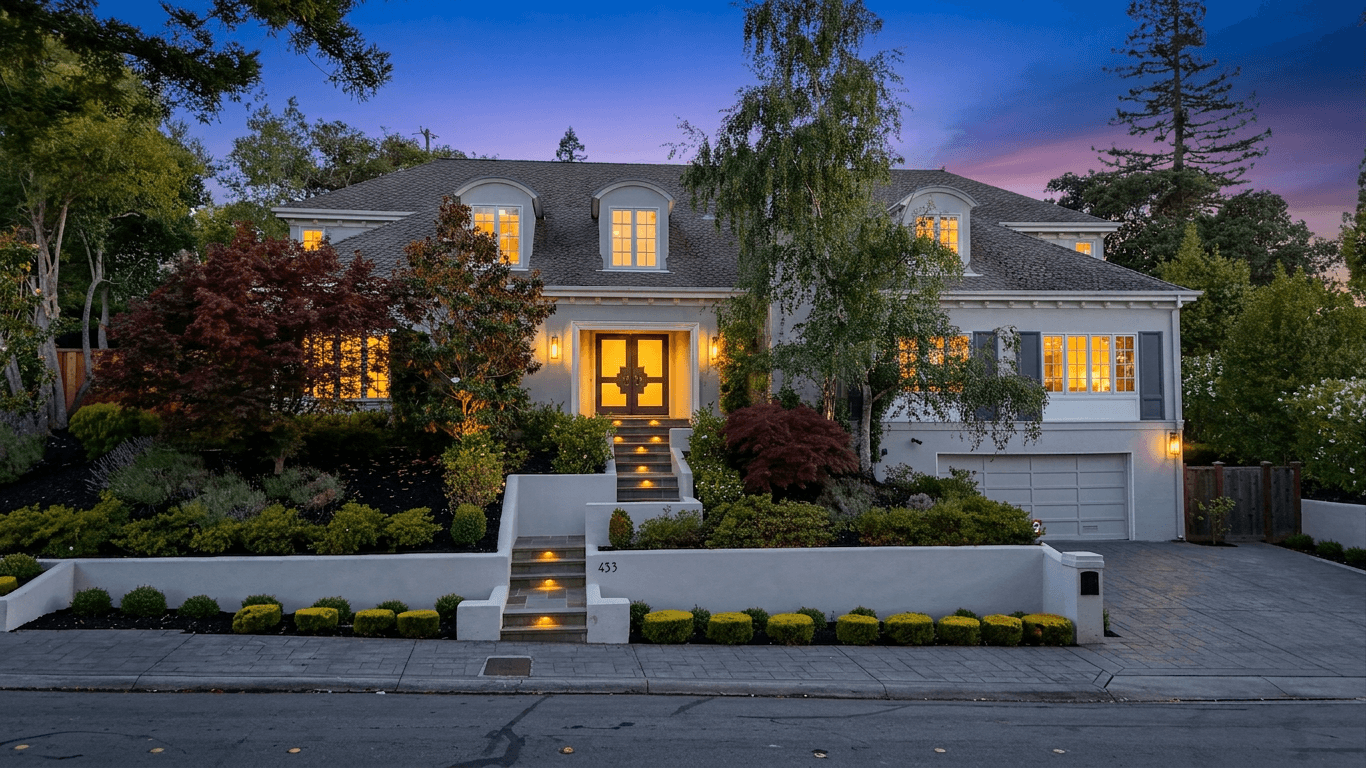
Real Estate Photo Editing Ethics: What's Allowed and What Crosses the Line
Navigate the ethical boundaries of real estate photo editing. Covers NAR guidelines, state disclosure requirements, the sky replacement debate, virtual staging rules, and a practical framework for staying on the right side of buyer trust.
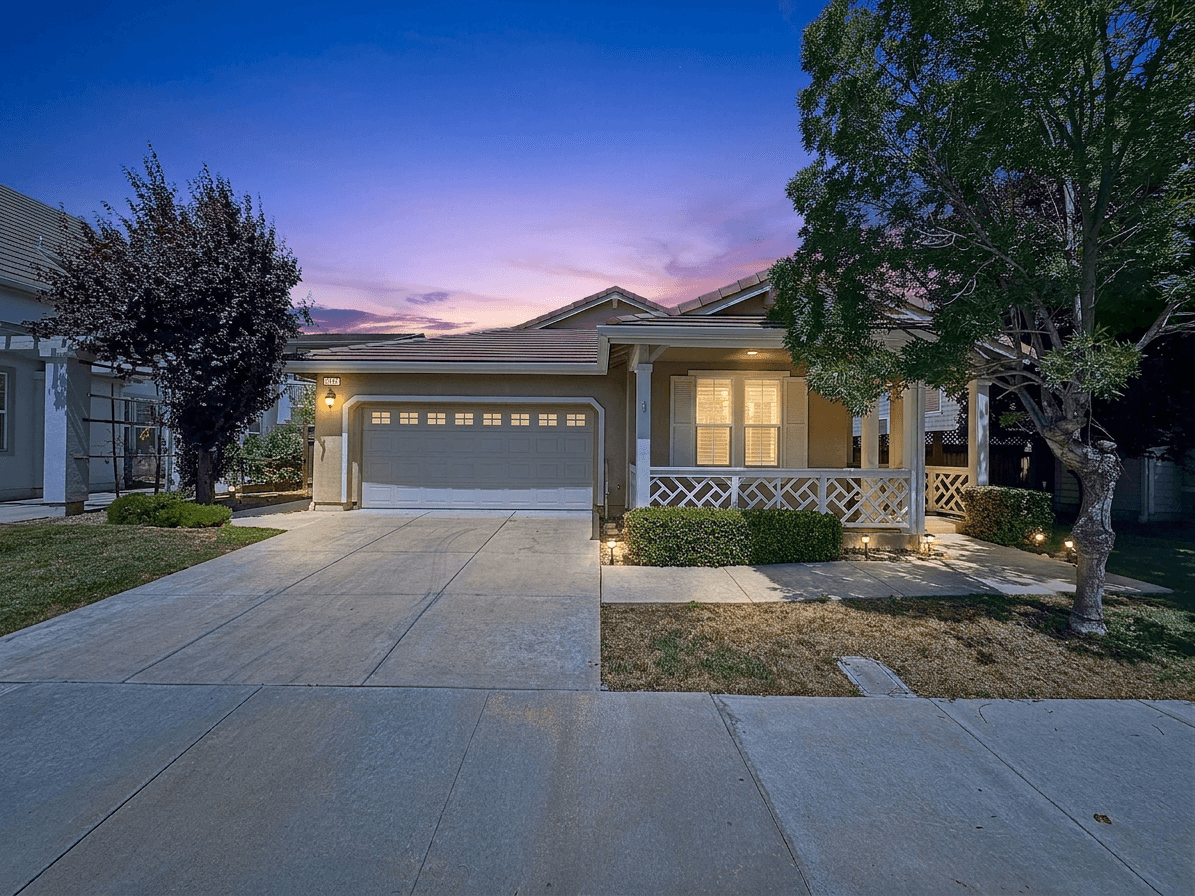
Starting a Real Estate Photography Business in 2026: The Complete Guide
Everything you need to know about launching a profitable real estate photography business. From equipment and pricing to finding clients and scaling with AI editing tools.