Brighten Interior Photoswith AI
Dark rooms, yellow light, blown-out windows. Fixed in one pass, in seconds. Upload an interior below to try it free.
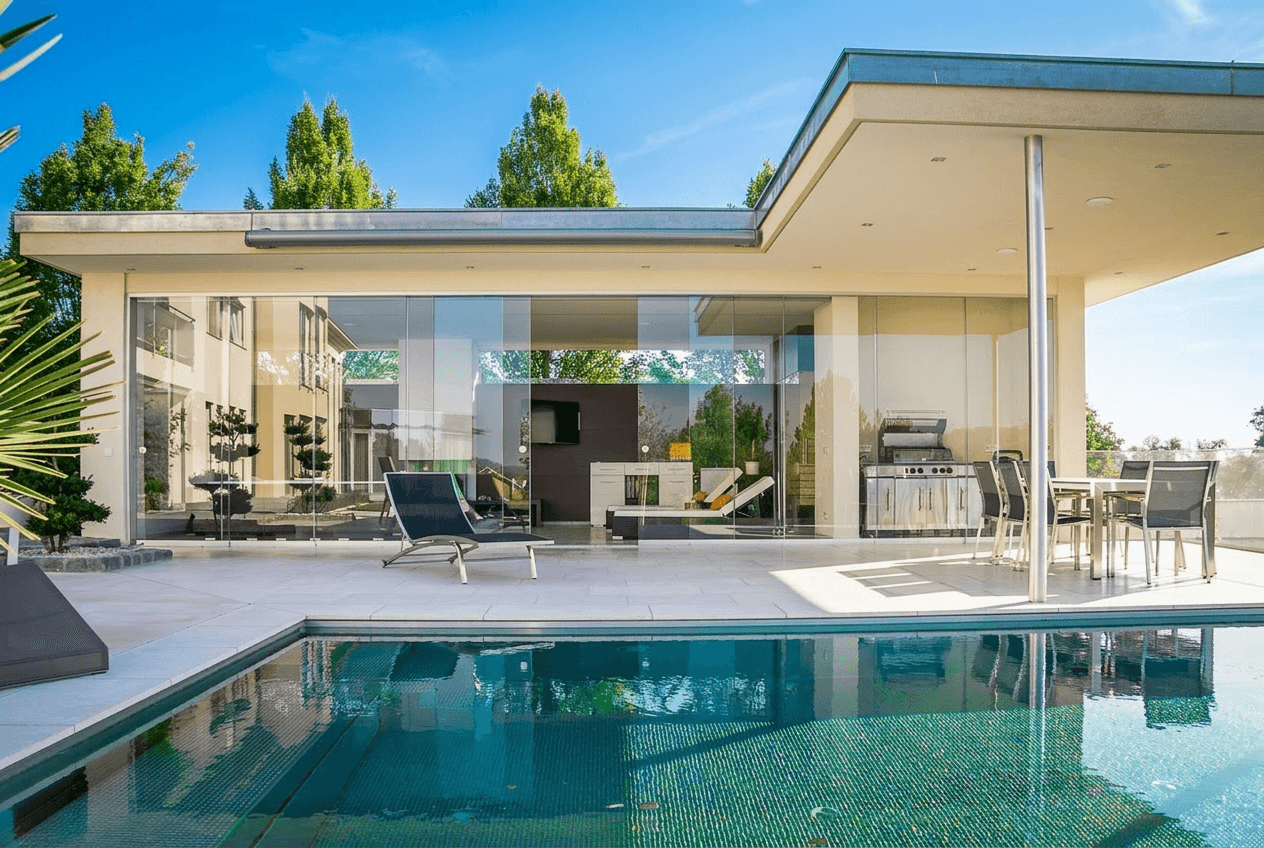
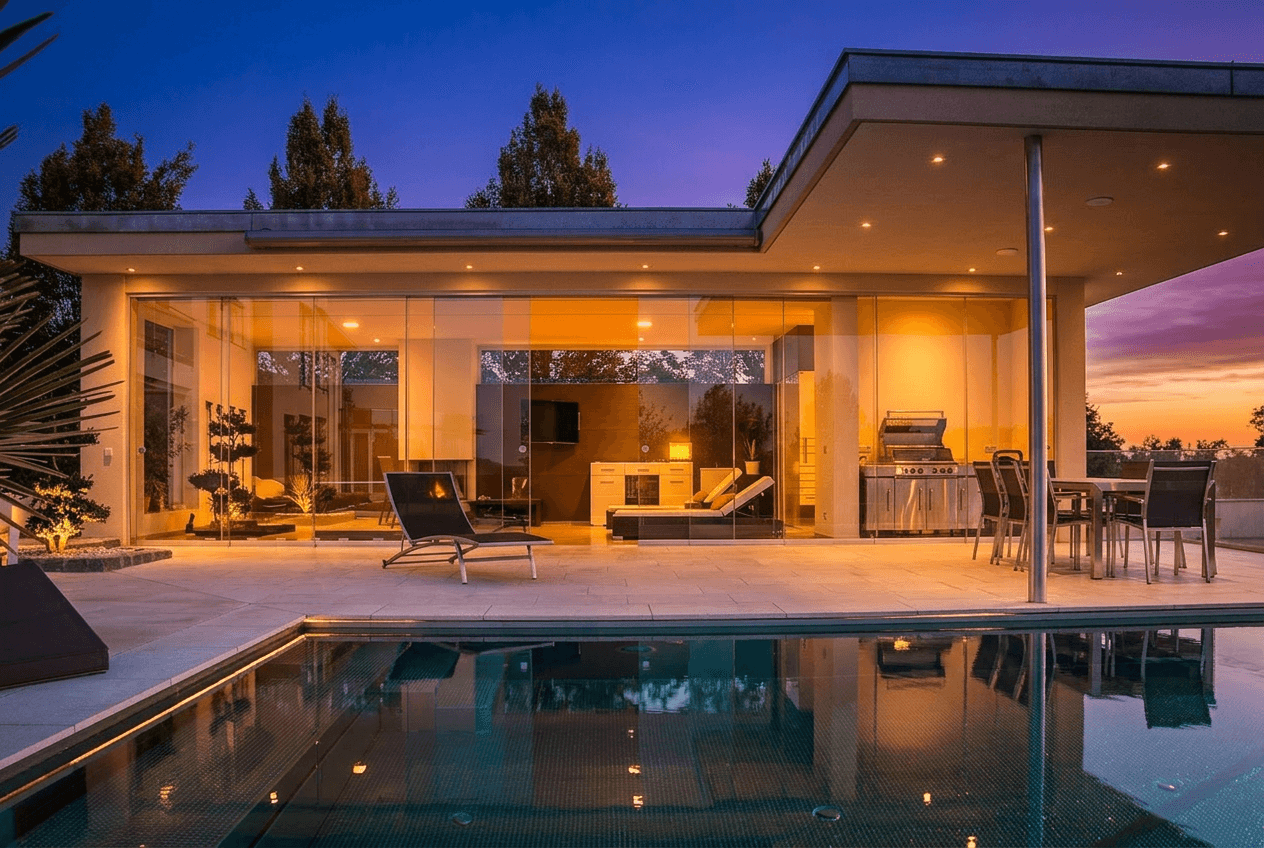
or drag and drop your image here
JPG, PNG, HEIC • No account required to try
First edit free, no signup · 5 more after saving your account
Trusted by agents, photographers & brokerages
Real interior transformations
Every one is a real Twilight edit. Drag any slider to compare.
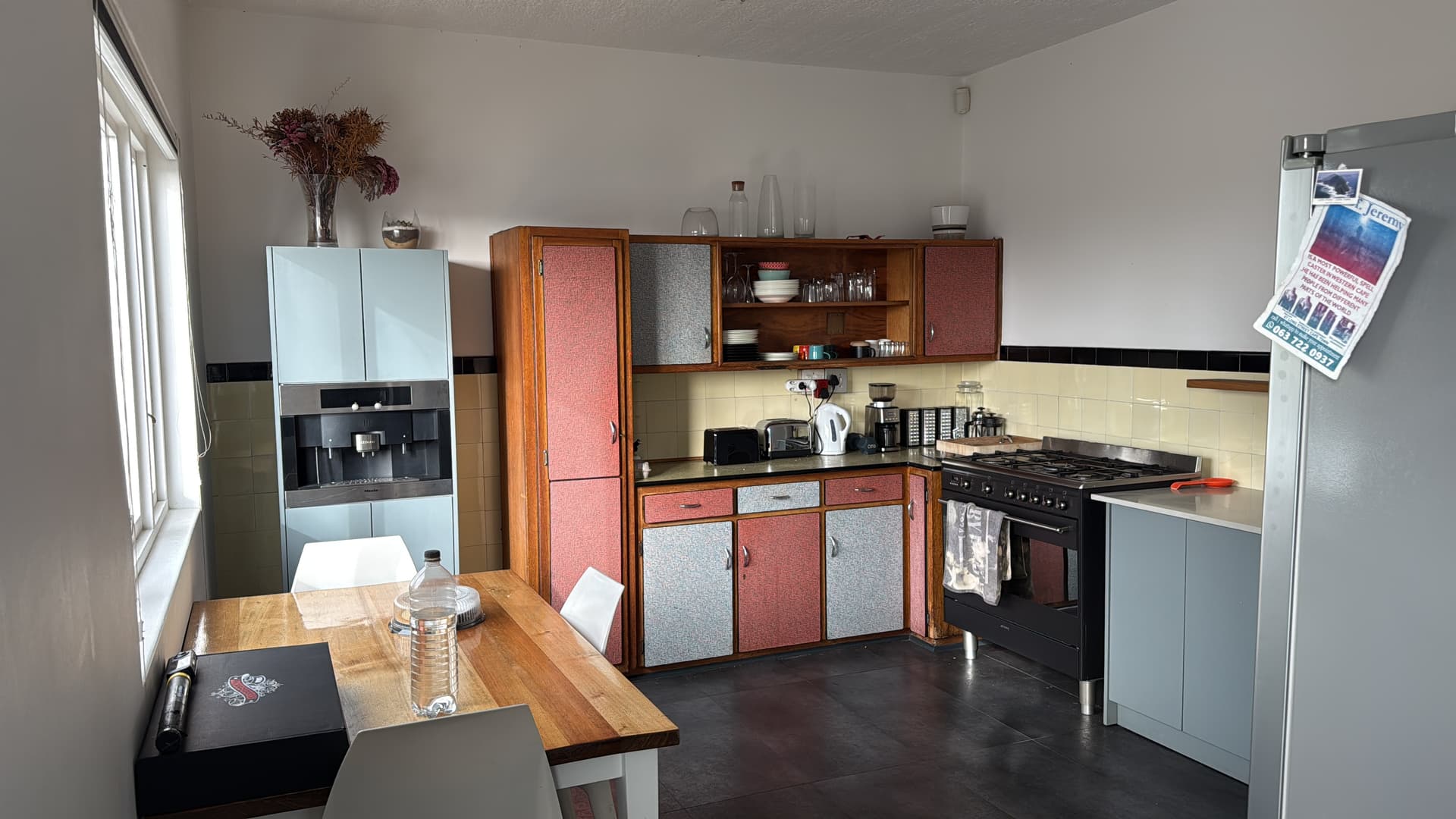
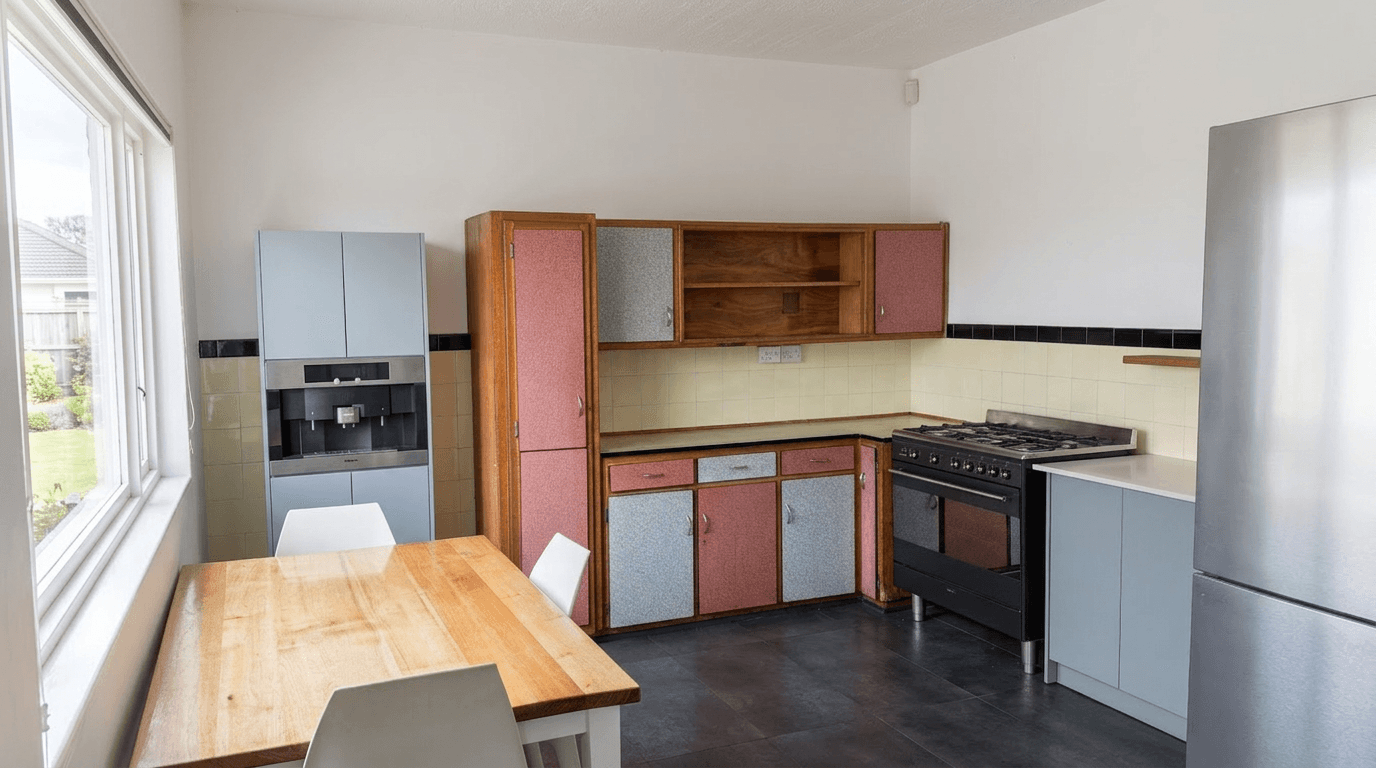
Kitchen: natural light lifted, casts removed
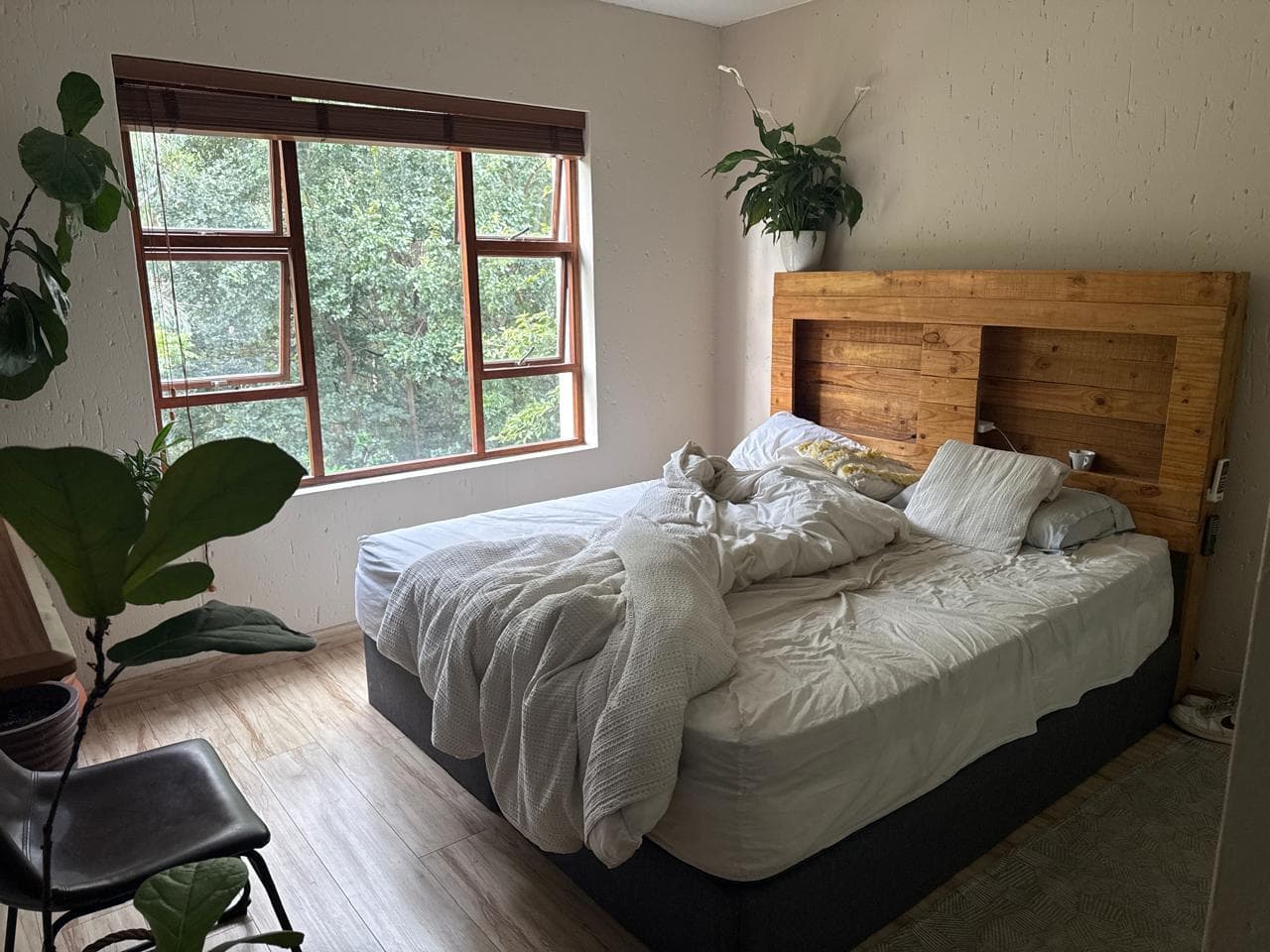
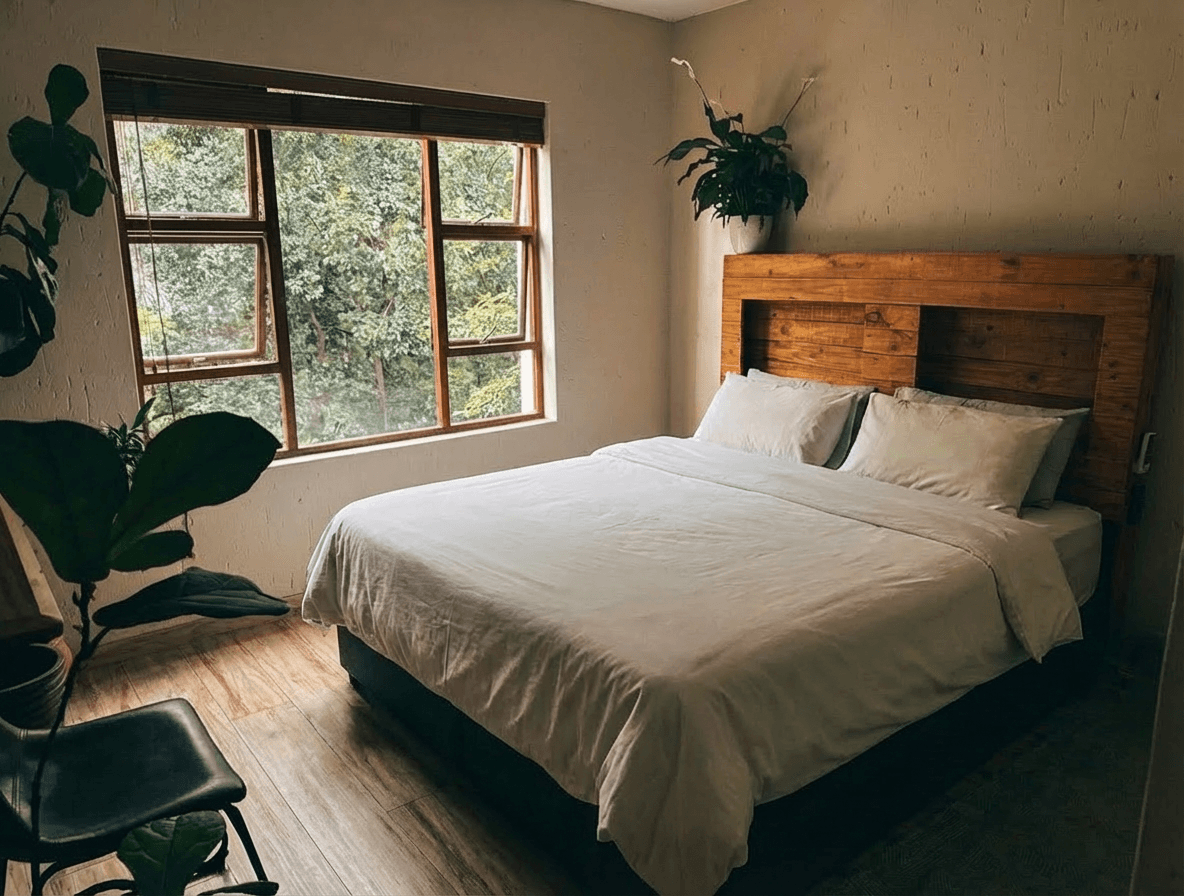
Kitchen: brightened and decluttered
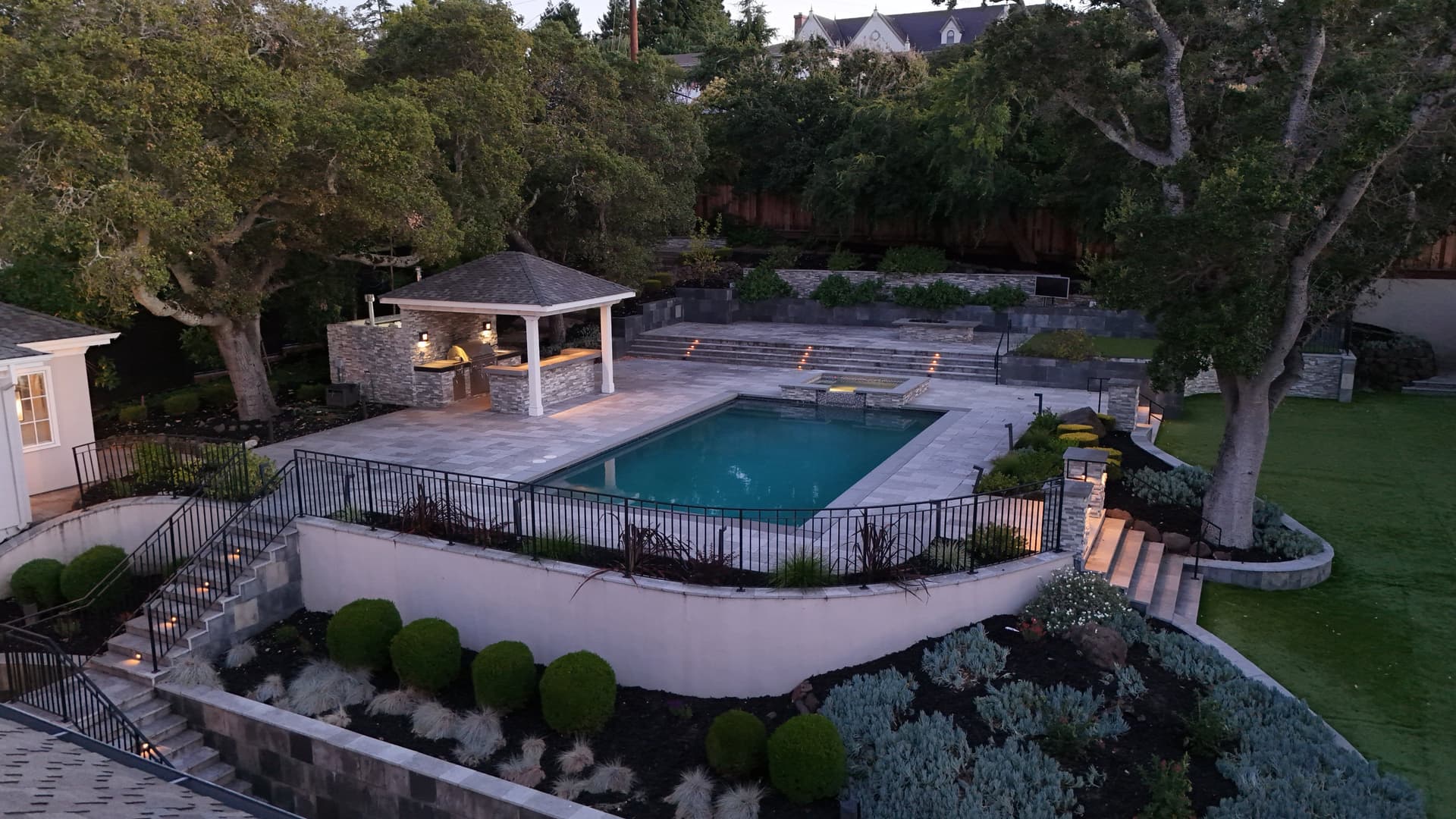
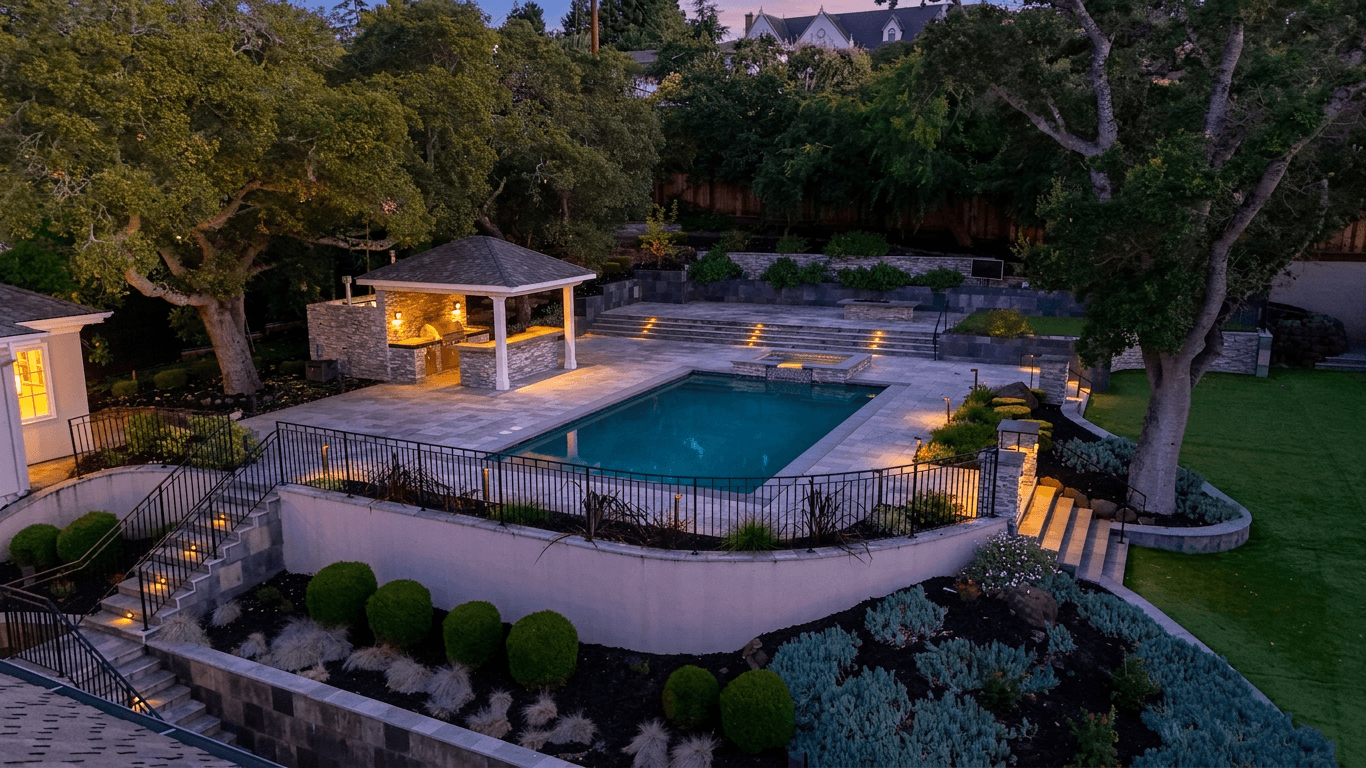
Living room: brighter and cleaner
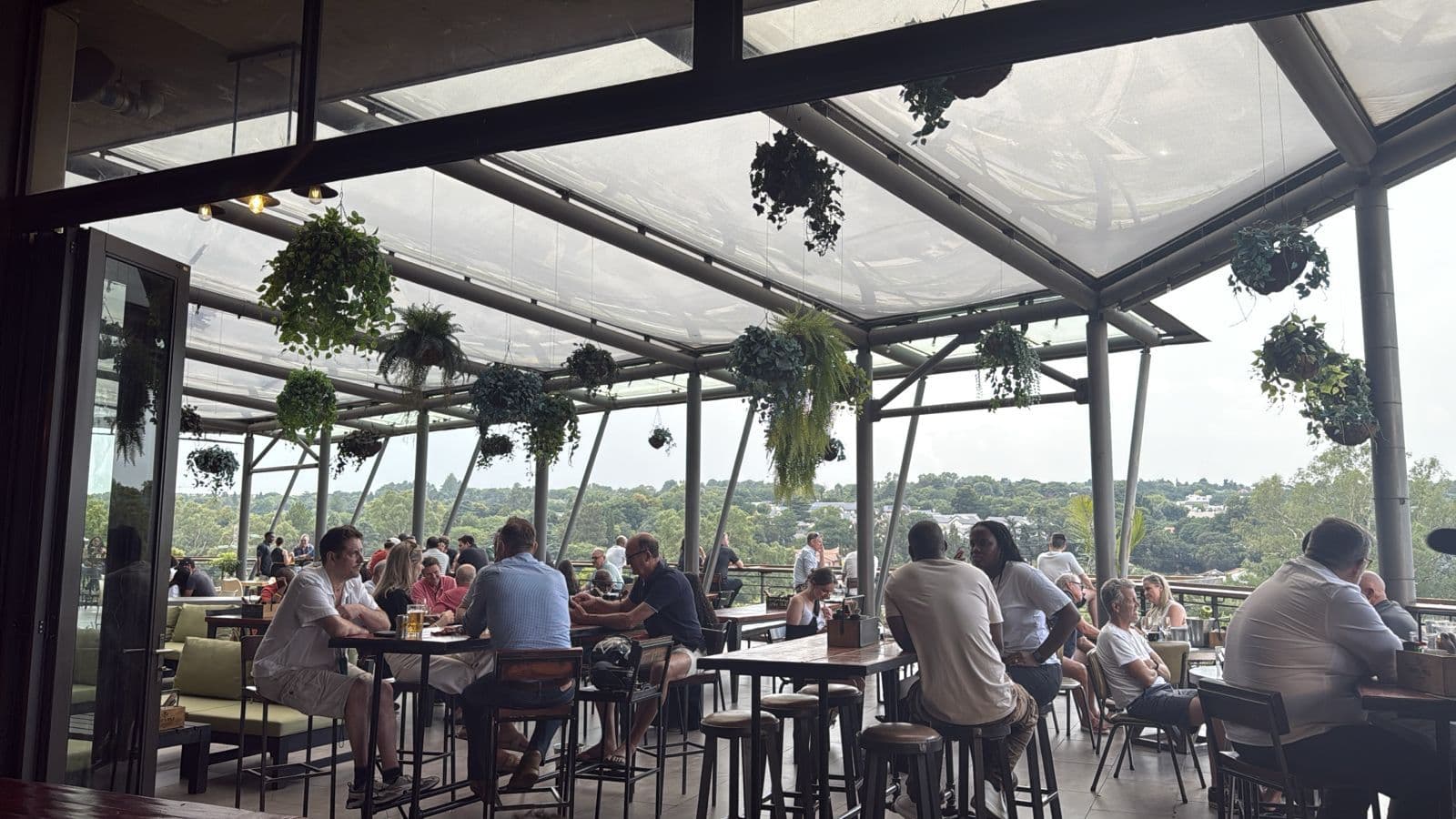
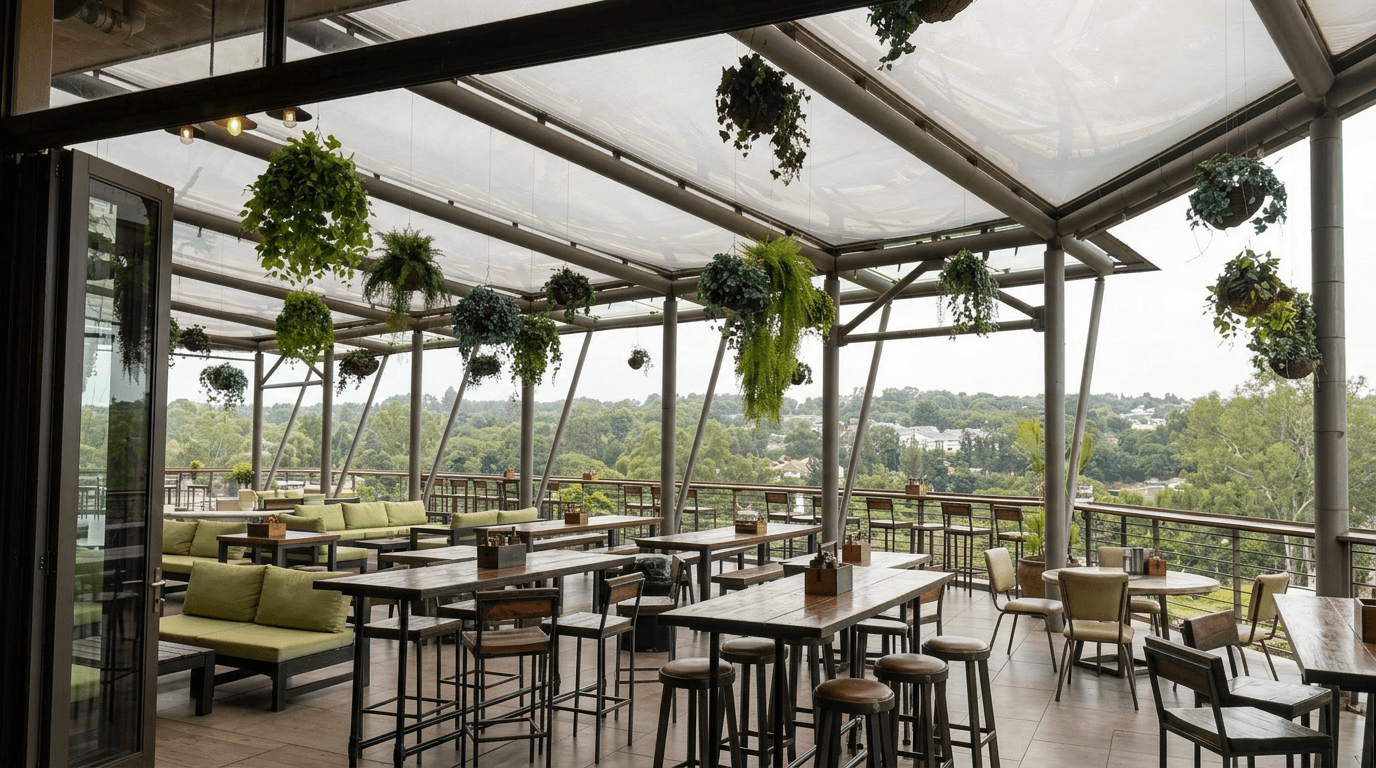
Lounge: HDR balance and lighting
Light without halos
Shadows lift and windows stay intact. The edit balances the room like a flash-ambient blend, not a single-slider brightness push.
True-to-life colour
Tungsten yellows and mixed-lighting casts are neutralized so walls, floors and cabinetry read the colour they actually are.
Tuned for real estate
The presets target the bright-and-airy standard buyers expect from professional listing photography: clean whites, open rooms, no HDR crunch.
Simple, Transparent Pricing
Start free and upgrade as you grow. All plans include access to our AI-powered editing tools for stunning real estate photography.
Free
5 credits per month
- 1 photo at 4K, or 5 at 1K
- Every resolution, 1K to 4K (4 credits a 4K photo)
- Basic presets
Starter
50 credits per month
- 12 photos at 4K, or 50 at 1K
- Every resolution, 1K to 4K (4 credits a 4K photo)
- All presets
- Priority processing
- Extra credits at $0.75/each
Pro
200 credits per month
- 50 photos at 4K, or 200 at 1K
- Every resolution, 1K to 4K (4 credits a 4K photo)
- All presets
- Priority processing
- Batch editing
- Unbranded share galleries
- Extra credits at $0.60/each
Agency
600 credits per month
- 150 photos at 4K, or 600 at 1K
- Cheapest 4K photo of any plan, $1.33 each
- Every resolution, 1K to 4K (4 credits a 4K photo)
- All presets
- Priority processing
- Batch editing
- Unbranded share galleries
- Custom watermarks
- Extra credits at $0.50/each
Unused credits are refundable within 30 days, on plans and credit packs alike.
Need more credits? Purchase additional credits at any time.
Loved by Real Estate Professionals
See what agents and photographers are saying about Twilight.
“This tool has transformed my workflow. What used to take hours in Photoshop now takes seconds. My listings look incredible.”
Sarah Mitchell
Real Estate Agent, ReMax
“The twilight conversion is unbelievable. Clients are amazed when I show them the before and after. It's like magic.”
James Chen
Real Estate Photographer
“I've tried other AI editors, but none come close to the quality here. The Bright & Airy preset is my go-to for every interior shot.”
Maria Rodriguez
Broker, Century 21
Interior enhancement FAQ
Everything agents and photographers ask about brightening listing interiors with AI.
What does the interior enhancement edit fix?
It brightens under-exposed rooms, neutralizes the yellow or orange colour casts that tungsten bulbs leave behind, lifts shadows without blowing out the windows, and sharpens surface textures. These are the standard corrections a professional editor would make to an interior listing photo. Furniture, layout and fittings are left exactly as they are.
Can it fix photos taken on a phone?
Yes, phone interiors are the most common upload. Typical phone problems (dim rooms, mixed lighting, warm colour casts, blown-out windows) are exactly what the enhancement corrects. Shoot from chest height, keep verticals straight, and let the edit handle the light.
How much does it cost?
Edits start at 1 credit per photo at standard resolution (2K and 4K exports cost more). Plans work out to well under a dollar per edit, and your first edit is free with no account. Upload a photo above to try it.
Will it over-process my photos?
The interior presets aim for the bright-and-airy look buyers expect from professional listing photography: lifted exposure and clean whites, not HDR halos or crunchy oversharpening. If you want an even lighter pass, the Light Touch mode only cleans up colour and exposure.
Is enhancing interior photos allowed for listings?
Exposure and colour corrections are standard practice in listing photography. They show the room as it looks in person under good light. Rules on heavier edits vary by MLS and region, so check the guidelines that apply to your listings.