AI Exterior Enhancementfor Listing Photos
Replace a grey sky, green up the lawn, and balance the exposure in one pass. No masking, no layers. Upload an exterior below to try it free.
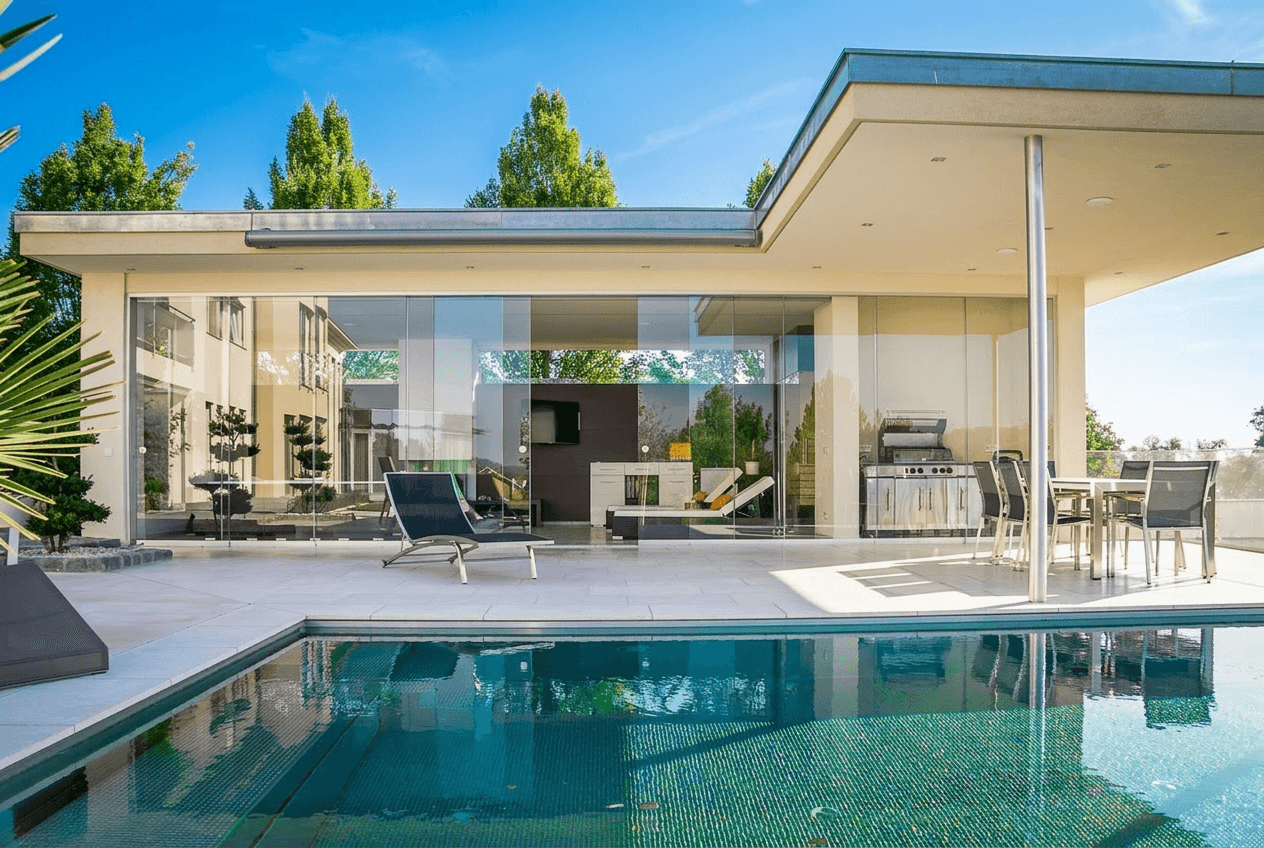
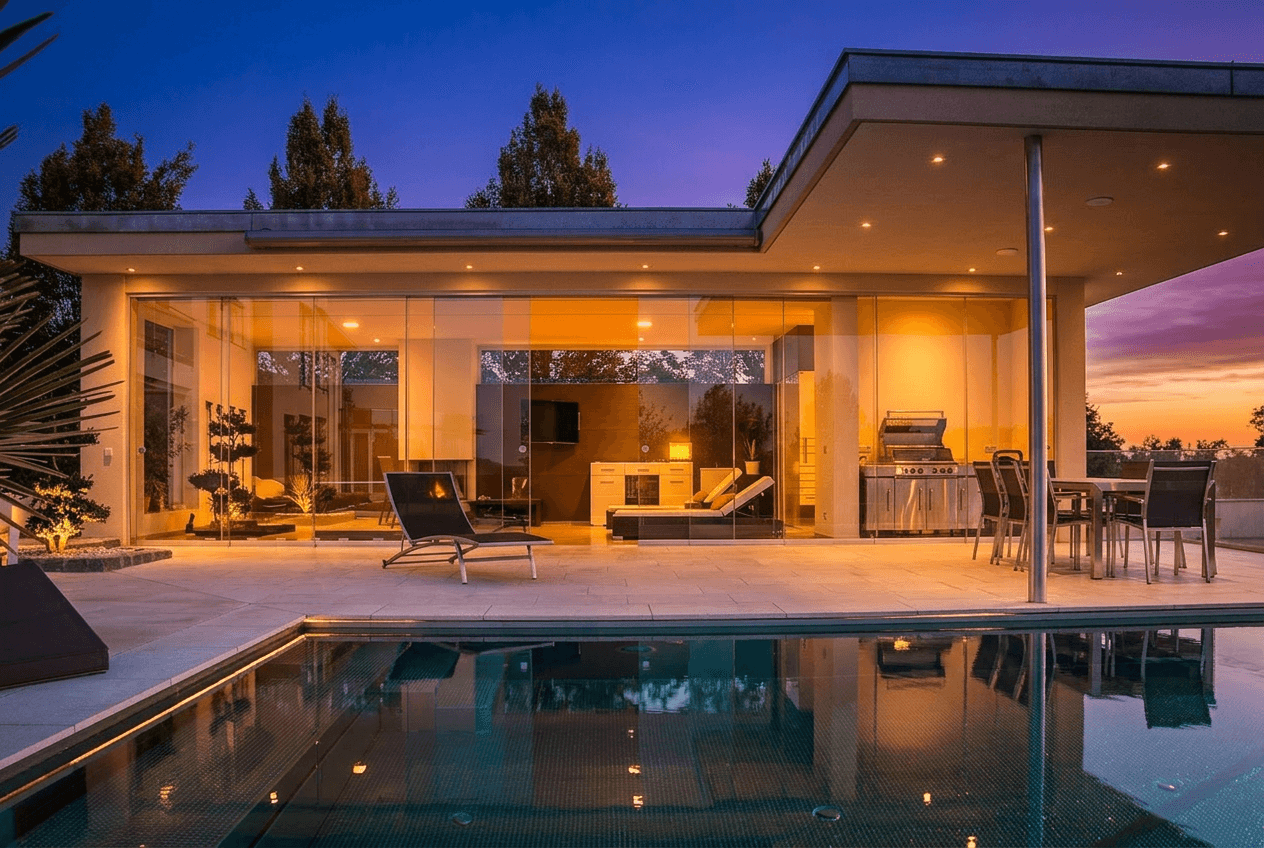
or drag and drop your image here
JPG, PNG, HEIC • No account required to try
First edit free, no signup · 5 more after saving your account
Trusted by agents, photographers & brokerages
Real exterior transformations
Every one is a real Twilight edit. Drag any slider to compare.
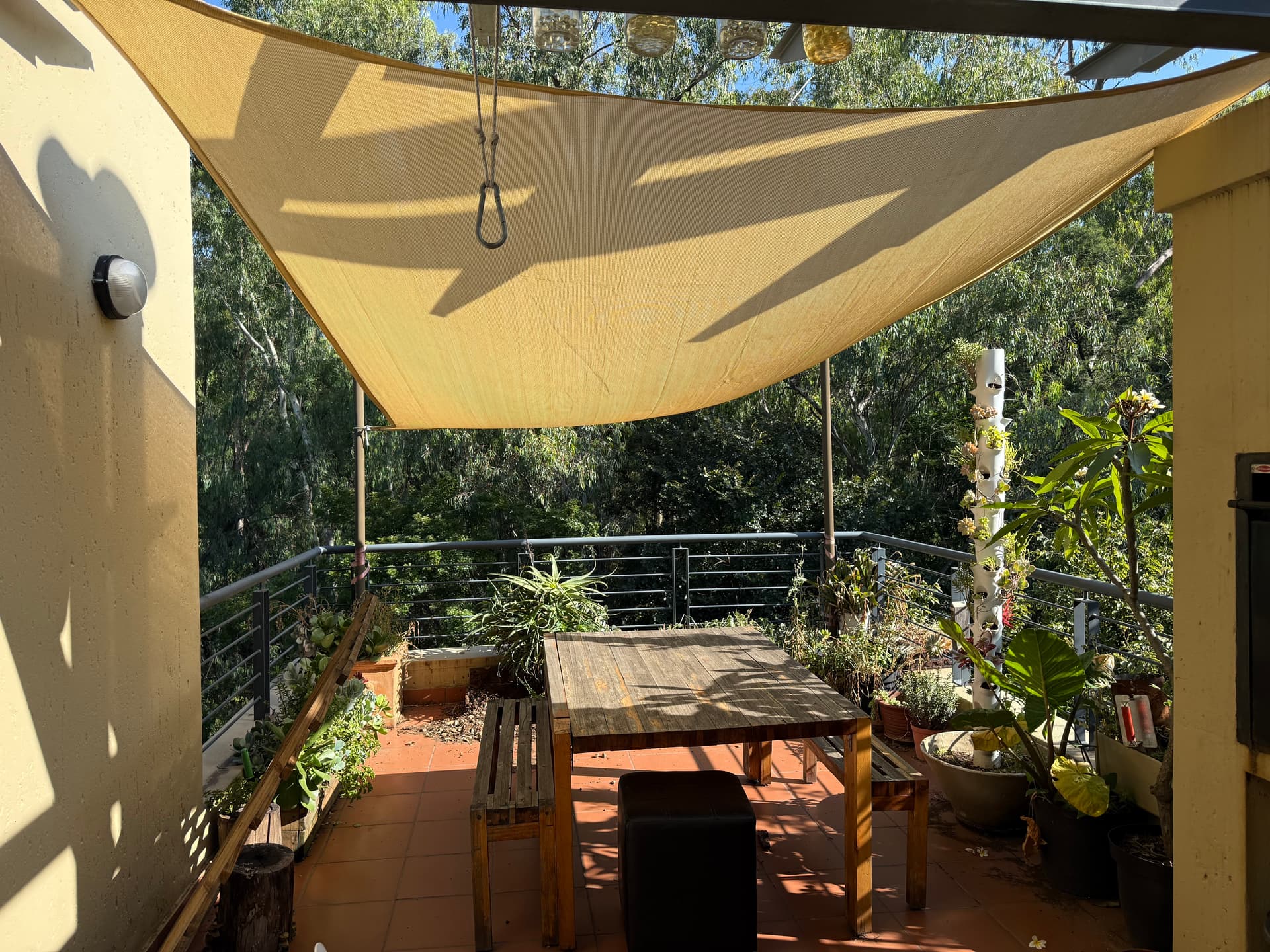
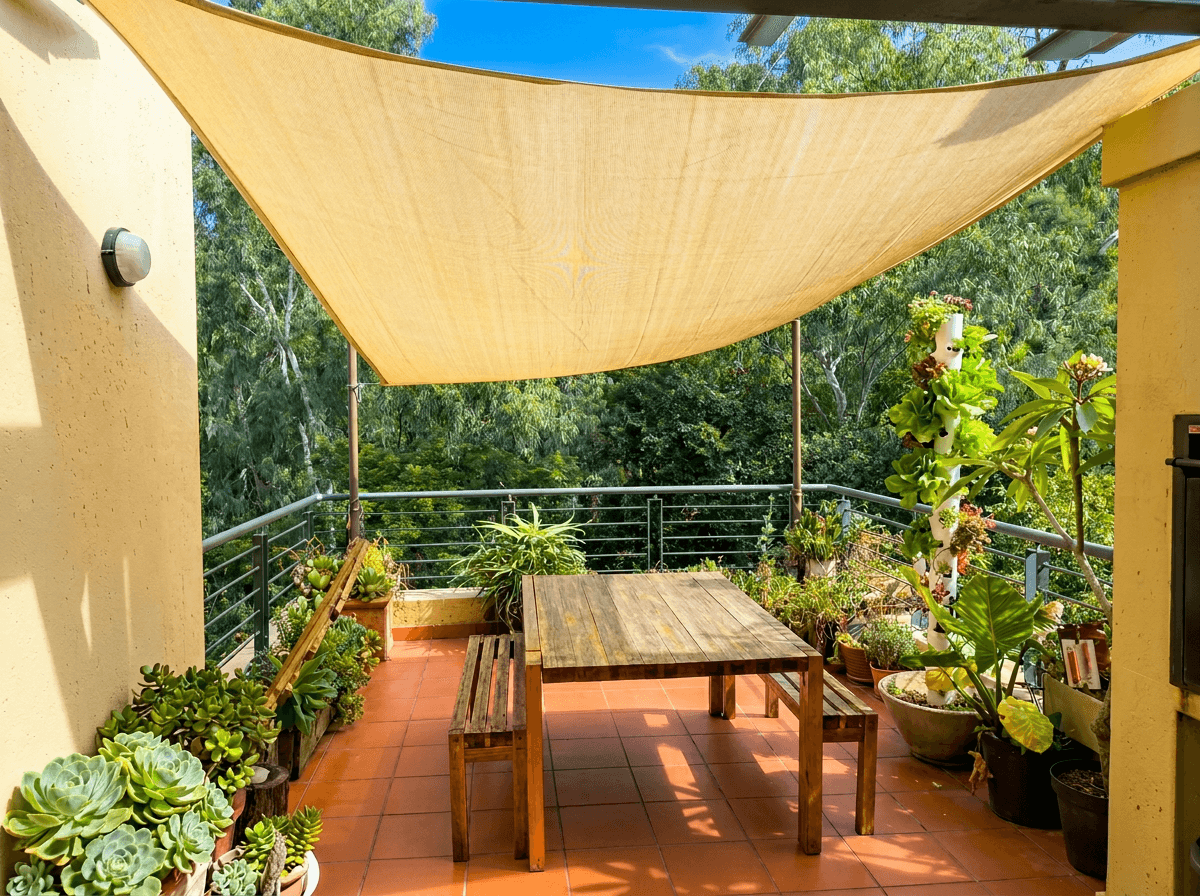
Patio: sky replacement and brighten
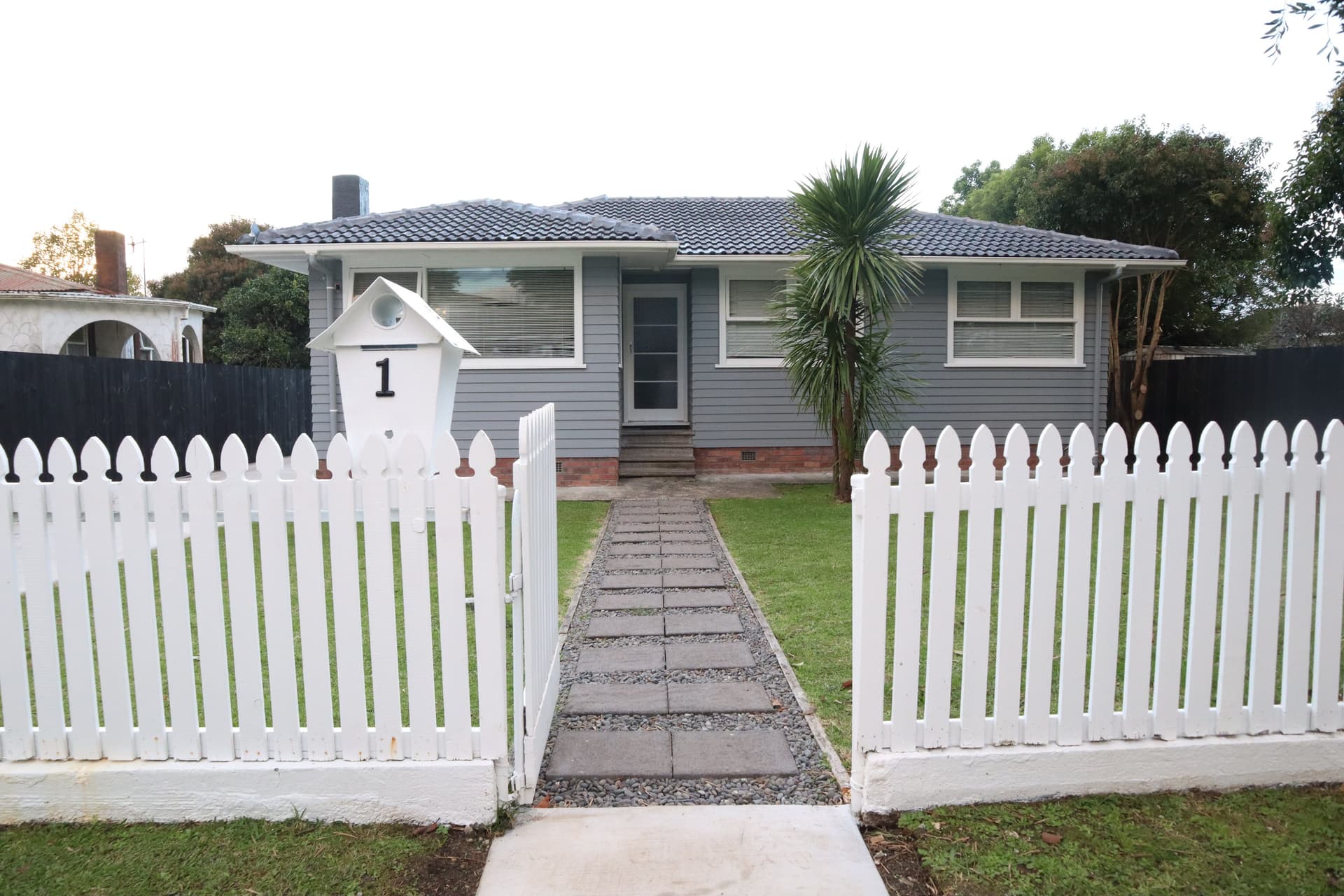
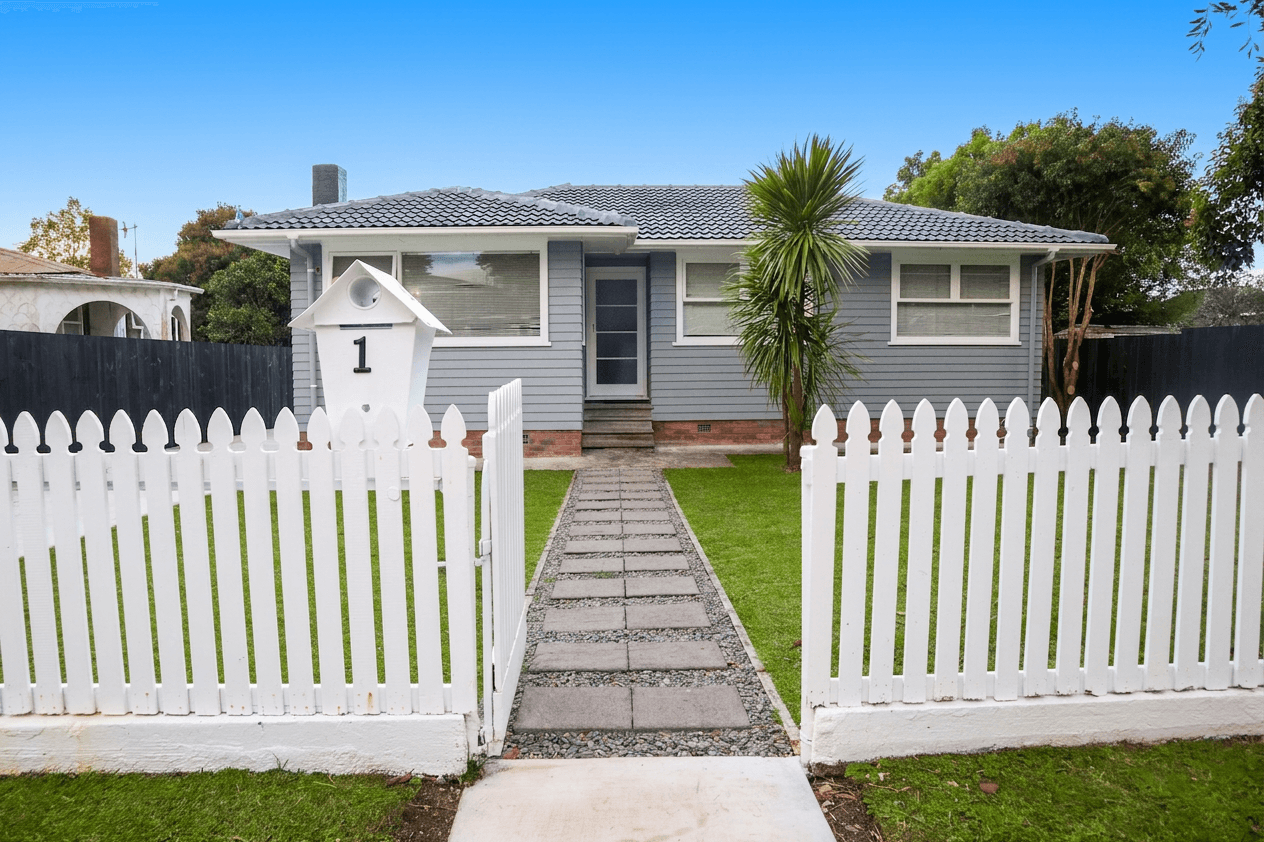
Front elevation: sky and exposure
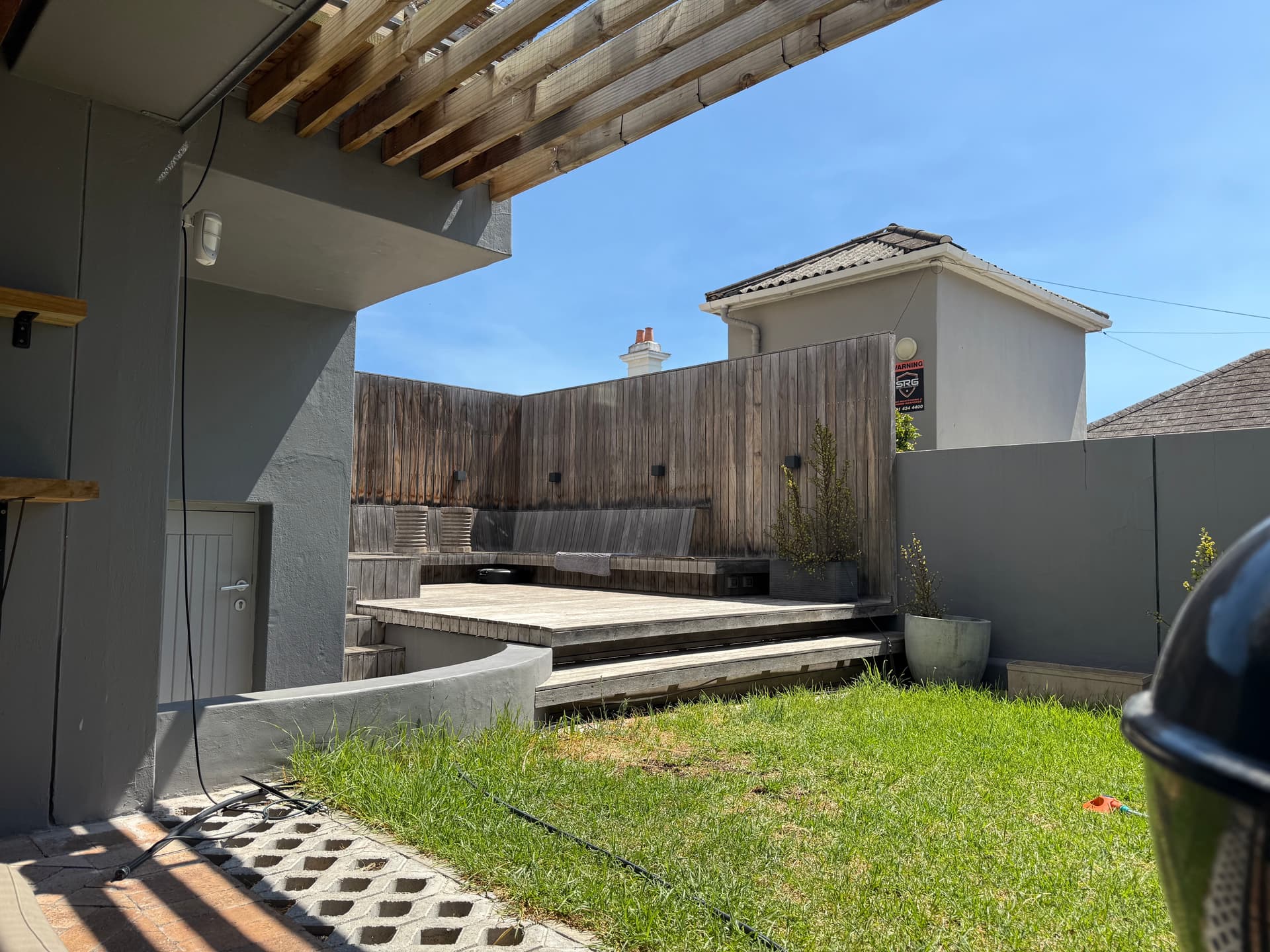
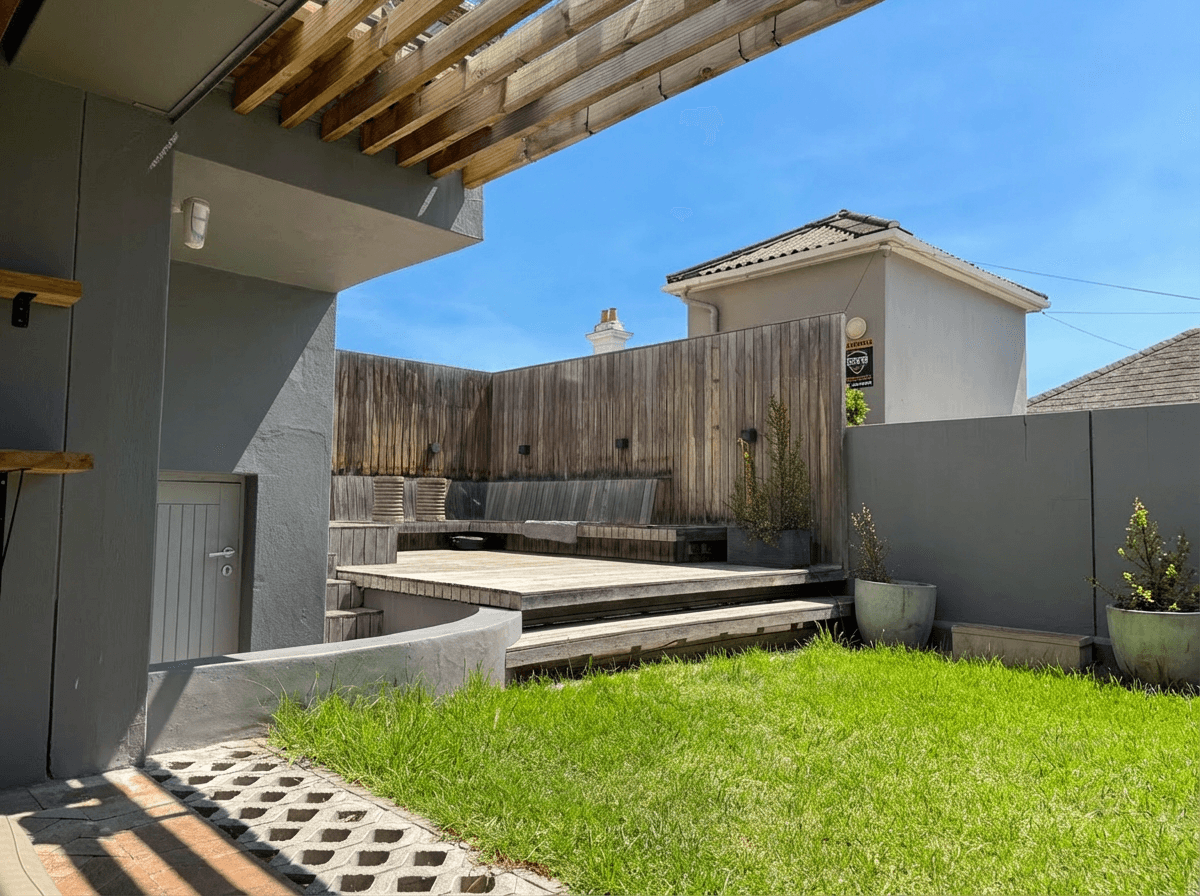
Backyard: colour, light and sky
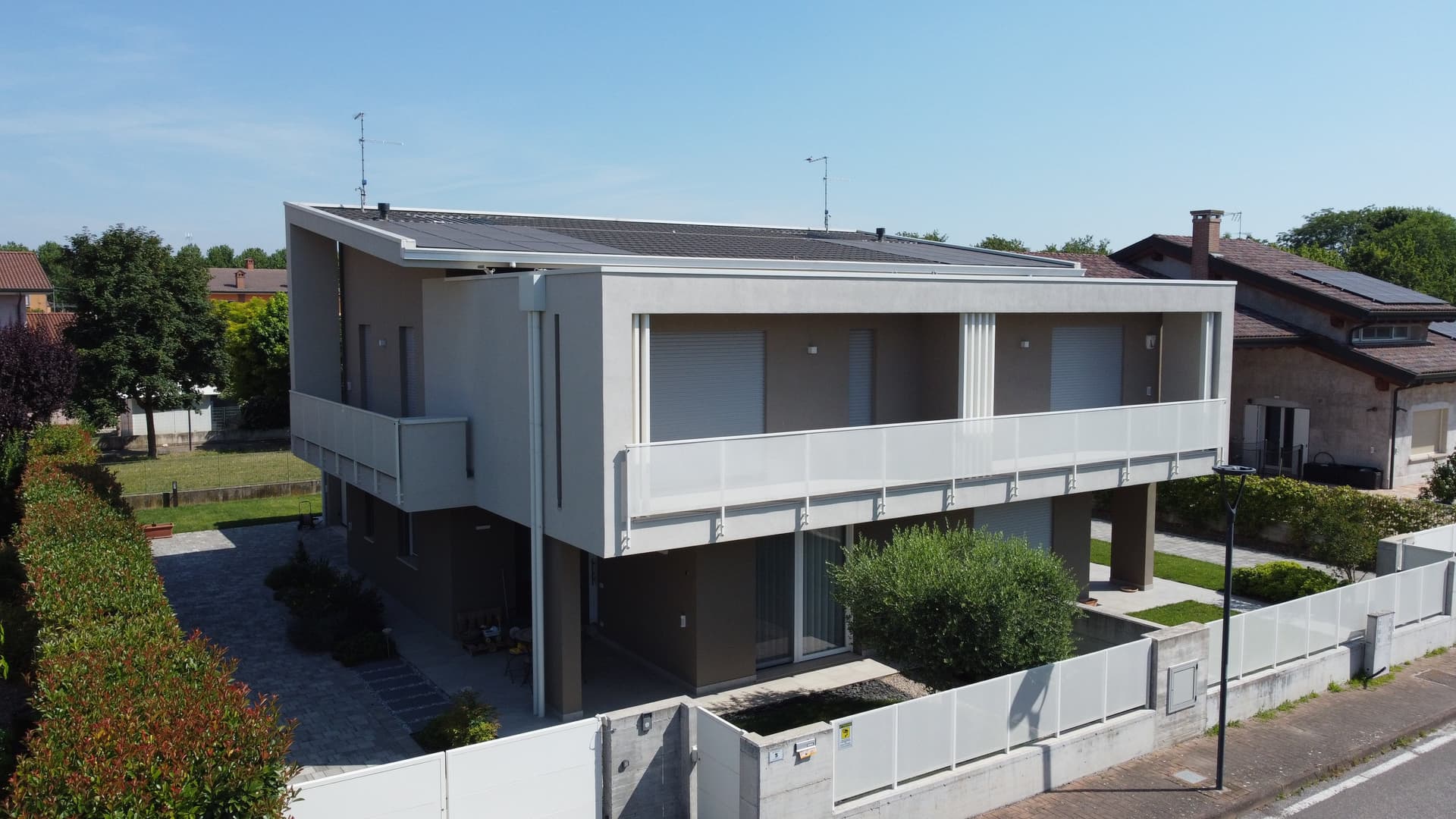
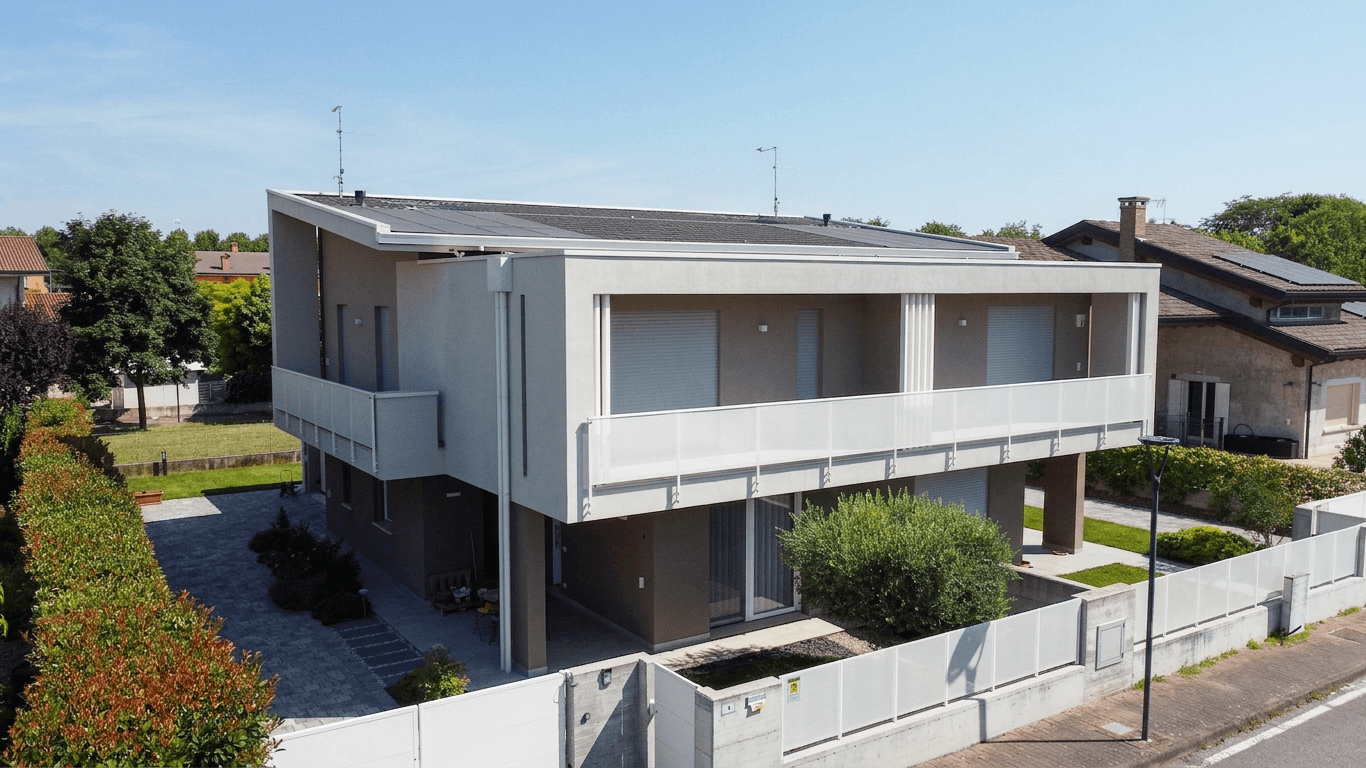
Facade: colour correction and lift
A believable sky
The replacement sky is relit into the whole frame (shadows, facade and windows match it) instead of a pasted-on blue that fights the original light.
Healthy, natural grass
Patchy, browned-out lawns come back as an even, realistic green, not the radioactive turf that gives retouched listings away.
Tuned for real estate
Rooflines, window mullions and fence lines stay crisp because the model is prompt-engineered for property exteriors, not generic photo filters.
Simple, Transparent Pricing
Start free and upgrade as you grow. All plans include access to our AI-powered editing tools for stunning real estate photography.
Free
5 credits per month
- 1 photo at 4K, or 5 at 1K
- Every resolution, 1K to 4K (4 credits a 4K photo)
- Basic presets
Starter
50 credits per month
- 12 photos at 4K, or 50 at 1K
- Every resolution, 1K to 4K (4 credits a 4K photo)
- All presets
- Priority processing
- Extra credits at $0.75/each
Pro
200 credits per month
- 50 photos at 4K, or 200 at 1K
- Every resolution, 1K to 4K (4 credits a 4K photo)
- All presets
- Priority processing
- Batch editing
- Unbranded share galleries
- Extra credits at $0.60/each
Agency
600 credits per month
- 150 photos at 4K, or 600 at 1K
- Cheapest 4K photo of any plan, $1.33 each
- Every resolution, 1K to 4K (4 credits a 4K photo)
- All presets
- Priority processing
- Batch editing
- Unbranded share galleries
- Custom watermarks
- Extra credits at $0.50/each
Unused credits are refundable within 30 days, on plans and credit packs alike.
Need more credits? Purchase additional credits at any time.
Loved by Real Estate Professionals
See what agents and photographers are saying about Twilight.
“This tool has transformed my workflow. What used to take hours in Photoshop now takes seconds. My listings look incredible.”
Sarah Mitchell
Real Estate Agent, ReMax
“The twilight conversion is unbelievable. Clients are amazed when I show them the before and after. It's like magic.”
James Chen
Real Estate Photographer
“I've tried other AI editors, but none come close to the quality here. The Bright & Airy preset is my go-to for every interior shot.”
Maria Rodriguez
Broker, Century 21
Exterior enhancement FAQ
Everything agents and photographers ask about AI sky replacement and exterior editing.
What does an exterior enhancement edit change?
The standard exterior enhancement replaces a flat or overcast sky with a natural blue one, corrects patchy or brown grass to a healthy green, brightens the facade, and balances the overall exposure. These are the fixes that make a listing photo look like it was shot on a perfect day. It does not change the property itself: rooflines, windows, fences and landscaping stay exactly where they are.
How is this different from Photoshop sky replacement?
Photoshop sky replacement swaps the sky layer; you still have to mask trees and rooflines, relight the scene, and fix the lawn separately. Twilight does the whole pass in one step in about 10–20 seconds, and the model is prompt-engineered for property exteriors, so mullions, gutters and roof edges stay crisp instead of smearing into the new sky.
How much does it cost?
Edits start at 1 credit per photo at standard resolution (2K and 4K exports cost more). Plans work out to well under a dollar per edit, and you can run your first edit free with no account. Upload a photo above to try it.
Will the result look natural on the MLS?
Sky and lawn corrections are among the most widely used edits in listing photography and are generally accepted, because they adjust lighting and seasonality rather than the property itself. Disclosure rules vary by MLS and region, so check the rules that apply to your listings.
What photos work best?
Any daytime exterior: front elevations, backyards, patios, pool areas. Shoot straight, keep the whole structure in frame, and let the AI handle the sky, grass and exposure. If you want the dramatic evening version instead, use the day-to-dusk conversion.