Best Real Estate Photo Editing Software in 2026: Complete Comparison
The best real estate photo editing software in 2026: Twilight, BoxBrownie, PhotoUp, Photoshop and Lightroom compared on features, pricing and speed.
Choosing the right photo editing software can make or break your real estate photography workflow. The wrong tool costs you hours of productivity, while the right one lets you deliver stunning listing photos faster and more consistently than your competition.
The landscape of real estate photo editing has shifted dramatically in recent years. AI-powered platforms now sit alongside traditional tools like Photoshop, and outsourced editing services compete with instant automated solutions. In this comprehensive comparison, we evaluate the five most popular options for real estate professionals in 2026: Twilight, BoxBrownie, PhotoUp, Adobe Photoshop, and Adobe Lightroom.
Quick Comparison Table
| Feature | Twilight | BoxBrownie | PhotoUp | Photoshop | Lightroom |
|---|---|---|---|---|---|
| Type | AI-powered platform | Outsourced service | Outsourced service | Desktop software | Desktop/cloud software |
| Turnaround | About 30 seconds | 12-24 hours | 12-24 hours | Manual (your time) | Manual (your time) |
| Starting Price | $12 credit pack, or $29/month for 50 credits | ~$1.60/image | ~$1.50/image | $22.99/month | $9.99/month |
| Real Estate Specific | Yes | Yes | Yes | No | No |
| AI Editing | Yes | Partial | No | AI features | AI features |
| Twilight Conversion | Yes (instant) | Yes (manual) | Yes (manual) | DIY | DIY |
| Sky Replacement | Yes | Yes | Yes | Yes (AI) | Limited |
| Virtual Staging | Yes | Yes | Yes | DIY | No |
| Skill Required | None | None | None | High | Moderate |
| Batch Processing | Yes | Yes | Yes | Limited | Yes |
| Free Trial | Yes (no account) | Sample edits | Sample edits | 7-day trial | 7-day trial |
Twilight prices as of October 2026. See pricing for current prices.
Now let's dive into each option in detail.
Twilight
Twilight is an AI-powered photo editing platform built specifically for real estate. Rather than outsourcing edits to human editors or requiring manual software skills, Twilight uses advanced AI models to transform property photos through one-click presets and natural-language custom prompts.
How It Works
Upload a photo, choose a mode (Twilight, Retouch, Exterior, Declutter, Stage) or describe what you want in plain English, and the AI delivers a professionally edited result in about 30 seconds. A built-in before/after comparison tool lets you evaluate the result instantly.
Strengths
- Speed: Results in seconds, not hours. This is the fastest option by a significant margin.
- Consistency: The AI applies the same quality standard to every image, eliminating the variability you get with human editors or your own manual editing on different days.
- No skill required: The one-click presets require zero editing knowledge. Custom prompts let advanced users fine-tune results with natural language.
- Real estate focus: Every feature is designed for property photography. The presets are specifically tuned for common real estate scenarios.
- Instant iteration: If you do not like a result, try a different preset or adjust your prompt. No waiting 24 hours for a revision.
- Cost predictability: Monthly plans with included edits mean you know your costs upfront.
Limitations
- Staging is AI-only: virtual staging is AI-generated to suit the room; there is no human-designer option for bespoke luxury staging.
- AI limitations: While results are excellent for the vast majority of images, unusual compositions or extremely low-quality source photos can occasionally produce imperfect results.
- Internet required: As a cloud-based platform, you need an internet connection to use it.
Pricing
- Free: 5 credits when you create an account (one time, no monthly refill)
- Starter: $29/month for 50 credits
- Pro: $79/month for 200 credits
- Agency: $199/month for 600 credits
- Credit packs: $12 to $140 for 10 to 150 credits, no plan needed
1 credit is one edit at 1K; 2K costs 2, 4K costs 4.
Twilight prices as of October 2026. See pricing for current prices.
Best For
Agents and photographers who need fast, consistent, professional results and handle their own editing. Particularly valuable for anyone who currently spends hours in Lightroom or Photoshop or who needs faster turnaround than outsourced services provide.
For a hands-on look at what Twilight can do, see our tutorial on editing real estate photos with AI.
Try it free
Transform your first property photo in seconds, no account needed.
BoxBrownie
BoxBrownie is an established outsourced editing service that has been serving the real estate industry since 2015. They employ teams of human editors who manually process each photo according to your instructions.
How It Works
Upload photos through their web portal or app, select the editing service you need (enhancement, twilight conversion, sky replacement, virtual staging, etc.), and receive edited images within 12-24 hours. Rush delivery is available for an additional fee.
Strengths
- Wide service range: Beyond basic editing, BoxBrownie offers virtual staging, virtual renovation, floor plan redraws, and day-to-dusk conversion.
- Human quality control: Every image is edited by a trained human editor with a quality review process.
- Established reputation: Years of track record with consistent quality.
- No software needed: Everything happens through their web platform.
- Per-image pricing: You only pay for what you use, with no monthly commitment required.
Limitations
- Turnaround time: 12-24 hours is the standard. While rush options exist, you cannot get a result in minutes the way you can with AI tools.
- Revision friction: If you are not happy with an edit, you submit a revision request and wait again. Multiple rounds can stretch a single image edit across several days.
- Variable consistency: Despite quality control processes, human editors have varying skill levels and interpretations. Consistency across a large batch or across multiple listings over time can vary.
- Cost at scale: Per-image pricing is straightforward but adds up quickly for agents with high volume. A 30-photo listing at $1.60/image is $48 per listing.
- Limited customization: You choose from predefined service categories. Complex or unusual requests may not fit neatly into their options.
Pricing
- Image Enhancement: ~$1.60/image
- Day-to-Dusk (Twilight): ~$4.00/image
- Sky Replacement: ~$2.00/image
- Virtual Staging: ~$24.00/image
- Rush Delivery: Additional 50% surcharge
Best For
Agents who want a hands-off editing solution and are comfortable with 24-hour turnaround times. Particularly strong for those who also need virtual staging and floor plan services in one platform.
PhotoUp
PhotoUp is another outsourced real estate photo editing service that combines human editors with a platform designed specifically for real estate photography workflows. They also offer virtual staging, floor plans, and single-property websites.
How It Works
Similar to BoxBrownie, you upload photos, specify your editing preferences, and receive edited images back within a business day. PhotoUp differentiates itself with its emphasis on editor training specific to real estate and its integrated platform for managing multiple listings.
Strengths
- Real estate specialization: Editors are trained specifically in real estate photography standards and MLS requirements.
- Style profiles: You can create editing preference profiles that are applied to all your future orders, improving consistency.
- Integrated services: Photo editing, virtual staging, floor plans, and single-property websites in one platform.
- Team management: Features for brokerages and teams to manage editing orders across multiple agents.
- Quality guarantees: Satisfaction guarantee with free revisions.
Limitations
- Turnaround time: Similar to BoxBrownie, standard turnaround is 12-24 hours.
- Monthly subscription required: Unlike BoxBrownie's pure per-image pricing, PhotoUp's pricing includes a monthly platform fee plus per-image costs.
- Learning curve: Setting up style profiles and preferences takes time initially.
- Revision wait times: Like all outsourced services, revisions add another turnaround cycle.
Pricing
- Monthly plans starting around $50/month plus per-image fees
- Photo enhancement: ~$1.50/image
- Day-to-Dusk: ~$4.00/image
- Virtual Staging: ~$20-25/image
- Custom pricing for high-volume teams
Best For
Photography teams and brokerages that need a managed editing workflow with consistent style across multiple photographers. The style profile feature is particularly valuable for maintaining brand consistency at scale.
Adobe Photoshop
Photoshop remains the most powerful image editing tool available, with capabilities that far exceed what any AI tool or outsourced service can offer. However, that power comes with significant complexity and time investment.
How It Works
Photoshop is a desktop application (with some cloud features) that gives you complete, pixel-level control over every aspect of an image. For real estate, common tasks include exposure blending, sky replacement, object removal, perspective correction, and color grading. The 2026 version includes substantial AI-powered features through Adobe Firefly, including generative fill, AI sky replacement, and intelligent selection tools.
Strengths
- Unlimited control: There is nothing you cannot do in Photoshop. From subtle color correction to complete composite images, the ceiling is as high as your skill level.
- AI features: Adobe Firefly's generative AI features bring some automated capabilities to the platform, including sky replacement, object removal, and intelligent fill.
- Industry standard: Widely used, extensively documented, with a massive community and learning resources.
- Non-destructive editing: Layers and smart objects allow complex edits while preserving the original image.
- Integration: Works seamlessly with Lightroom, Bridge, and other Adobe tools.
Limitations
- Steep learning curve: Photoshop is genuinely difficult to learn well. Becoming proficient enough for efficient real estate editing takes months of dedicated practice.
- Time intensive: Even for an expert, manually editing a real estate photo in Photoshop takes 10-30 minutes depending on the complexity. This adds up to hours per listing.
- Not real estate specific: Photoshop is a general-purpose tool. You have to know which techniques to apply for real estate. It does not guide you.
- Subscription cost: Part of the Adobe Creative Cloud suite, which costs $22.99/month for the Photography plan (includes Lightroom).
- Hardware requirements: Photoshop runs best on powerful hardware. Older laptops may struggle with large files and complex operations.
Pricing
- Photography Plan (Photoshop + Lightroom): $22.99/month
- Photoshop only: $22.99/month
- Creative Cloud All Apps: $59.99/month
Best For
Professional photographers who are already proficient in Photoshop and need pixel-level control for complex edits. Also suitable for those who enjoy the editing process and have the time to invest.
Adobe Lightroom
Lightroom is Adobe's dedicated photo management and editing tool, designed for processing large batches of photos with a streamlined workflow. It offers fewer capabilities than Photoshop but is significantly easier to use and faster for standard adjustments.
How It Works
Import photos into Lightroom's catalog, apply adjustments using intuitive sliders (exposure, white balance, shadows, highlights, etc.), and export the results. Lightroom excels at batch processing: you can edit one photo and sync the settings across an entire set. The 2026 version includes AI-powered masking, noise reduction, and lens correction.
Strengths
- Batch efficiency: Edit one photo and apply the same settings to dozens of similar images. This is Lightroom's greatest strength for real estate work.
- Presets: Save and share editing presets that apply a complete look in one click. Many real estate photography presets are available commercially.
- Non-destructive: All edits are saved as metadata, leaving original files untouched.
- Organization: Catalog system makes managing thousands of photos across hundreds of listings practical.
- AI masking: AI-powered selection tools make selective adjustments (like brightening windows or skies) much faster than manual masking.
- Lower learning curve: Significantly easier to learn than Photoshop for photo adjustment tasks.
Limitations
- Limited compositing: Lightroom cannot do exposure blending, complex sky replacements, or object removal at the level Photoshop can.
- No twilight conversion: There is no way to convert a daytime photo to twilight in Lightroom alone. You would need Photoshop or a specialized tool.
- Still requires skill: While easier than Photoshop, developing a good eye for real estate editing and creating effective presets still takes considerable time and practice.
- Time per image: Even with presets, you will typically need to fine-tune each image individually. Budget 2-5 minutes per photo.
- General purpose: Like Photoshop, Lightroom is not built specifically for real estate. You need to know what adjustments to make.
Pricing
- Lightroom only (1TB cloud): $9.99/month
- Photography Plan (Lightroom + Photoshop, 20GB): $22.99/month
Best For
Photographers who shoot high volumes and need efficient batch processing with a moderate learning investment. Lightroom is the traditional workhorse of real estate photography editing.
Head-to-Head: Key Scenarios
Different situations call for different tools. Here is how the five options stack up in common real estate photography scenarios:
Scenario 1: Fastest Turnaround
You photographed a listing this morning and the agent wants it live by noon.
Winner: Twilight. With edits that take about 30 seconds, you can edit an entire listing in minutes. Outsourced services cannot match this, and manual editing in Photoshop or Lightroom takes at least an hour.
Scenario 2: Twilight Conversion on a Budget
You need a twilight hero image but did not shoot at dusk and do not have Photoshop skills.
Winner: Twilight. One-click twilight conversion at a fraction of the cost of outsourced day-to-dusk services ($0.33 to $0.58 per photo on a plan at 1K, against $4.00+ per image).
Scenario 3: Complex Compositing
You need to remove construction equipment from a photo, replace the sky, and composite in landscaping that has not been planted yet.
Winner: Photoshop. Complex compositing with multiple elements still requires the pixel-level control that only Photoshop provides.
Scenario 4: High-Volume Batch Processing
You shoot 10 listings per week with 30 photos each and need consistent editing across all of them.
Winner: Twilight or Lightroom, depending on your preference for AI automation vs. manual control. Twilight is faster; Lightroom gives more granular control.
Scenario 5: Virtual Staging
You need to add furniture to an empty room.
Winner: Twilight for speed and cost; BoxBrownie or PhotoUp for designer-led staging. Twilight's AI virtual staging stages an empty room in seconds for the cost of a normal edit, planning furniture to suit the room. The outsourced services remain the pick when you want a human designer composing bespoke furniture for a luxury listing. Photoshop and Lightroom do not offer staging as a built-in feature.
Scenario 6: Complete Beginner
You are an agent who has never edited a photo and wants professional-looking results immediately.
Winner: Twilight. Zero learning curve with one-click presets. Outsourced services are also beginner-friendly, but the turnaround time and per-image cost are higher.
The Hybrid Approach
Many successful real estate photographers do not rely on a single tool. A common modern workflow combines the strengths of multiple options:
- Lightroom for initial culling, organization, and basic RAW adjustments
- Twilight for one-click enhancements like bright and airy processing, HDR, and twilight conversions
- Photoshop for complex edits that require compositing (used sparingly on select images)
- BoxBrownie or PhotoUp for designer-led virtual staging when needed
This hybrid approach gives you the speed and consistency of AI for 90% of your edits while preserving access to human expertise and pixel-level control for the remaining 10%.
Making Your Choice
The best tool depends on your specific situation:
- Choose Twilight if speed, consistency, and ease of use are your priorities, and you want a tool built specifically for real estate photography.
- Choose BoxBrownie if you prefer a fully hands-off approach and want human-designed virtual staging alongside photo enhancement.
- Choose PhotoUp if you are a team or brokerage that needs managed workflows and brand consistency across multiple photographers.
- Choose Photoshop if you are a skilled editor who needs maximum creative control and handles complex compositing work.
- Choose Lightroom if you are a photographer who values batch processing, organization, and granular manual control over your edits.
For most real estate agents and many photographers, the combination of speed, quality, and simplicity makes AI-powered tools the clear choice in 2026. The technology has matured to the point where AI-edited photos are indistinguishable from manually edited ones, at a fraction of the time and cost.
Want to see how Twilight compares to your current workflow? Try it free at twilight.pics/try with your own listing photos. For a step-by-step guide to using the platform, see our tutorial on editing real estate photos with AI. For a detailed breakdown of outsourcing vs AI editing costs at different volumes, read our outsourcing vs AI comparison. And if you are specifically comparing Lightroom to AI tools, our Lightroom vs AI editing comparison provides honest benchmarks on the five most common real estate edits.
Get started free
Create your free account and get 5 credits to start editing.
Related Articles

AI Image Models Compared for Real Estate: Nano Banana, Flux, SDXL, DALL-E 3, and Imagen
AI image models for real estate photo editing, compared: Nano Banana, Flux, SDXL, DALL-E 3 and Imagen 3, tested on the edits agents actually need.
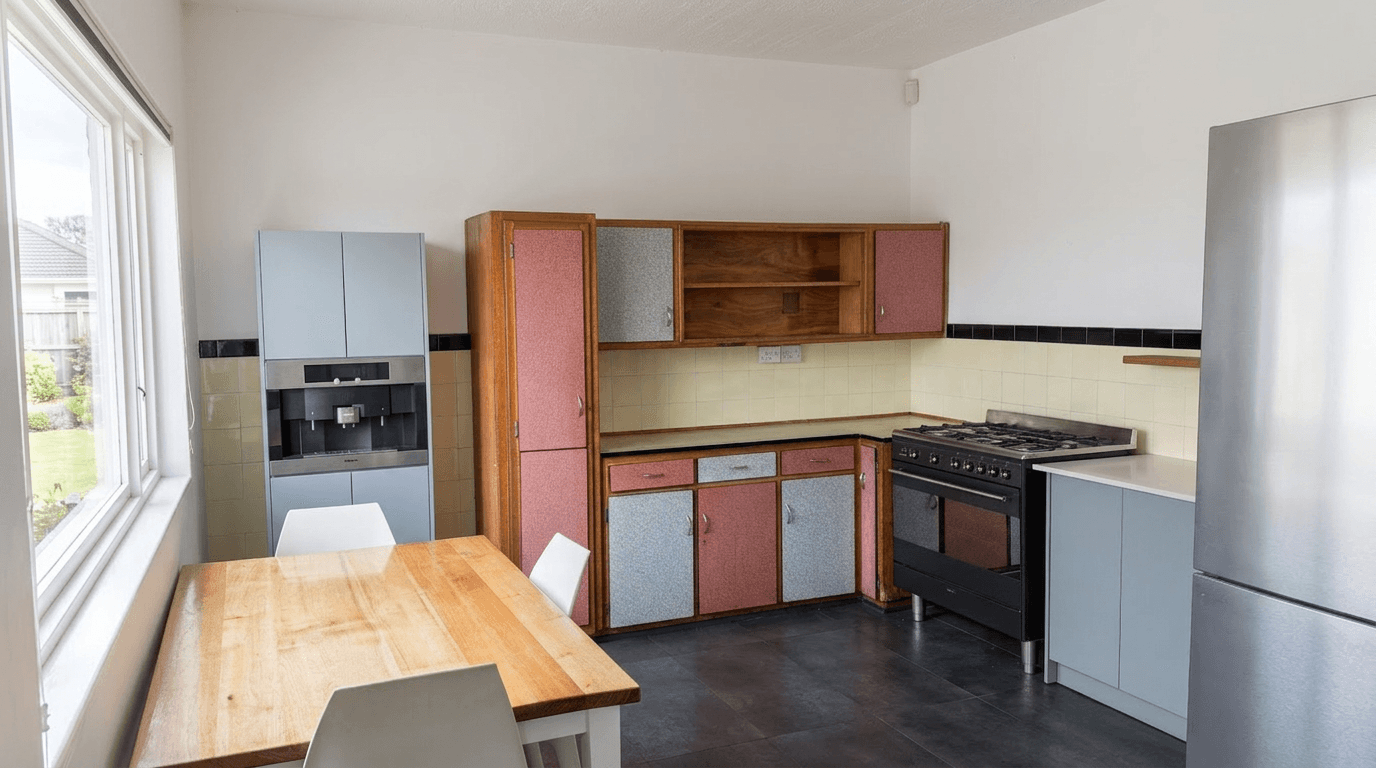
Lightroom vs AI Editing for Real Estate Photos: A Photographer's Honest Comparison
Lightroom vs AI for real estate photo editing, head to head: speed, quality, learning curve, cost, and when to use each in your workflow.
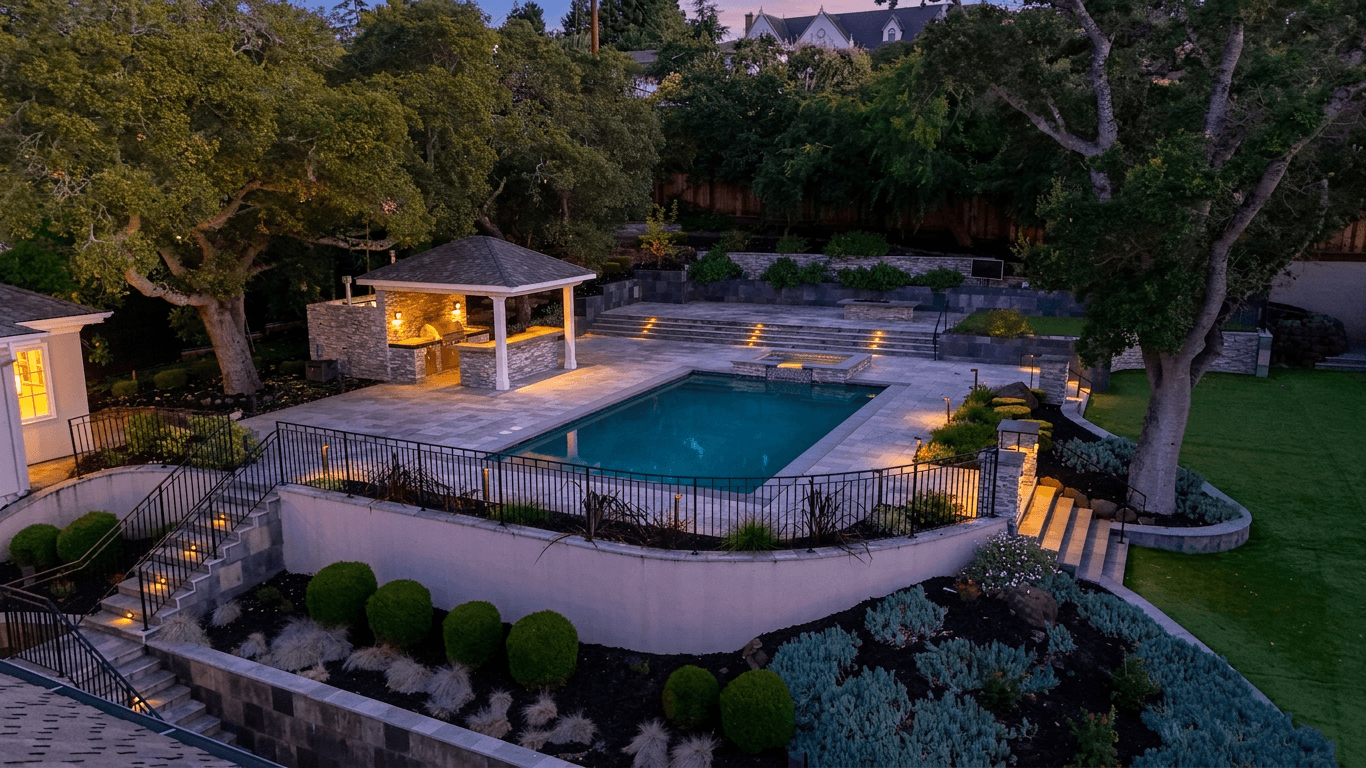
Airbnb Photography vs Real Estate Photography: Key Differences That Matter
Airbnb vs real estate photography: how shooting style, staging, editing and photo order differ, and how to optimize for each market.