How to Turn the Lights On in Listing Photos (Without Inventing Any)
Turning lights on was the second most common AI edit request we saw. When it works in daylight, when it needs dusk, and which lights never to add.
When we read every typed request people made in Twilight this year, "turn the lights on" in one form or another came from almost 40% of the people who typed one. Only removing things was more common (see the listing photo fixes agents ask for most).
It sounds like one request. It is really three, and they behave differently:
- Interior lights in a daylight photo. The photographer shot at noon with the fixtures off.
- Exterior lights that only show at dusk. Pool lights, string lights, wall sconces, a lit porch.
- Window glow. The warm light from inside that makes a twilight exterior read as a home rather than a building.
This guide covers each, with real edits, the wording that works, and the one rule that keeps the photo honest.
The rule first: only switch on what is there
An AI editor can light anything. That is the problem. Ask for "lights on" on a back garden and a model may add path lights along the lawn, uplights under the trees and a glow in the neighbour's kitchen. None of those exist. A buyer who arrives at the viewing expecting landscape lighting has been shown a different property.
So the instruction is not "add lights". It is "turn on the lights this house already has". Before you publish, look at the edit and find the fixture behind every bright spot. If you cannot find it in the original, the light was invented and the edit should be redone.
1. Interior lights in a daylight photo
This is the most common version, and the most underrated. A room shot in the middle of the day often has two problems at once: dark fixtures that make the room look unlived in, and hard sun patches on the floor that pull the eye away from the room.
Turning the lights on fixes both, because the edit evens out the light as it switches the fixtures on.
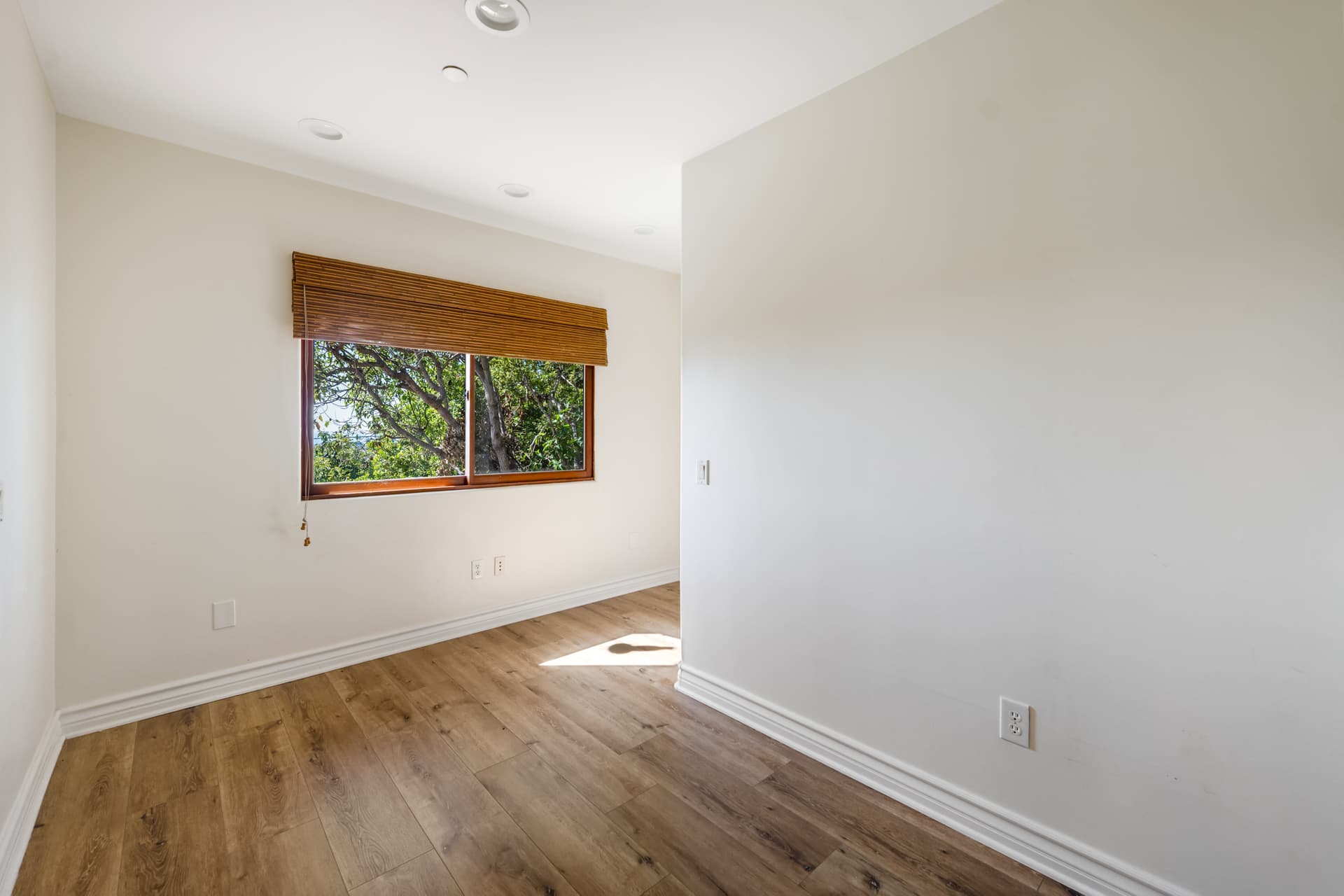
 Fixtures on
The request was three words: "turn the lights on". The recessed lights came on, the sun patch on the floor went, and the window, the blind and the floor stayed as they were.
The trouble starts when a room has a fixture you do not want lit. Ceiling fans with a light kit are the classic case: lit, they become the brightest thing in the photo. Say so.
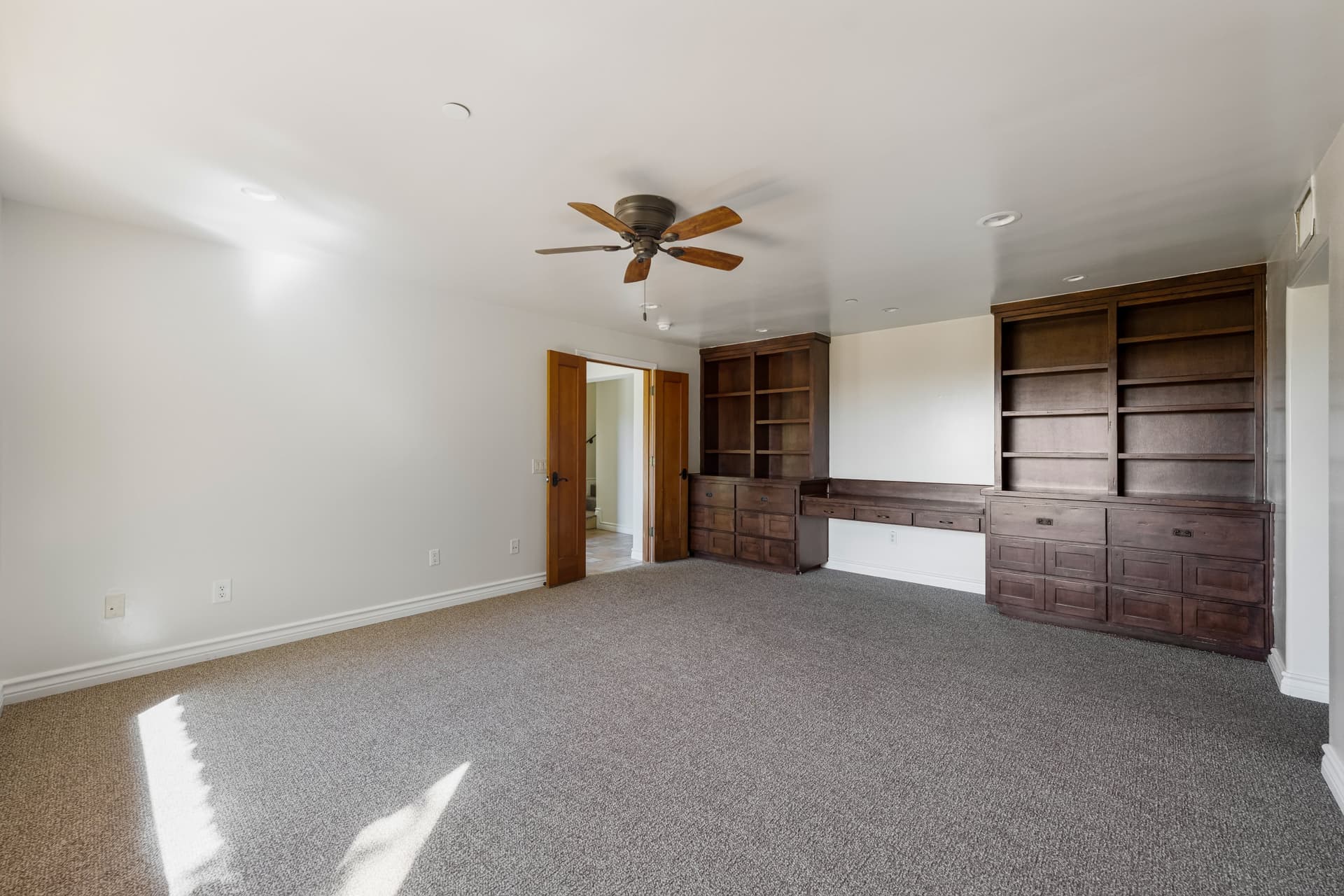
 Fan light left off
"Turn the lights on. Do not put one on the ceiling fan." The fan stayed dark. But look at the whole frame: the room also came out noticeably warmer than the original. That is the second thing to check on any lights-on edit. Warm bulbs pull the white balance toward orange, and a little of that is right (it is what the room looks like with the lights on), but white walls should still read as white. If they do not, ask for "keep the walls white" or "neutral colour".
What to type, interiors:
| You want | Type |
|---|---|
| Every fixture on | "turn the lights on" |
| One fixture left off | "turn the lights on, do not light the ceiling fan" |
| Lights on, colour unchanged | "turn the lights on, keep the walls white" |
| Lamps only, ceiling off | "turn on the table lamps only" |
| Less intensity | "low interior light, soft glow" |
2. Exterior lights that only show at dusk
A pool light at noon is invisible. Asking an AI to "turn on the pool lights" on a midday photo has only two honest outcomes: nothing visible changes, or the photo becomes a dusk shot so the light can be seen. Good editors choose the second, which means a pool-lights request on a daytime photo is really a day-to-dusk request. Decide how dark you want it before you start.
If the photo was already taken late in the day, the job is much easier, because the sky is already right and only the lights need to come on.
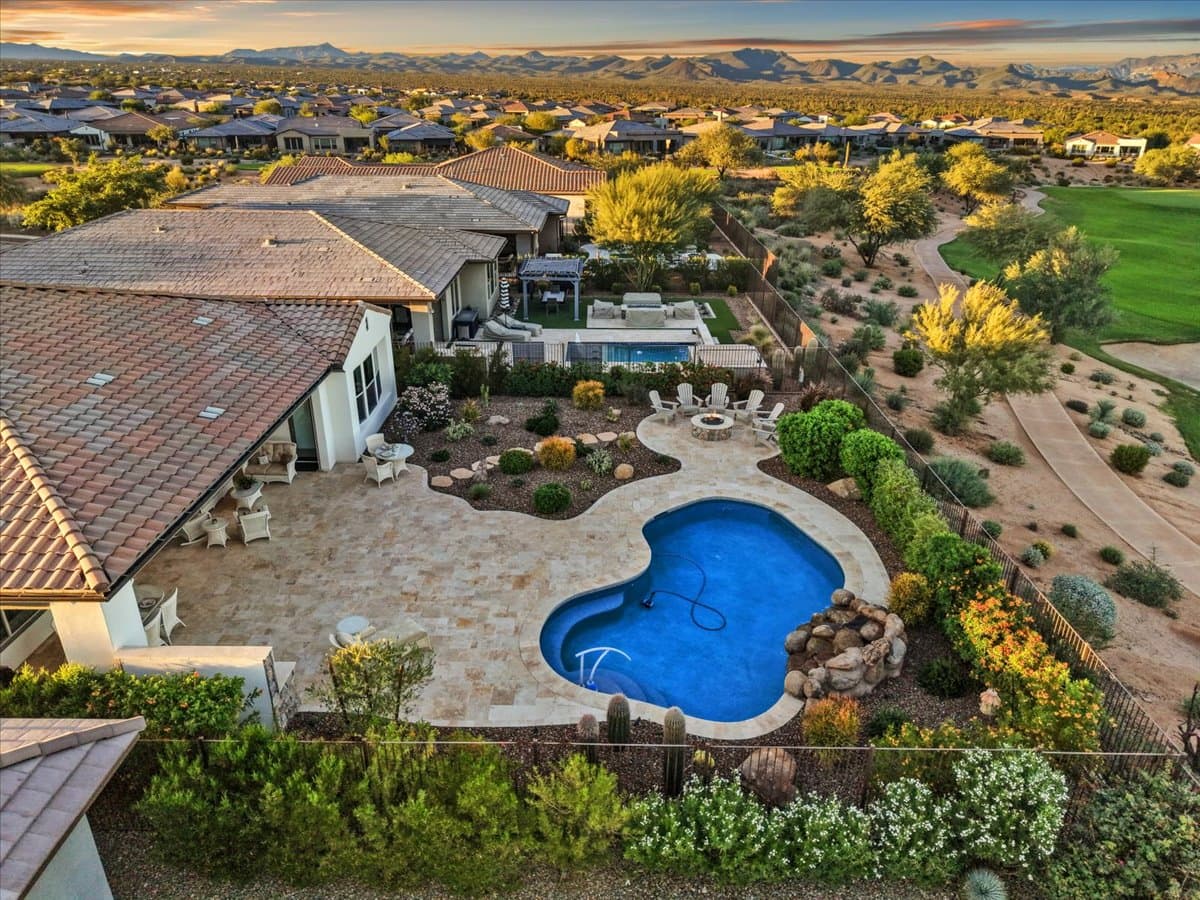
 Pool and house lights on
The drone shot above was taken at sunset. "Turn on pool lights" lit the pool and the covered patio and left the landscaping, the golf course and the mountains alone.
String lights are the other common request, and they show the rule from the top of this guide working as intended. These lights were already strung along the roofline in the original photo; the edit switched them on.
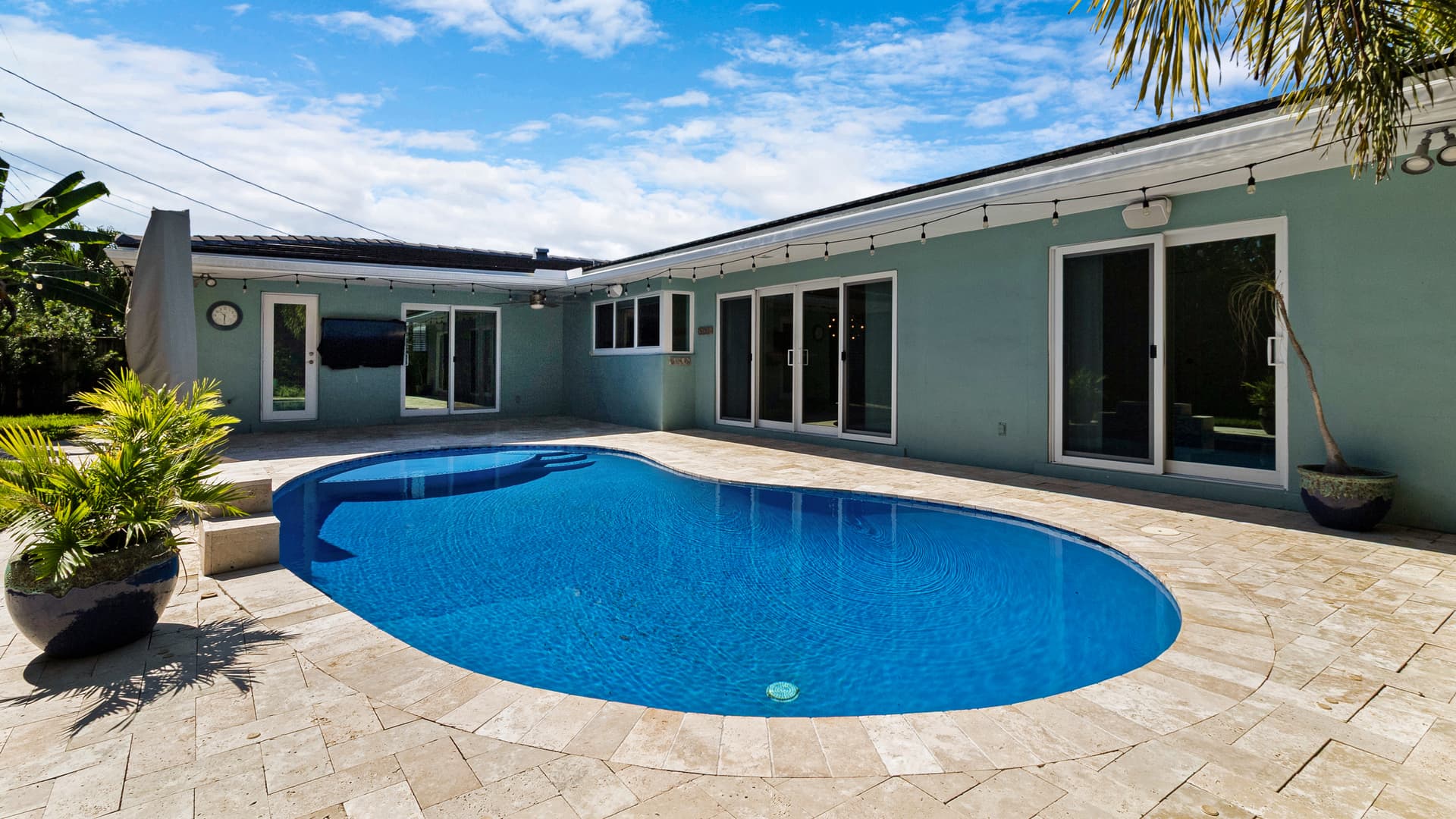
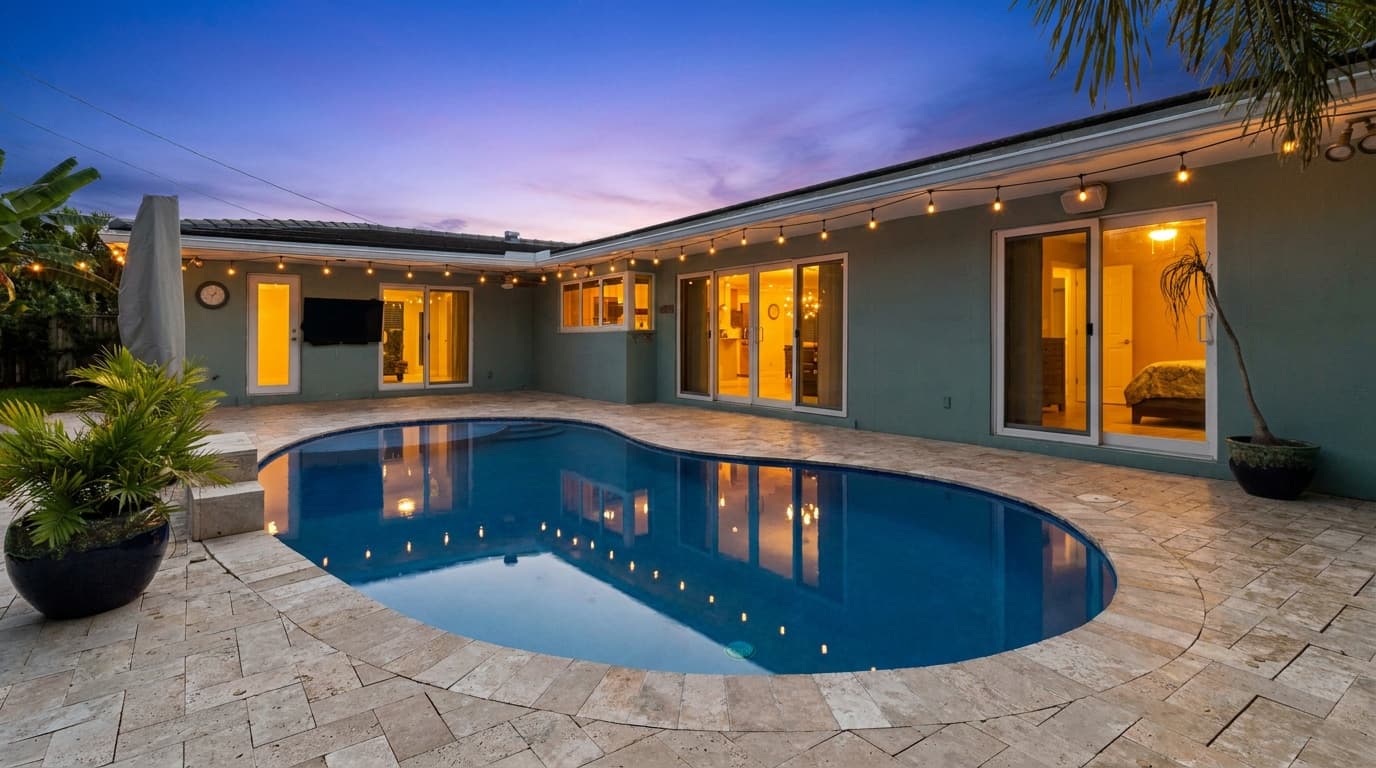 String lights on at dusk
The request was "illuminate the string lights". Note what came with it: the sky went to dusk and the rooms behind the glass doors lit up. That is a reasonable reading of the request, because string lights look like nothing in daylight, but it is more than was asked for. If you only want the string lights, say "keep the daylight sky".
3. Window glow, and whose windows
On a twilight exterior, lit windows do most of the work. Agents' requests about them are mostly about how much: "soft warm glow to windows (not too bright)", "subtle lit windows", "lower the brightness of the windows". Blown-out white rectangles look fake; a warm, slightly dim glow looks like someone is home.
The other question is which windows. This is where AI editors get things wrong most often, and it is worth showing a miss:
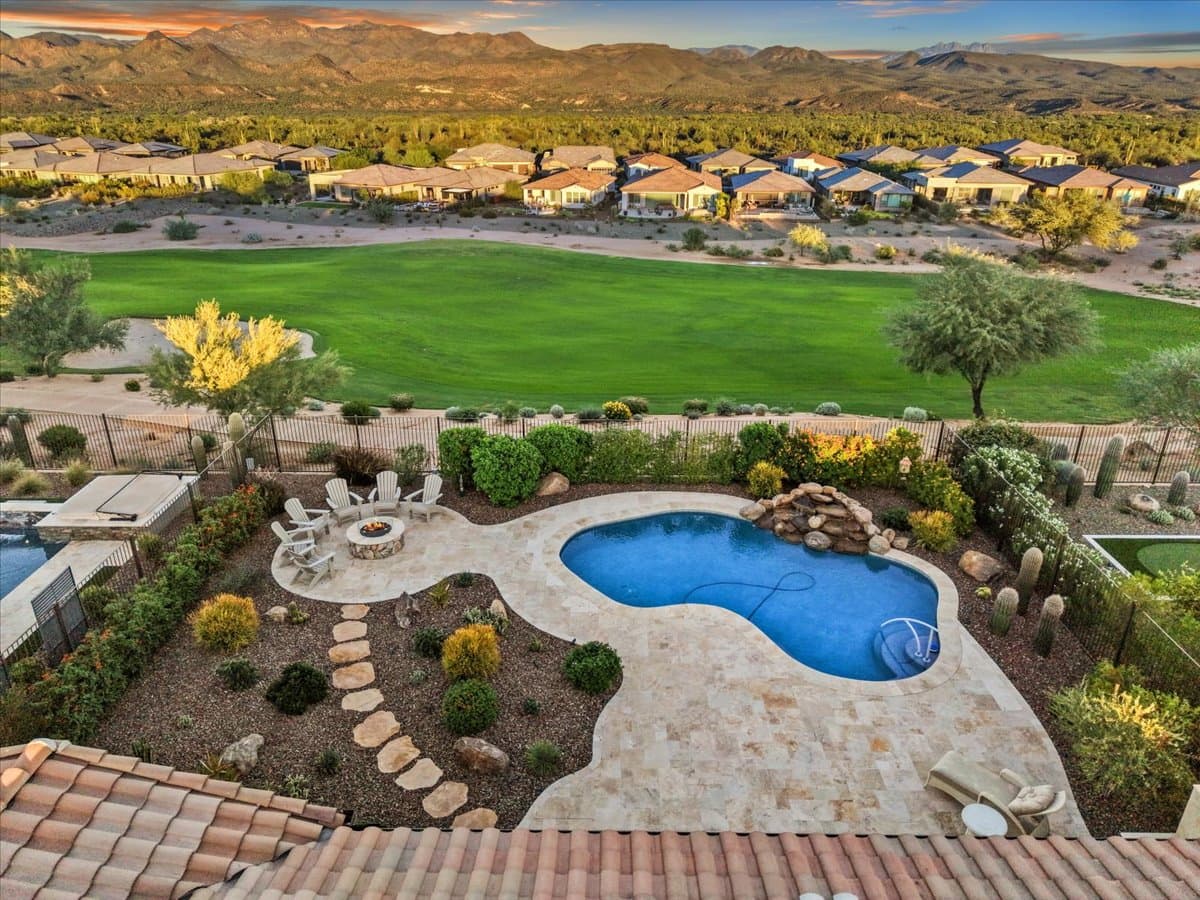
 Neighbours lit too
The request was "turn on pool lights". The pool came on. So did every house across the golf course. Those homes are not for sale and their lights are not the seller's to switch on. In our own quality checks an edit like this counts as a failure, even though the part that was asked for came out well. The fix is one clause: "turn on pool lights, only this house".
People who have been caught by this write it in from the start. Real requests from the data: "Only light the windows on the home that's on the end", "make sure surrounding houses have warm glow windows" (the opposite choice, for a community shot), and "turn on the lights on the windows but not both of the doors".
Before you publish a lights-on edit
- Every light has a fixture in the original. No new path lights, uplights, sconces or lamps.
- Only the subject property is lit, unless you meant otherwise.
- White walls are still white. Warm is fine; orange is not.
- Brightness is believable. Windows glow, they do not blaze.
- The rest of the photo did not move. Same angle, same furniture, same landscaping.
- You know your MLS rule. Switching on lights that exist changes the lighting, not the property. A full day-to-dusk conversion is treated as an altered image by some MLSs and brokerages, so check before you publish and keep the original.
Where to start
For a daylight interior, type "turn the lights on" and add what to leave off. For an exterior, start with a day-to-dusk conversion and then ask for the specific lights by name. For the wider question of writing instructions an AI follows, our guide to AI photo editing prompts has templates for the other common edits.
Try it free
Transform your first property photo in seconds, no account needed.
Related Articles
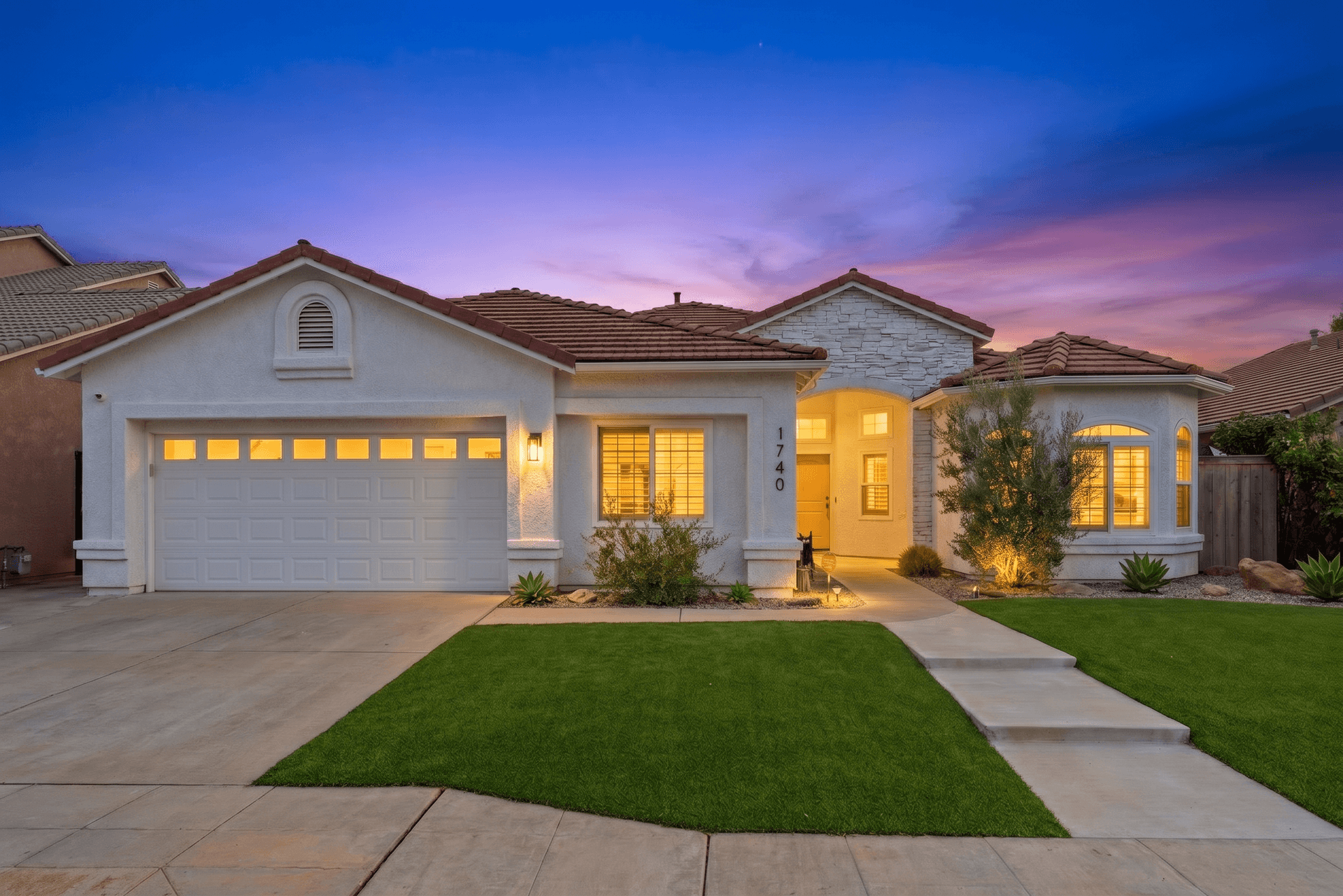
How to Write AI Prompts for Real Estate Photo Editing: A Practical Guide
AI photo editing prompts for real estate that produce reliable edits: templates for day-to-dusk, sky replacement, decluttering, exposure fixes and more.
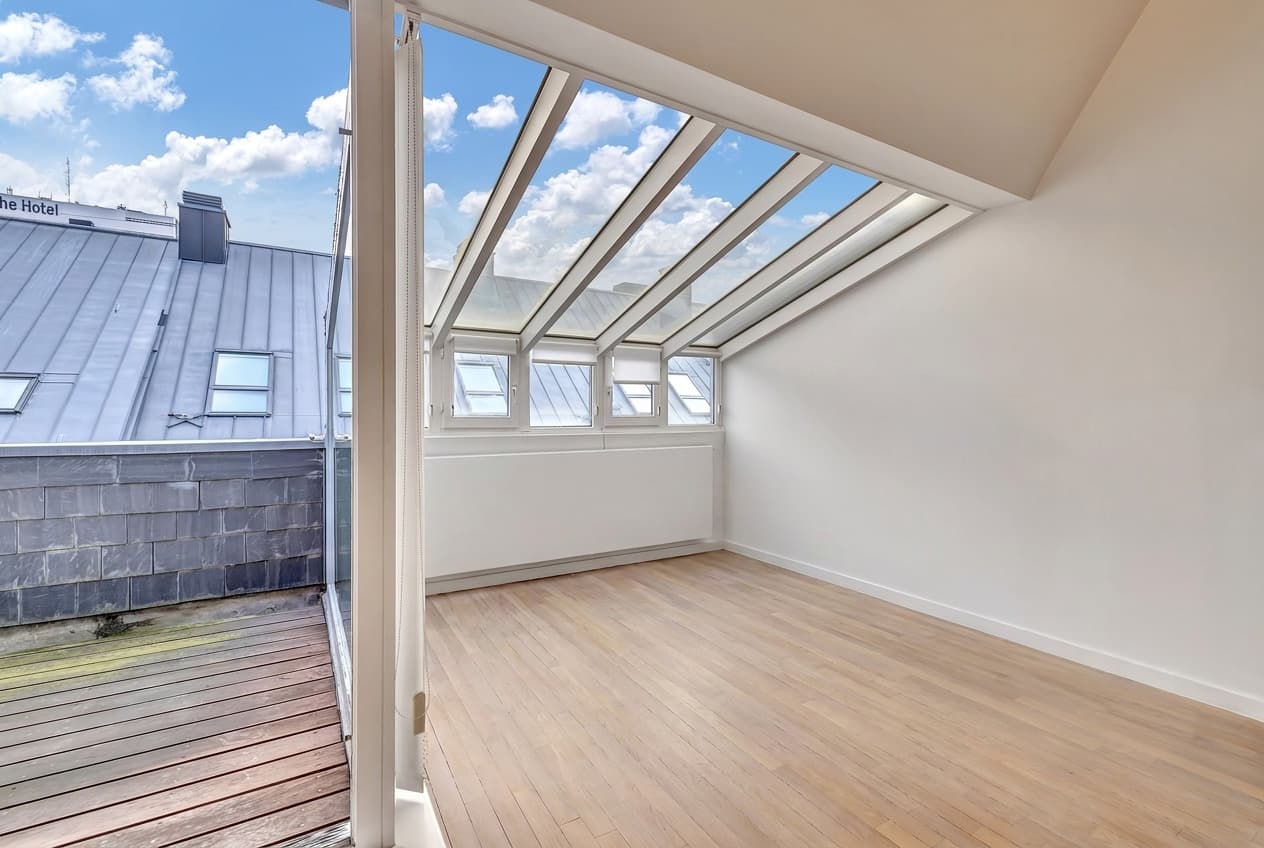
The Listing Photo Fixes Agents Ask For Most, and How to Get Each Right
Removing clutter, turning lights on, fixing the sky and the lawn. The edits agents request most, with real before/afters and what to type for each.
The Real Estate Agent's No-Nonsense Guide to AI Photo Editing
A plain-English guide to AI photo editing for real estate agents: the five essential edits, the mistakes to avoid, and pro listing photos in 10 minutes.