How to Write AI Prompts for Real Estate Photo Editing: A Practical Guide
AI photo editing prompts for real estate that produce reliable edits: templates for day-to-dusk, sky replacement, decluttering, exposure fixes and more.
A good AI prompt for a real estate photo is not a creative-writing exercise. It is a specification. The best prompts read more like a brief from a particular kind of art director: precise, restrained, and obsessed with what to preserve as much as what to change.
This guide collects the prompt patterns that consistently produce professional, listing-ready edits across the major AI photo editors, including Twilight, Photoshop's Generative Fill, and any platform that exposes natural-language editing.
The Anatomy of a Good Real Estate Edit Prompt
Every reliable real estate edit prompt has four parts:
- The subject anchor. What the photo is of. ("This is an exterior photo of a single-family home at...")
- The change instruction. What you want different. ("Convert the sky to dusk with warm interior lights glowing.")
- The preservation list. What must stay identical. ("Preserve all architectural features, window mullions, roof lines, and landscaping unchanged.")
- The style constraint. Optional, but powerful. ("Photorealistic, magazine-quality, no oversaturation.")
A prompt that uses all four reliably outperforms a prompt that only includes the change instruction. The most common cause of bad AI edits is underspecified preservation: the model changes things you did not want it to touch because you never told it not to.
The 80/20 rule of real estate prompting
80% of edit failures come from missing one sentence: "Preserve all architectural features, window placement, and rooflines exactly." Add that to every prompt. It costs nothing.
Prompt Templates by Use Case
These templates are written for natural-language AI editors. Most modern platforms accept multi-sentence instructions. Replace the bracketed variables with details from your photo.
1. Day-to-Dusk Conversion
Convert this daytime exterior of a [home style] property to a twilight scene shot 20 minutes after sunset. The sky should transition from deep blue at the top to warm orange and pink near the horizon. Add warm interior lighting visible through all windows so the home appears occupied and welcoming. Preserve all architectural features, window mullions, rooflines, landscaping, and exterior materials exactly as in the source. The result should look like a single long-exposure photograph, not a composite. Photorealistic, magazine-quality, no oversaturation.
2. Sky Replacement (Daytime)
Replace only the sky in this image with a clean partly-cloudy sky featuring soft white cumulus clouds against a deep blue background. Match the existing lighting direction so shadows on the house remain consistent. Preserve all foreground elements (the home, trees, landscaping, driveway) exactly. Do not change exposure on the building.
3. Sky Replacement (Dramatic)
Replace the sky with a dramatic late-afternoon sky featuring large textured clouds catching warm sunset light. Add a subtle warm color cast to the upper portion of the home and roof to match the new sky. Keep all geometry, architectural details, and landscaping unchanged. The transition between sky and treeline should be clean with no halos.
4. Decluttering an Interior
Remove the [list specific items: e.g., 'pile of mail on the kitchen counter, child's toy on the floor, charging cable, and water bottle']. Replace each removed item with the surface that would naturally be visible underneath (wood grain, carpet, tile, etc.), matching the existing pattern, lighting, and shadow. Do not move or modify any furniture, fixtures, or wall decor. Preserve the room's perspective and lighting exactly.
5. Vacant Room Virtual Staging
Add modern but understated furniture appropriate to a [room type: 'master bedroom', 'living room', etc.] in a mid-priced suburban home. Include [specific items: 'a queen bed with neutral linens, two nightstands with simple lamps, a low dresser']. Keep all walls, floors, windows, and architectural details exactly as in the source photo. Lighting on the new furniture must match the existing room lighting. Photorealistic, restrained styling: no over-the-top decor.
6. Window Blow-Out Recovery
Recover detail in the over-exposed windows by reducing exterior brightness so the view through each window is visible. The visible exterior should show [describe what is actually outside if known: 'a wooded backyard' or 'a residential street with mature trees']. Preserve interior exposure and color exactly. Window frames and mullions must stay sharp and unmodified.
7. Lawn Greening (Seasonal Cleanup)
Make the lawn visible in the foreground appear healthy, evenly green, and recently mowed. Remove visible dead patches, leaves, and bare spots. Do not alter the lawn's shape, edges, or any landscaping features (bushes, trees, garden beds, walkways). Preserve all architectural elements and lighting.
8. Pool Water Cleanup
Make the pool water appear clean, blue, and inviting. Remove debris, leaves, and visible stains. Do not change the pool's shape, deck, surrounding furniture, or landscaping. Lighting and shadow patterns on the water should remain consistent with the rest of the scene.
9. Color Correction (White Balance)
Correct the color cast in this interior photo. The walls should appear neutral white. Remove the [yellow/orange/green] tint while preserving the warmth of the natural light coming through the windows. Wood tones should remain accurate and warm. Do not modify exposure, contrast, or composition.
10. Editorial / Magazine Look
Apply a refined editorial finish to this photo: clean shadows, slightly lifted blacks, neutral midtones, and crisp whites. Bring the overall look closer to Architectural Digest or Dwell style. Do not change the composition, geometry, or any architectural details. Subtle, not stylized.
Prompt Mistakes That Ruin Real Estate Edits
The same handful of phrasing mistakes account for most disappointing edits.
Mistake 1: Vague verbs
"Improve this photo" tells the model nothing. Improve how? Use specific verbs: replace, remove, recover, brighten, neutralize, add, soften.
Mistake 2: Missing preservation clauses
If you do not say "preserve the architecture," the model will sometimes re-imagine it. This is the single most expensive prompt mistake: entire credits wasted on outputs that look like a different house.
Mistake 3: Stacking too many changes in one prompt
"Replace the sky, add interior lights, declutter the kitchen, and stage the bedroom" is four jobs. Models handle one or two transformations per pass cleanly. For multi-step work, run sequential edits and verify each step.
Mistake 4: Over-stylization keywords
Words like "cinematic," "moody," "epic," "stunning," "ultra-realistic," and "8K" push the model toward tropes that look great as wallpaper and terrible as listing photos. Buyers want to see the house, not a movie still.
Mistake 5: Not naming the property type
"This is a colonial-style home in New England" or "This is a modern infill ranch" gives the model crucial context for material, lighting, and style choices. A generic prompt produces a generic-looking edit.
A Worked Example: Mediocre vs. Strong Prompt
Source photo: Daytime exterior of a 4-bedroom craftsman home, partly cloudy sky, mature landscaping.
Mediocre prompt:
Make this look like dusk. Cinematic, professional.
Strong prompt:
Convert this daytime exterior of a craftsman-style four-bedroom home to a twilight scene 20 minutes after sunset. The sky should transition from deep indigo at the top to warm orange and pink at the horizon. Add warm interior lighting visible through all windows. Preserve all architectural features, the porch detailing, the dormers, the chimney, the landscaping, the driveway, and the front walkway exactly as in the source. The result should look like a single long-exposure real estate photograph by a professional architectural photographer. No over-saturation, no halos.
The difference in output quality is not subtle. The strong prompt produces a usable hero image on the first try. The mediocre prompt produces something that vaguely looks like a house at night, with shifted geometry, exaggerated colors, and unrealistic light placement.
Try it free
Transform your first property photo in seconds, no account needed.
When to Use Presets vs. Custom Prompts
Most professional real estate platforms expose two paths: one-click presets (engineered prompts the platform has tuned for a specific transformation) and custom prompts (your own natural-language instruction).
- Use presets for the standard transformations: day-to-dusk, sky replacement, decluttering, lawn greening, exposure correction. The platform's engineers have already done the prompt-engineering work, and the preset will outperform almost any prompt you write from scratch.
- Use custom prompts when you need something the presets do not cover: removing a specific power line, adding a particular kind of furniture, applying a brand-specific look, or chaining several edits with consistent style.
If you find yourself writing the same custom prompt repeatedly, that is a signal you should turn it into a personal preset (most platforms support saved prompts).
Prompts for Specific Property Types
Different property types reward different prompt styles. A few patterns worth knowing:
- Luxury homes: Lean toward editorial restraint. Words like sophisticated, refined, gallery-quality, understated. Avoid epic, dramatic, moody.
- Vacation rentals: Lean warmer. Inviting, cozy, welcoming, sun-drenched. Photos that feel like a vacation outperform photos that feel like a museum.
- Commercial / multifamily: Lean cleaner. Architectural, clean lines, professional, neutral. Avoid lifestyle staging language.
- New construction: Lean toward fresh, crisp, brochure-quality. New construction photos benefit from staging language because the homes are often empty.
Frequently Asked Questions
What is prompt engineering for real estate photo editing?
Prompt engineering is the practice of writing AI instructions that produce predictable, professional results. For real estate, the key skills are specificity, geometric preservation language, and avoiding over-stylization keywords.
Can I copy and paste these prompts directly into Twilight?
Yes. Twilight's custom prompt editor accepts multi-sentence natural language. Most of the templates here will work with no modification beyond filling in the bracketed variables.
Why do AI editors sometimes change parts of the photo I did not want changed?
Because you did not tell them not to. Every model tends toward "improve" when given an open instruction. Adding an explicit preservation clause ("preserve all architectural features, window placement, and rooflines exactly") fixes this in the majority of cases.
Do longer prompts always work better?
Not always. Past about 200 words, prompts start to confuse the model. Aim for 60–150 words: enough to specify subject, change, preservation, and style, but not so much that you bury the instruction.
What if my edit comes back wrong?
Identify the specific failure (geometry shifted, color wrong, wrong items removed) and re-prompt with a sentence directly addressing that failure: "Do not change the rooflines" or "Match the wall color in the original exactly." Two-pass editing is normal and often produces better results than one mega-prompt.
Should I include the property address or other identifying info in prompts?
No. AI editors do not use that information and including it can cause unexpected outputs. Describe the property generically ("craftsman four-bedroom suburban home") instead.
Related Articles
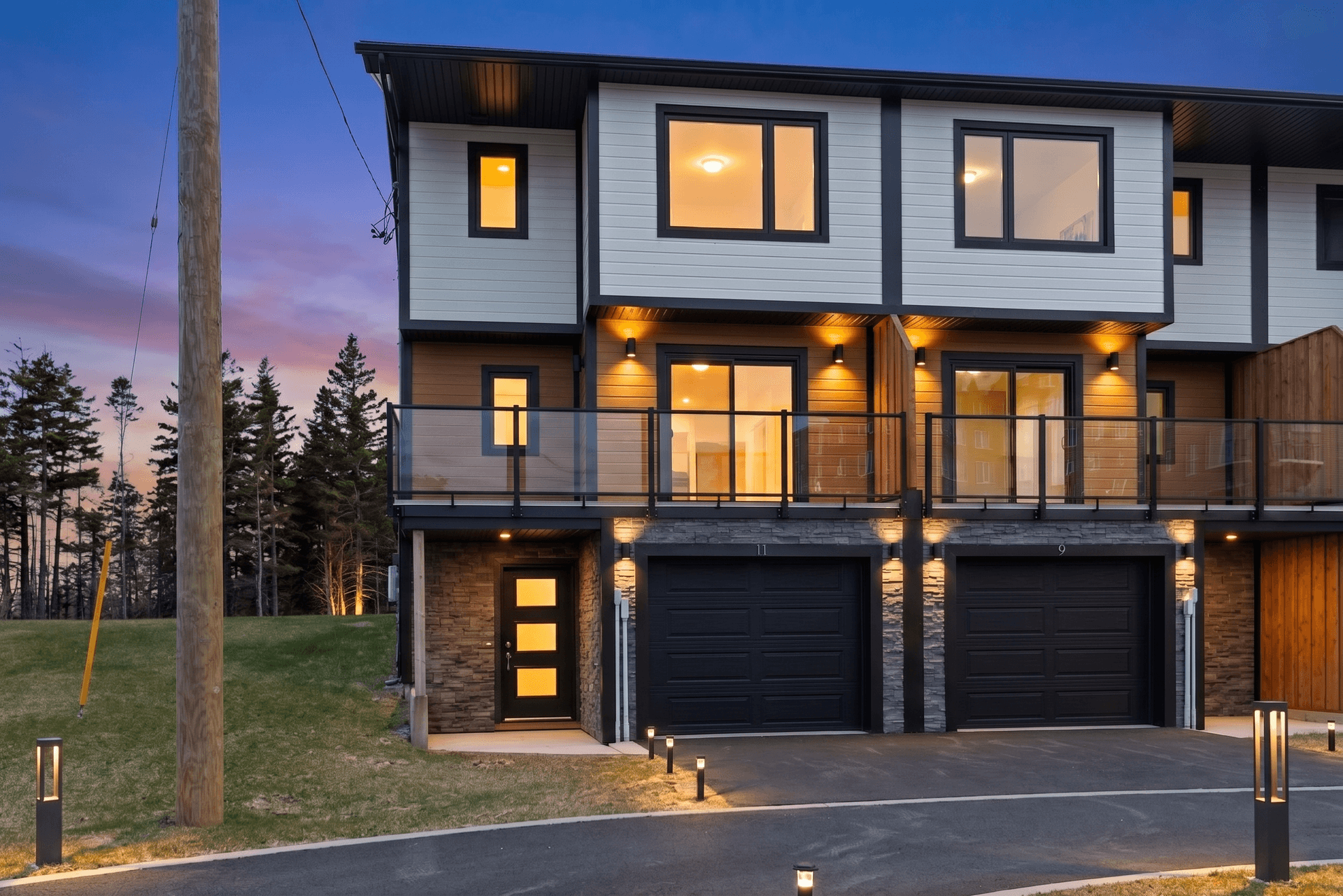
The Real Estate Agent's No-Nonsense Guide to AI Photo Editing
A plain-English guide to AI photo editing for real estate agents: the five essential edits, the mistakes to avoid, and pro listing photos in 10 minutes.
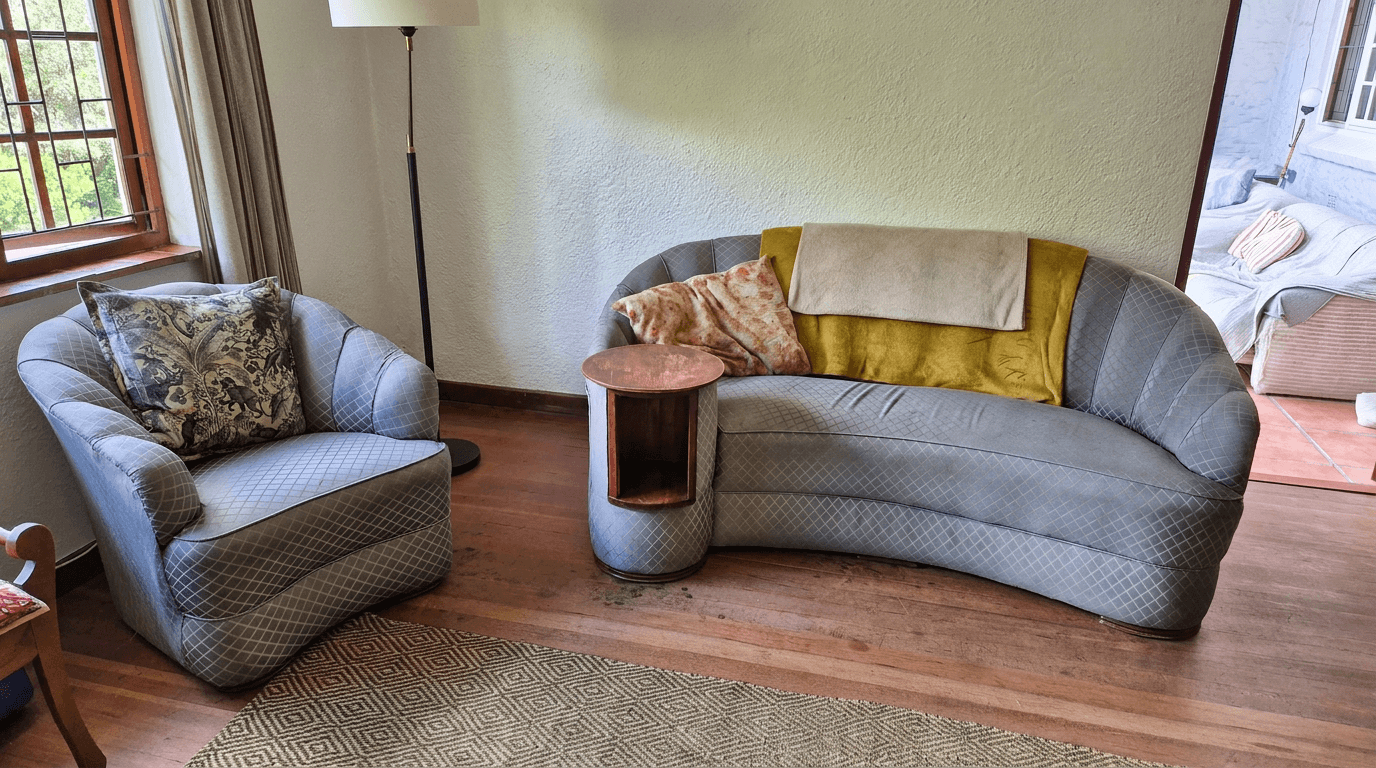
Airbnb Photo Editing: Before and After Transformations That Boost Bookings
See how AI photo editing transforms ordinary Airbnb photos into booking magnets. Real before-and-after examples for every room type.
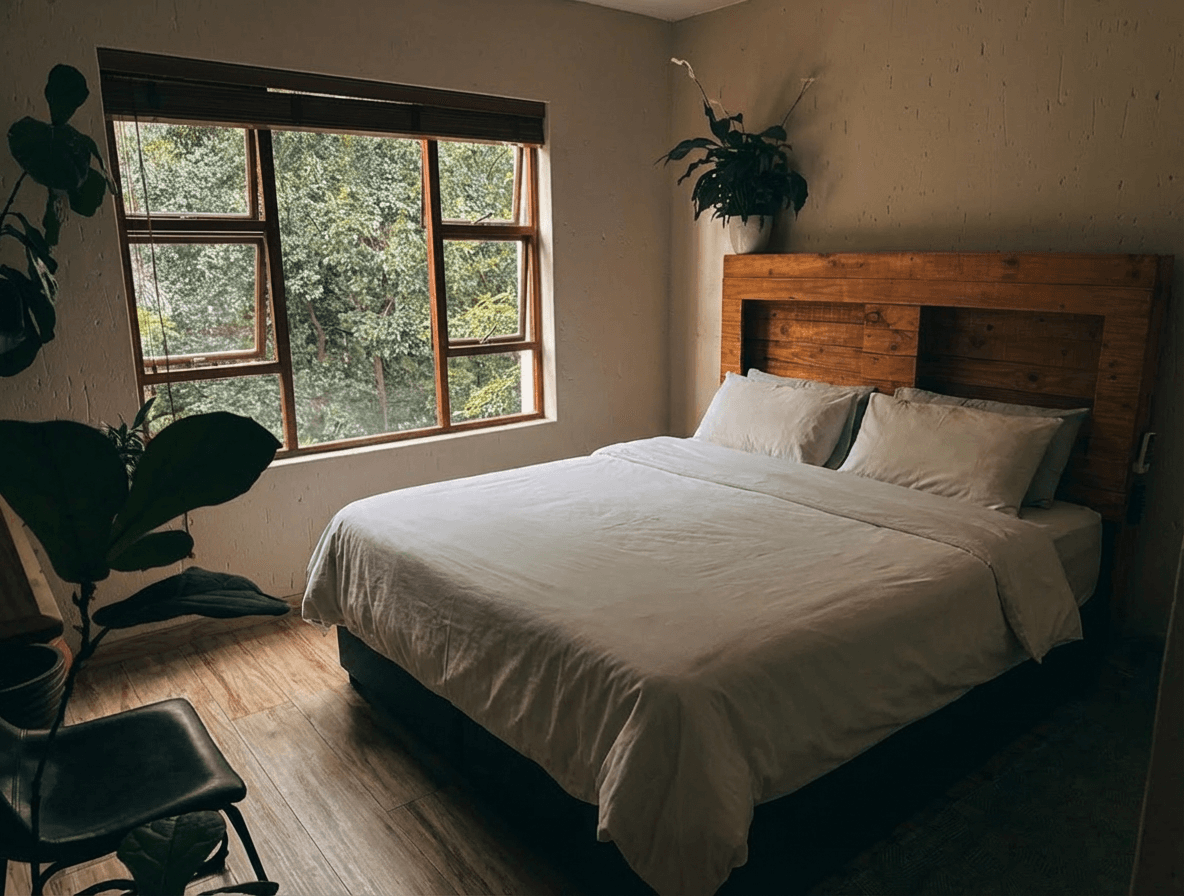
AI Decluttering for Real Estate Photos: Remove Clutter in Seconds
Learn how AI decluttering transforms messy, lived-in property photos into clean, show-ready images. Step-by-step guide with before and after examples.