The Real Estate Agent's No-Nonsense Guide to AI Photo Editing
A plain-English guide to AI photo editing for real estate agents: the five essential edits, the mistakes to avoid, and pro listing photos in 10 minutes.
You did not get into real estate to learn Photoshop. You got into it to sell homes, build relationships, and grow your business. But here you are, staring at a set of listing photos that look nothing like the beautiful property you just toured, wondering if you need to spend $200 on a professional editor or three hours watching YouTube tutorials to make them presentable.
The good news is that AI photo editing has changed the game completely. You do not need to understand histograms, layers, or color curves. You do not need expensive software or years of practice. In 2026, getting professional-quality listing photos is as simple as uploading an image and clicking a button. Seriously.
This guide is written specifically for agents, not photographers, not graphic designers, not tech enthusiasts. If you can attach a photo to an email, you can use AI photo editing. Here is everything you need to know, explained in plain English.
What AI Photo Editing Actually Is
Let us start with the basics, because the term "AI photo editing" gets thrown around a lot without much explanation.
AI photo editing means using software that has been trained on millions of images to automatically improve your photos. Instead of you manually adjusting dozens of sliders and settings, the AI looks at your photo, understands what it is (a kitchen, a living room, an exterior), identifies what needs fixing (too dark, wrong colors, dull sky), and makes the corrections itself.
Think of it like autocorrect for photos. Just as your phone fixes typos without you needing to understand grammar rules, AI photo editing fixes image problems without you needing to understand photography techniques.
What AI Can and Cannot Do
AI does well:
- Brighten dark rooms
- Fix color problems (yellow tint from indoor lights, blue cast from overcast days)
- Replace gray skies with natural blue skies
- Convert daytime exteriors to dramatic twilight shots
- Remove minor clutter and distractions
- Balance the exposure between bright windows and dark interiors
- Sharpen slightly soft images
- Stage empty rooms with photorealistic furniture (AI virtual staging)
AI does not do well (yet):
- Fix extremely blurry photos (if the photo is out of focus, AI cannot invent the missing detail)
- Change the angle or perspective of a photo
- Make a cramped room actually look bigger without distortion
For a more detailed look at what is possible, our full tutorial on AI photo editing walks through every feature step by step.
The 5 Edits Every Agent Should Know
You do not need to master twenty different editing techniques. These five edits cover 90% of what your listing photos need. Every one of them can be done with a single click using AI tools.
1. Brightness and Exposure Correction
The problem: Indoor photos taken with a phone or basic camera almost always come out darker than the room actually looked. Your eyes automatically adjust to different light levels, but cameras do not do this as well. The result: photos where rooms look dim, cramped, and uninviting.
The fix: AI brightness correction analyzes the lighting conditions in your photo and lifts the dark areas while keeping the bright areas (like windows) from washing out. The result looks like the room on a sunny day with every light turned on, which is how buyers want to see it.
When to use it: On virtually every interior photo you take. This single edit produces the biggest improvement for the least effort.
2. Sky Replacement
The problem: You scheduled your shoot, prepped the property, and then the weather did not cooperate. Overcast skies in exterior photos make properties look dull and depressing. A gray sky can drop a buyer's emotional response to a listing faster than almost any other visual element.
The fix: AI sky replacement detects the sky area in your photo and replaces it with a realistic blue sky with natural-looking clouds. Good AI tools match the lighting and color temperature so the replacement looks seamless, not pasted on.
When to use it: Any time your exterior shots have a flat gray or white sky. Also useful for correcting blown-out white skies caused by camera exposure issues.
For a deep dive into this specific technique, see our sky replacement guide.
3. Twilight Conversion
The problem: Twilight photos (those gorgeous dusk shots with warm interior lights glowing through windows and a deep blue sky) are the gold standard for listing hero images. But shooting real twilight requires being at the property during a 20-minute window at exactly the right time of day, with the right weather, with every light in the house turned on. It is a scheduling nightmare.
The fix: AI twilight conversion takes a regular daytime exterior photo and transforms it into a realistic twilight scene. The sky shifts to that deep blue-to-orange gradient, the windows appear to glow with warm interior light, and landscape lighting effects are added naturally.
When to use it: For your listing's hero photo. A twilight exterior as your first photo dramatically increases click-through rates in search results. One twilight shot per listing is the sweet spot.
4. Declutter and Clean Up
The problem: Even in a well-staged home, there are always distractions: a trash can visible in the kitchen shot, a garden hose coiled on the patio, personal items on bathroom counters, or a neighbor's car in the driveway of your exterior shot.
The fix: AI decluttering can remove small objects and distractions from photos, filling in the background naturally so it looks like the item was never there.
When to use it: Selectively. Use it for small distractions that pull attention away from the property. Do not use it to remove permanent features, structural issues, or anything a buyer would consider material to their purchasing decision. That crosses the line from enhancement into misrepresentation.
5. Color Correction
The problem: Different light sources create different color casts. Incandescent bulbs make everything look orange. Fluorescent lights add a green tint. Mixed lighting (daylight from windows plus artificial lights) creates uneven color that looks unnatural. Your eyes adapt to these color shifts in person, but the camera captures them faithfully, making rooms look nothing like they did when you were standing in them.
The fix: AI color correction analyzes the lighting in your photo and neutralizes unwanted color casts. Whites look white, grays look gray, and the overall image looks clean and natural rather than tinted.
When to use it: Any time a photo has a noticeable color tint. Pay particular attention to kitchens and bathrooms, where mixed lighting is most common.
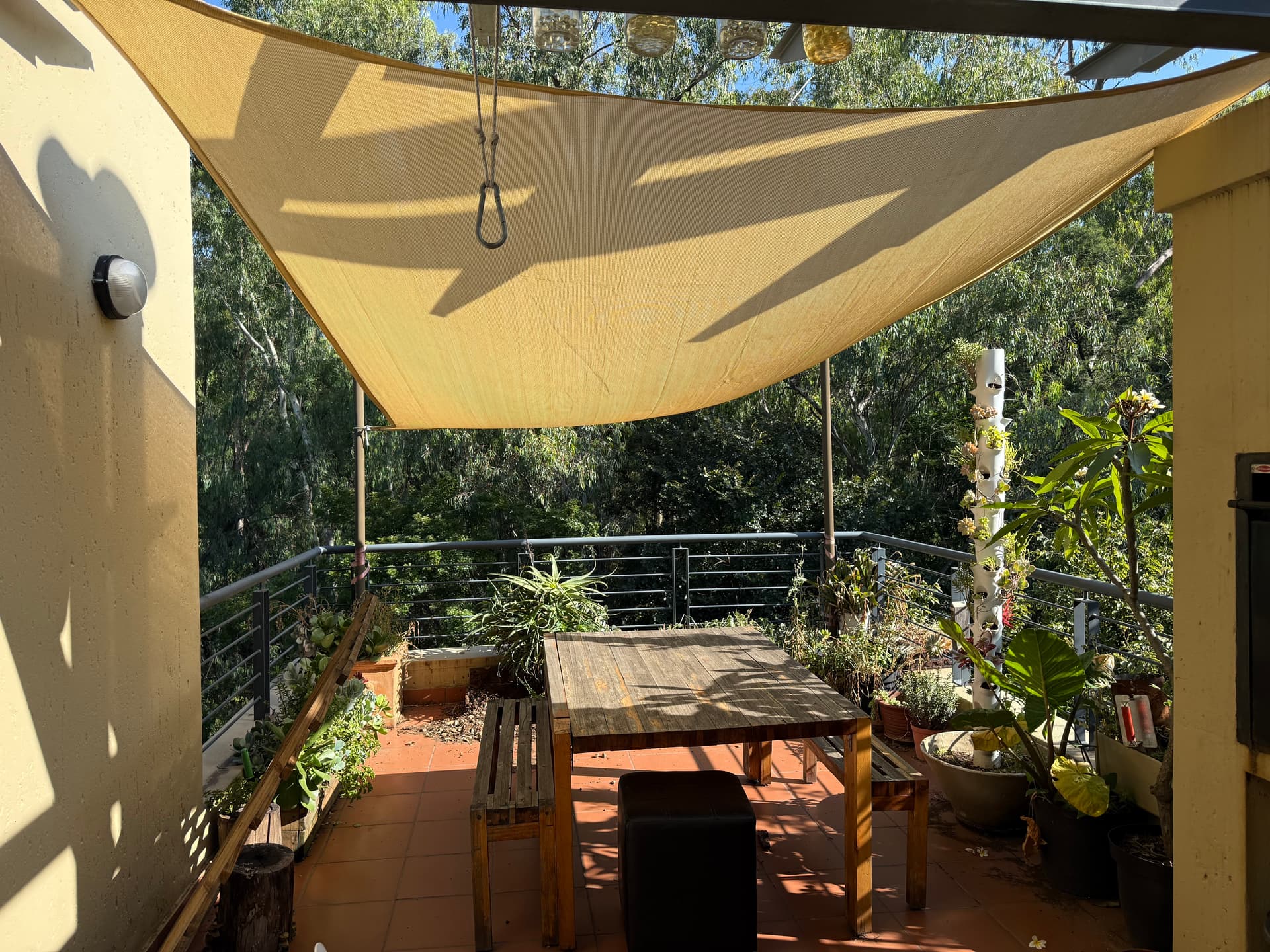
 After AI Editing
How to Evaluate Edit Quality: Is This Too Much?
One of the most common concerns agents have about AI editing is crossing the line between enhancement and misrepresentation. This is a valid concern, and understanding where the line sits protects you both ethically and legally.
The "Would a Buyer Feel Misled?" Test
Before using any edited photo, ask yourself: if a buyer visited this property after seeing this photo, would they feel that the photo was misleading? This is the simplest and most reliable test.
Acceptable enhancements:
- Brightening a dark photo to match how the room actually looks in person
- Replacing an overcast sky (the property's location has sunny days too)
- Correcting color casts that make the room look different from reality
- Removing temporary items (trash cans, garden hoses, personal items)
- Creating a twilight exterior (it is an artistic representation, like professional photography)
Potentially problematic edits:
- Removing permanent features like power lines, neighboring buildings, or visible damage
- Dramatically altering the apparent size of rooms through distortion
- Changing the color of walls, flooring, or fixtures
- Adding landscaping or features that do not exist
- Editing out structural defects, water damage, or maintenance issues
MLS Compliance
Most MLS systems have specific rules about edited photos. The general principle across all MLSs is that photos must accurately represent the current condition of the property. AI enhancements that improve photo quality (brightness, color accuracy, sharpness) are universally accepted. Edits that change the content of what is shown require more careful judgment.
For a complete breakdown of listing photo specs across the MLS and the major portals, see our multi-platform listing photo guide.
Start Simple, Then Experiment
When you first start using AI photo editing, stick to brightness correction and color correction. These two edits are the safest (they make the photo match reality better, not worse) and produce the biggest quality improvement. Once you are comfortable with the results, explore sky replacement and twilight conversion for exterior shots.
Try it free
Transform your first property photo in seconds, no account needed.
Common Beginner Mistakes
Every agent new to AI photo editing makes at least one of these mistakes. Knowing about them in advance saves you time and embarrassment.
Mistake 1: Over-Editing Everything
The first time you see what AI can do, it is tempting to apply every effect to every photo. Resist this urge. A listing where every interior is set to maximum brightness, every sky is replaced, and every exterior is converted to twilight looks artificial and creates distrust.
The fix: Use brightness and color correction on most photos. Reserve sky replacement for 2-3 exterior shots. Use twilight conversion for one hero image only. Less is more.
Mistake 2: Using Low-Quality Source Photos
AI is powerful, but it cannot work miracles on terrible source material. A badly blurred photo, an extremely dark image, or a photo shot from a confusing angle will produce a bad AI edit.
The fix: Take the best photos you can before editing. Use a steady hand (or a phone tripod), shoot in landscape orientation, and make sure rooms have as much light as possible. Good input produces great output.
Mistake 3: Inconsistent Editing Across a Listing
When you apply different editing styles to different photos in the same listing (one bright and airy, one warm and moody, one unedited), the result looks disjointed. Buyers notice this inconsistency, even if they cannot articulate it.
The fix: Apply the same editing preset or style to all photos in a single listing. Consistency creates a professional impression.
Mistake 4: Ignoring the Hero Photo
Your first listing photo is the thumbnail that appears in every search result on every platform. It gets 10-20 times more views than any other photo. Yet many agents treat it the same as every other image.
The fix: Give your hero photo extra attention. Use a twilight conversion or ensure the sky looks perfect. This single image has the biggest impact on whether buyers click into your listing.
Mistake 5: Not Reviewing Before Publishing
AI editing is fast, which can make you complacent. You click, it processes, you upload. But occasionally AI produces an artifact: an odd color shift, a repeating pattern in a replaced sky, or a blurred area where an object was removed.
The fix: Spend 10 seconds reviewing every edited photo at full size before uploading. Look for anything that seems unnatural or distracting. If something looks off, try the edit again or use a different preset.
The 10-Minute Listing Photo Workflow
Here is a practical, step-by-step workflow that takes you from raw photos to upload-ready images in about 10 minutes. No photography background required.
Step 1: Capture (During Your Showing or Preview Visit)
Time: 5-10 minutes at the property
- Turn on every light in the house
- Open all blinds and curtains
- Hold your phone horizontally (landscape mode)
- Stand in one corner of each room and shoot toward the opposite corner
- Take 2-3 shots of each room from different angles
- Shoot the exterior from the curb and from each corner of the front
- Take at least 25-30 photos total (you will select the best 15-20)
Step 2: Select (On Your Phone or Computer)
Time: 3 minutes
- Delete obviously bad shots (blurry, dark, awkward angles)
- Choose the single best shot of each room
- Select 2-3 exterior options
- Aim for 15-20 final photos
Step 3: Edit (Using Twilight or Another AI Tool)
Time: 5 minutes
- Upload all selected photos
- Apply a brightening edit (the Retouch mode in Twilight) to all interior shots
- Apply sky replacement to exterior shots if the sky is overcast
- Create one twilight conversion for your hero exterior shot
- Review each edited photo for quality
Step 4: Upload to MLS
Time: 2 minutes
- Upload in the correct order: hero exterior first, then main living space, kitchen, primary suite, other rooms, outdoor spaces
- Add photo captions if your MLS supports them
- Verify display quality after publishing
That is it. Ten minutes from raw photos to a professional-looking listing.
The Cost Comparison That Matters
Professional photo editing services charge $1.50-$4.00 per image and take 12-24 hours. For a 20-photo listing, that is $30-$80 and a full day of waiting. AI editing through Twilight costs 1 credit per photo at 1K and takes about 30 seconds each. Credits cost $0.33 to $0.58 each on a plan, or $0.93 to $1.20 in a pack. An agent with 25 listings a year of 20 photos edits about 42 photos a month, which fits the Starter plan ($29 for 50 credits), so the same 20-photo listing costs about $12 to $14. Over the year that is $348 against $750 to $2,000 for outsourcing: roughly $400 to $1,650 saved, plus a day of waiting on every listing. Twilight prices as of October 2026; see pricing for current prices. For a full comparison of editing options, see our software comparison guide.
When to Hire a Pro vs Do It Yourself
AI photo editing has made DIY listing photos viable for most properties, but there are situations where hiring a professional photographer is still the right call.
Do It Yourself When:
- The property is priced under $500,000 (where the marketing budget may not justify professional photography)
- You need photos immediately (same-day listing situations)
- The property is a straightforward layout without complex angles or challenging lighting
- You are comfortable with basic phone photography
- The listing market is moving fast and speed matters more than perfection
Hire a Professional When:
- The property is luxury or high-end (buyers in this segment expect magazine-quality imagery)
- The home has unique architectural features that require expert composition to showcase
- You need drone photography for acreage, waterfront, or elevated views
- The property has challenging lighting conditions (very dark rooms, extreme contrast)
- The seller is investing in premium marketing and expects a full media package
The Hybrid Approach
Many successful agents use a hybrid strategy: hire a professional for listings above a certain price point or for properties with unique visual demands, and handle everything else with their phone plus AI editing. This maximizes your budget while ensuring every listing looks professional.
The key insight is that AI editing raises the floor, not the ceiling. It takes a decent phone photo and makes it look professional. But a professional photographer combined with AI editing produces results that neither could achieve alone.
Get started free
Create your free account and get 5 credits to start editing.
Choosing the Right AI Editing Tool
Not all AI photo editing tools are created equal. Here is what to look for as an agent who does not want to become a tech expert.
Must-Have Features
- One-click presets designed specifically for real estate (not generic Instagram-style filters)
- No software to install: web-based tools you can use from any device
- Fast processing: under 60 seconds per image, ideally under 30
- Before/after comparison so you can evaluate results immediately
- Batch capability to process multiple photos at once
- Reasonable pricing with a plan that fits your listing volume
Nice-to-Have Features
- Twilight conversion
- Sky replacement
- Custom prompt capability (describe what you want in plain English)
- Image analysis that suggests which edits to apply
- Team or brokerage plans for sharing across an office
What to Avoid
- Tools that require Photoshop or Lightroom knowledge
- Services with 24-hour turnaround (the whole point of AI is speed)
- Platforms that require long-term contracts
- Tools designed for general photography rather than real estate specifically
Your First Week With AI Editing: An Action Plan
If you are ready to start using AI photo editing, here is a simple plan for your first week.
Day 1: Sign up for Twilight's free trial (no credit card needed) and upload 3-5 photos from a recent listing. Try the Retouch and Exterior modes. Compare the results to the originals.
Day 2: Take photos of your next listing using the tips in the capture section above. Focus on getting good lighting and straight angles.
Day 3: Upload the full set from Day 2. Apply consistent editing to all photos. Practice the 10-minute workflow.
Day 4: Upload the edited photos to your MLS. Compare how they look next to other listings in the same area. Notice the quality difference.
Day 5: Try a twilight conversion on your best exterior shot. Use it as the hero image. Monitor your listing views over the following days.
By the end of the week, you will have a workflow that produces professional listing photos in minutes. No courses required. No software to learn. Just better-looking listings that attract more buyers.
View pricing
Credit packs from $12, plans from $29 a month.
Related Articles

How to Write AI Prompts for Real Estate Photo Editing: A Practical Guide
AI photo editing prompts for real estate that produce reliable edits: templates for day-to-dusk, sky replacement, decluttering, exposure fixes and more.
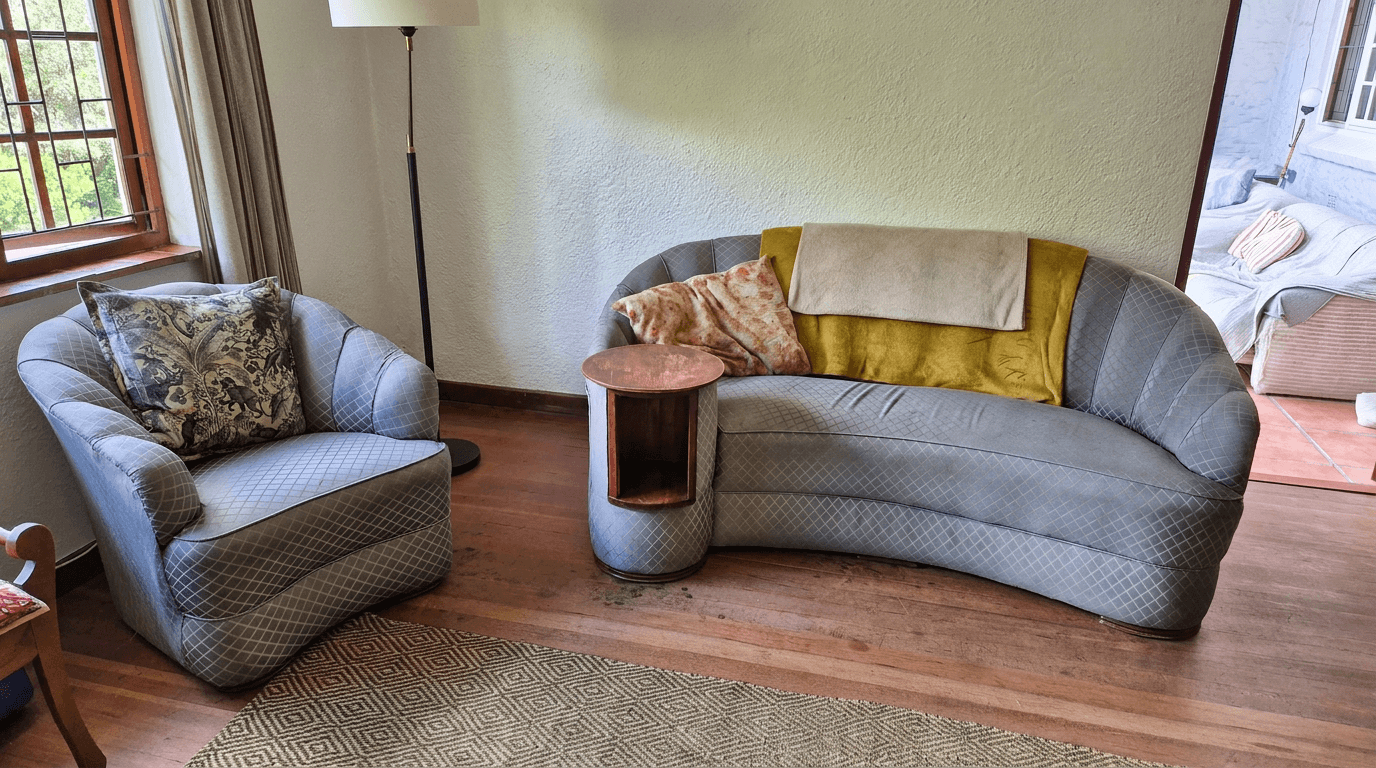
Airbnb Photo Editing: Before and After Transformations That Boost Bookings
See how AI photo editing transforms ordinary Airbnb photos into booking magnets. Real before-and-after examples for every room type.
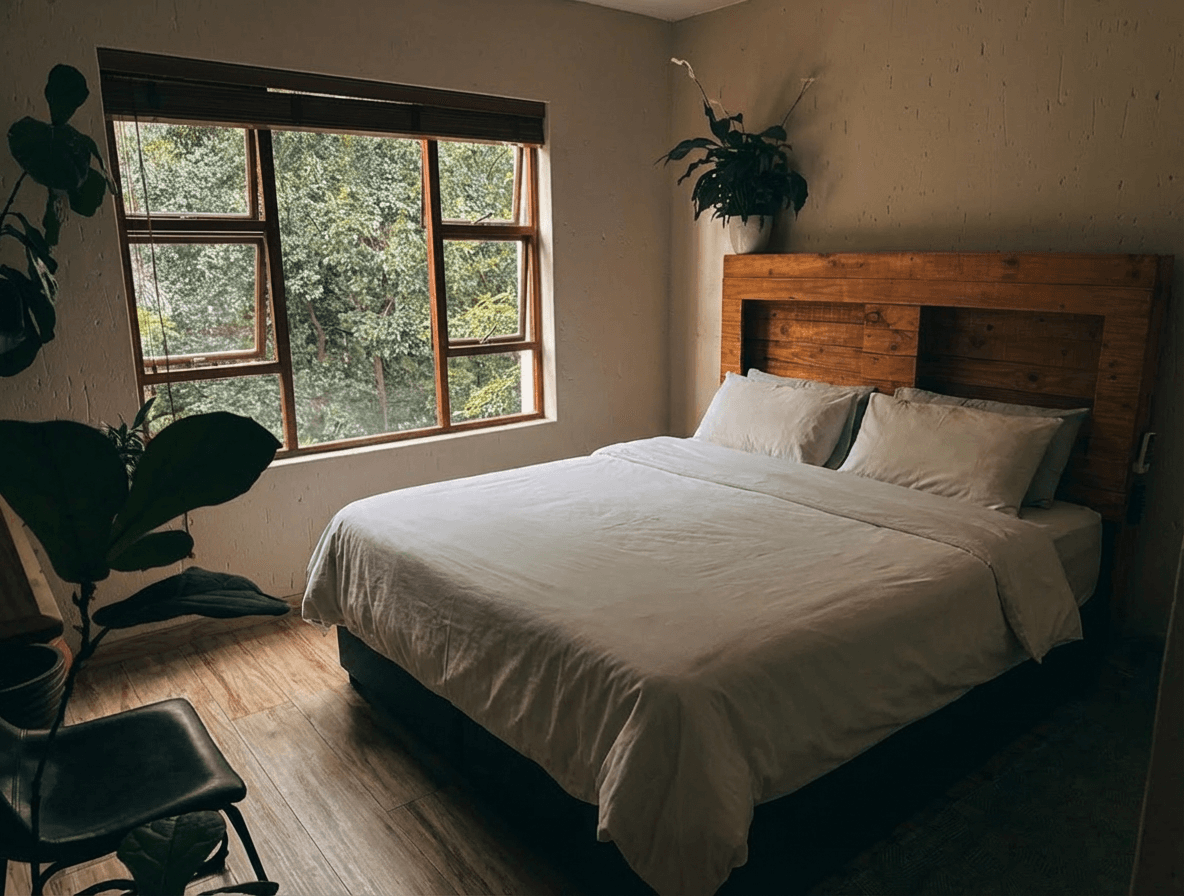
AI Decluttering for Real Estate Photos: Remove Clutter in Seconds
Learn how AI decluttering transforms messy, lived-in property photos into clean, show-ready images. Step-by-step guide with before and after examples.