MLS Photo Requirements: Complete Guide for Real Estate Agents
Learn everything about MLS photo requirements including resolution standards, file size limits, common rejection reasons, and how to ensure your listing photos pass every time.
Getting your listing photos rejected by the MLS is one of the most frustrating experiences in real estate. You have spent time staging the property, hired a photographer (or carefully taken the shots yourself), and now a technical issue is holding up your listing. The good news is that MLS photo rejections are almost entirely preventable once you understand the rules.
This guide covers the photo requirements enforced by most MLS systems across the United States, explains the most common reasons photos get rejected, and shows you how to prepare images that pass on the first upload every time.
Understanding MLS Photo Standards
Multiple Listing Services exist to provide standardized, reliable property information to buyers and their agents. Photo standards are a core part of that mission. While each regional MLS may have slightly different specific requirements, they all share a common set of principles: photos must be high quality, accurately represent the property, and meet technical specifications that ensure consistent display across devices.
Why Standards Exist
MLS photo standards serve three purposes:
- Consistency for buyers. When someone browses listings, the photos should load quickly, display correctly, and provide a fair representation of every property.
- Fair competition among agents. Standards prevent a race to the bottom where heavily manipulated or misleading images give some listings an unfair advantage.
- Technical reliability. Files that are too large slow down the system. Files that are too small look terrible on modern displays. Standards keep everything in a workable range.
Understanding these goals helps you predict what will and will not be accepted, even if you cannot find your specific MLS rulebook.
Resolution and Dimension Requirements
Resolution requirements vary by MLS, but most have converged around similar thresholds as display technology has standardized.
Minimum Requirements
The majority of MLS systems enforce these minimums:
| Specification | Typical Minimum | Recommended |
|---|---|---|
| Width | 1024 pixels | 2048+ pixels |
| Height | 768 pixels | 1536+ pixels |
| Resolution | 72 DPI | 150-300 DPI |
| Aspect ratio | 4:3 | 4:3 or 3:2 |
Some MLSs, particularly in major metropolitan markets, have raised their minimums to 1920 x 1080 pixels to keep up with high-resolution displays. Always check your specific MLS documentation, but shooting at 2048 pixels wide or above will satisfy virtually every system.
Maximum File Size
Most MLS systems cap individual photo file size between 10 MB and 20 MB. A few older systems still enforce a 5 MB limit. In practice, a well-compressed JPEG at 2048 pixels wide typically comes in at 1-3 MB, well within any limit.
Pro Tip
If your photos are consistently too large, you are probably uploading uncompressed files straight from the camera. Export your images as JPEG with 80-85% quality. This dramatically reduces file size with virtually no visible quality loss.
Accepted File Formats
Nearly every MLS accepts:
- JPEG (.jpg/.jpeg) -- the universal standard and safest choice
- PNG (.png) -- accepted by many but produces larger files with no advantage for photos
Some MLSs have begun accepting:
- WebP -- smaller file sizes but not universally supported yet
- HEIC -- Apple's native format, but support remains limited
When in doubt, use JPEG. It is universally accepted, produces reasonable file sizes, and handles photographic content well.
Common MLS Photo Rejection Reasons
Understanding why photos get rejected is just as important as knowing the technical specs. Here are the most frequent reasons, ranked roughly by how often they occur.
1. Watermarks and Branding
This is the single most common rejection reason. Most MLSs prohibit:
- Photographer or company watermarks
- Brokerage logos overlaid on the image
- Agent contact information on the photo
- Website URLs
The reasoning is straightforward: MLS photos may be distributed to hundreds of websites, and embedded branding creates confusion about who is actually listing the property. Your agent information is already attached to the listing data.
2. Text and Graphics Overlays
Beyond watermarks, MLSs typically reject photos with:
- "SOLD" or "PENDING" banners
- Price information
- Property feature callouts
- Arrows or circles highlighting features
- Collages or composite images
Each photo should be a single, unaltered photograph of the property. Marketing graphics belong in your social media posts and flyers, not in MLS uploads.
3. Poor Image Quality
Photos may be rejected for quality issues including:
- Extreme blur or motion blur
- Severe underexposure (too dark) or overexposure (too bright)
- Heavy visible noise or grain
- Extreme color casts
- Very low resolution (pixelated images)
This is where post-processing becomes essential. Even well-shot photos sometimes need brightness adjustments, white balance correction, or other enhancements to meet quality expectations. Tools like Twilight can handle these corrections automatically with AI, ensuring your photos look professional without manual editing expertise.
4. Inaccurate Representation
MLSs are increasingly strict about photos that misrepresent the property:
- Photos from a different season that hide current condition issues
- Heavily edited images that change the actual appearance of the property
- Virtual staging that is not clearly labeled
- Removing permanent defects or structural issues
The line between enhancement and misrepresentation is important to understand. Brightening a dark photo is fine. Digitally removing a power line running across the front yard is more questionable. Editing out a crack in the foundation is a clear violation.
5. Inappropriate Content
Photos must show the property itself. Common rejections include:
- Photos of agents or people (some MLSs allow occupants with consent)
- Pets
- Personal items that identify occupants (family photos, mail)
- Neighborhood or community amenity photos (unless they are a listed feature)
How to Ensure Your Photos Pass Every Time
Follow this checklist before uploading to avoid rejections and delays.
Pre-Shoot Preparation
- Check your MLS-specific guidelines. Log into your MLS portal and find their photo policy document. Bookmark it.
- Set your camera or phone to shoot at maximum resolution. You can always scale down later. You cannot add resolution after the fact.
- Shoot in landscape orientation. Most MLS displays are optimized for landscape (horizontal) images. Portrait shots often get cropped awkwardly.
- Use a tripod or stabilization. Even slight camera shake at wide angles can result in photos that look soft or blurry.
Post-Processing Checklist
After shooting, run through these steps before uploading:
- Correct exposure and white balance. The image should look natural and well-lit.
- Straighten verticals. Leaning walls and tilted horizons look unprofessional and may trigger quality rejections.
- Remove any watermarks if your photographer delivered branded images.
- Check dimensions. Ensure the final export meets your MLS minimum width and height.
- Export as JPEG at 80-85% quality. This balances file size and image quality.
- Verify file size is under your MLS limit.
Using AI Editing to Meet Standards
Modern AI photo editing tools have made MLS compliance significantly easier. Instead of manually adjusting exposure, color balance, and quality for each photo, AI can handle these corrections in seconds.
Here is how AI editing helps with MLS compliance:
- Automatic exposure correction. Dark rooms and blown-out windows are fixed in one pass, eliminating the most common quality rejection trigger.
- Color accuracy. AI white balance ensures rooms look natural, not orange from tungsten lights or blue from mixed lighting.
- Sky replacement. Overcast skies in exterior shots can be replaced with realistic blue skies, improving appeal while keeping the property itself accurate. Learn more about this in our sky replacement guide.
- Resolution enhancement. Some AI tools can upscale lower-resolution images while maintaining sharpness, helping older photos meet modern minimum requirements.
- Consistent quality. When you process an entire listing through the same AI tool, all photos have a consistent look and quality level, which reviewers appreciate.
The key advantage of AI editing for MLS compliance is speed. When you are listing multiple properties per week, spending 30 minutes per photo in Lightroom is not sustainable. AI processing takes seconds per image and produces consistent, MLS-compliant results.
MLS Photo Count and Ordering Best Practices
Beyond technical requirements, how you use your photo slots matters for listing performance.
Optimal Photo Count
Most MLSs allow 25-50 photos per listing. Research consistently shows that listings with more photos receive more views:
- 1-5 photos: Minimum viable, but suggests the property has something to hide
- 6-15 photos: Adequate for smaller properties
- 16-25 photos: Ideal range for most single-family homes
- 25+ photos: Appropriate for luxury or large properties
However, more is not always better. Twenty-five excellent photos will outperform forty mediocre ones. Quality should always come first.
Photo Ordering Strategy
The first photo is your listing's thumbnail across every portal that syndicates from the MLS. It determines whether buyers click through. Follow this general ordering:
- Hero exterior shot -- the best front-of-house angle with good lighting
- Living room / great room -- the primary living space
- Kitchen -- often the most important room for buyers
- Primary bedroom
- Primary bathroom
- Additional bedrooms and bathrooms
- Dining room, office, bonus rooms
- Backyard and outdoor living spaces
- Additional exterior angles
- Neighborhood or community amenities (if permitted)
Your first photo matters more than all the others combined. If you are using iPhone photography, make sure to put extra effort into that hero shot. Consider using AI editing to ensure it is perfectly exposed and color-balanced.
Regional MLS Variations to Watch For
While the guidelines above apply broadly, some regional MLSs have unique requirements worth noting.
Bright MLS (Mid-Atlantic)
One of the largest MLSs in the country, Bright MLS requires a minimum of 1024 x 768 pixels and prohibits all text overlays. They have been particularly strict about virtual staging that is not disclosed.
CRMLS (California)
The California Regional MLS requires photos to be at least 1024 x 768 and has specific rules about drone photography, requiring FAA Part 107 certification documentation for aerial shots.
Stellar MLS (Florida)
Stellar MLS has been an early adopter of higher resolution requirements, pushing agents toward 1920 x 1080 minimum dimensions. They also enforce strict rules about photo modification disclosure.
Always Check Your Local MLS
Requirements change frequently. The examples above are illustrative, not authoritative. Log into your MLS portal and review their current photo policy at least once a year.
Future Trends in MLS Photo Standards
MLS photo requirements are evolving alongside technology. Here is what to expect in the coming years.
Higher Resolution Baselines
As 4K displays become standard, expect minimum resolution requirements to increase. Shooting at the highest resolution your camera allows is future-proofing your workflow.
AI Disclosure Requirements
Several MLSs are developing policies around AI-enhanced photos. Expect future requirements to include disclosure when AI has been used for sky replacement, virtual staging, or significant enhancements. This makes using ethical AI tools that enhance without misrepresenting -- like Twilight -- especially important.
Video and 3D Tour Integration
MLS systems are increasingly supporting video walkthroughs and 3D tours alongside still photos. While these do not replace still photography, they are becoming expected for competitive listings.
Metadata Requirements
Some MLSs are beginning to require or encourage EXIF metadata preservation, including the date the photo was taken. This helps verify photo recency and can flag when agents reuse photos from previous listings.
Quick Reference Checklist
Before every upload, verify:
- JPEG format, 80-85% quality
- Minimum 2048 pixels wide (exceeds most MLS minimums)
- File size under 10 MB per photo
- No watermarks, logos, or text overlays
- Landscape orientation
- Properly exposed and color-balanced
- Verticals are straight
- Photos accurately represent current property condition
- First photo is your strongest exterior shot
- At least 15-20 photos for standard single-family homes
Wrapping Up
MLS photo requirements exist to maintain quality and consistency across the real estate marketplace. By understanding the technical specifications, avoiding common rejection triggers, and using modern tools to streamline your editing workflow, you can ensure your listings go live quickly with photos that attract buyers.
The most efficient approach is to combine good photography fundamentals with AI-powered post-processing. Shoot at high resolution, frame your shots carefully, and let AI handle the technical corrections that used to require hours in editing software. Your listings will look better, go live faster, and attract more buyer attention. For a broader look at how different listing platforms handle your photos, see our guide to optimizing listing photos for Zillow, Realtor.com, MLS, and more. And for more on the evolving disclosure landscape around AI editing, read our ethics of real estate photo editing guide.
Related Articles
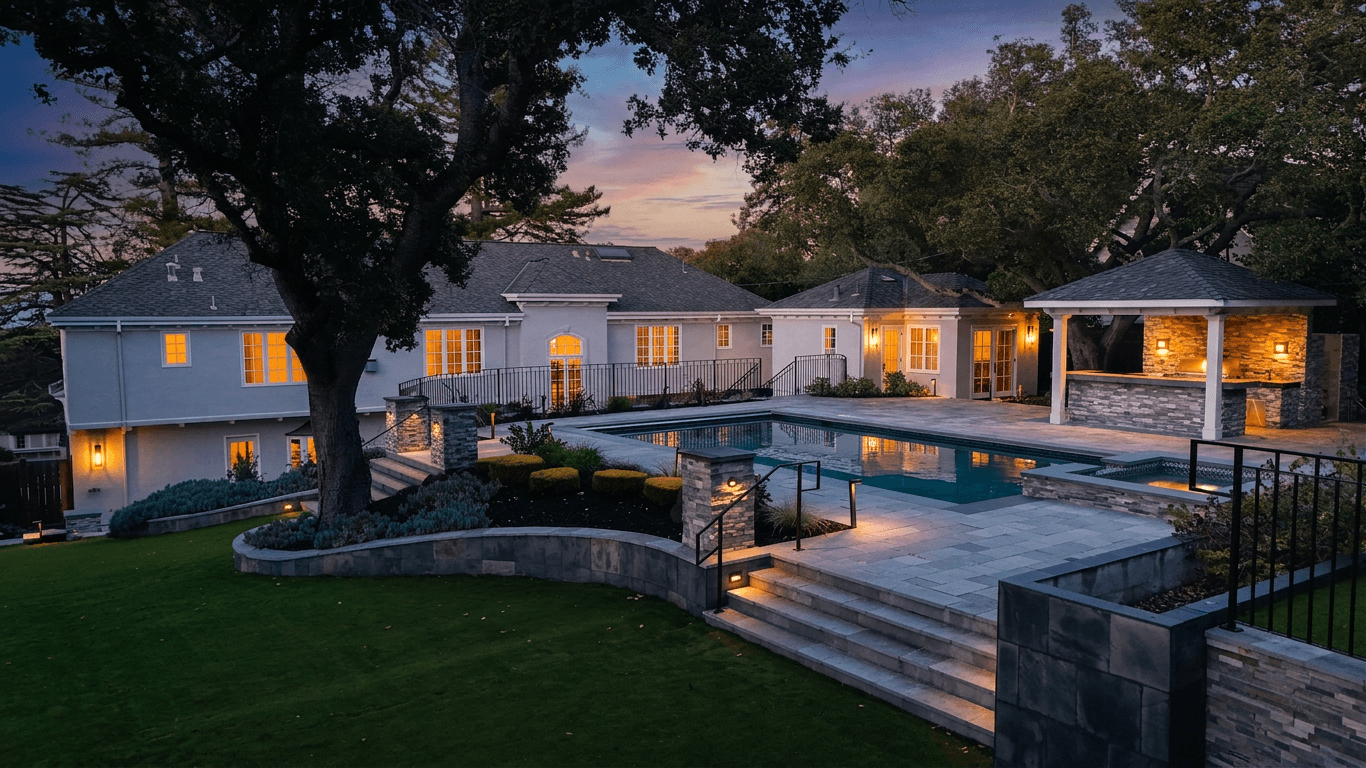
Listing Photo Requirements for Zillow, Realtor.com, MLS & Redfin
Learn the exact photo requirements for every major real estate platform. Optimize your listing images for Zillow, Realtor.com, MLS, Redfin, and Trulia to maximize views and engagement.
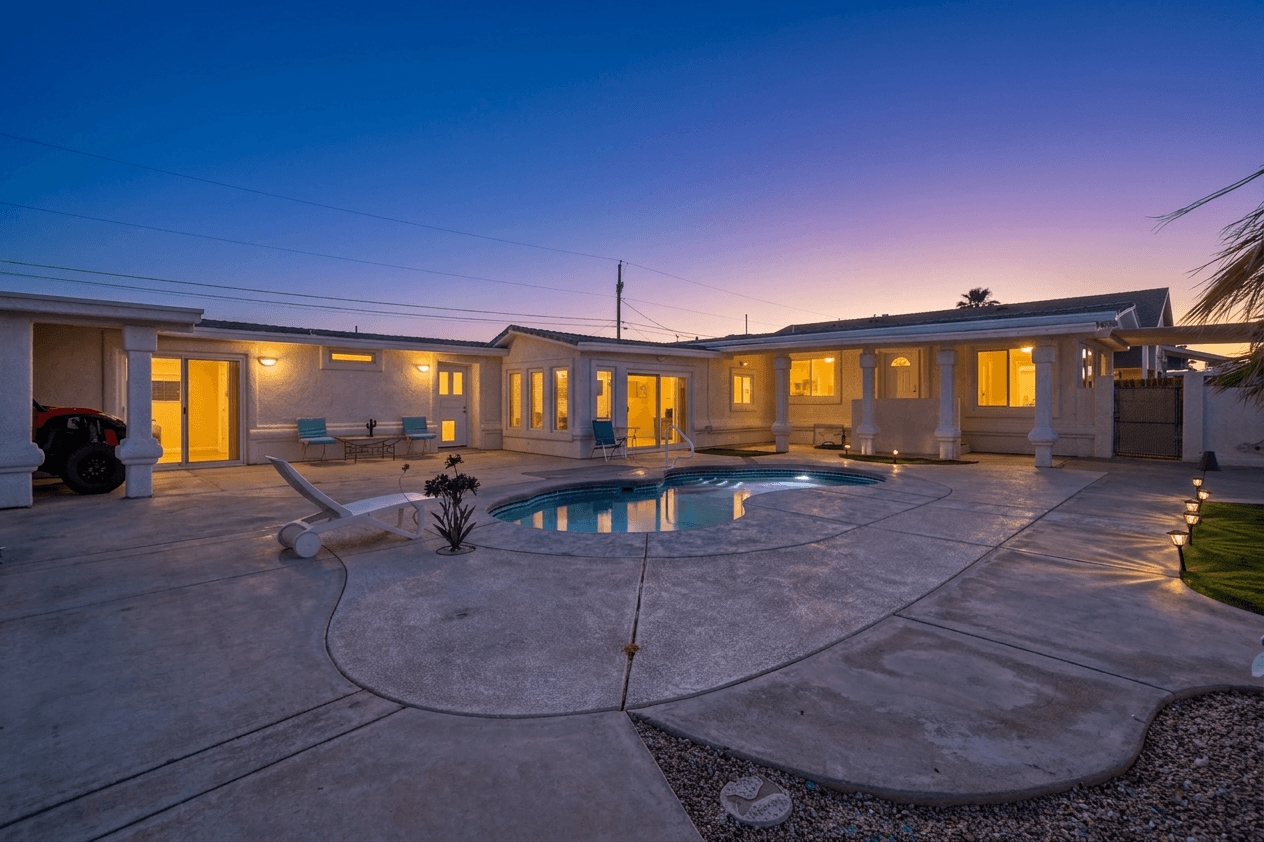
Twilight Photography for Real Estate: The Complete Guide
Discover why twilight photography sells homes faster and for more money. Learn how to shoot golden hour photos, overcome common challenges, and use AI to convert any daytime photo into a stunning twilight image.
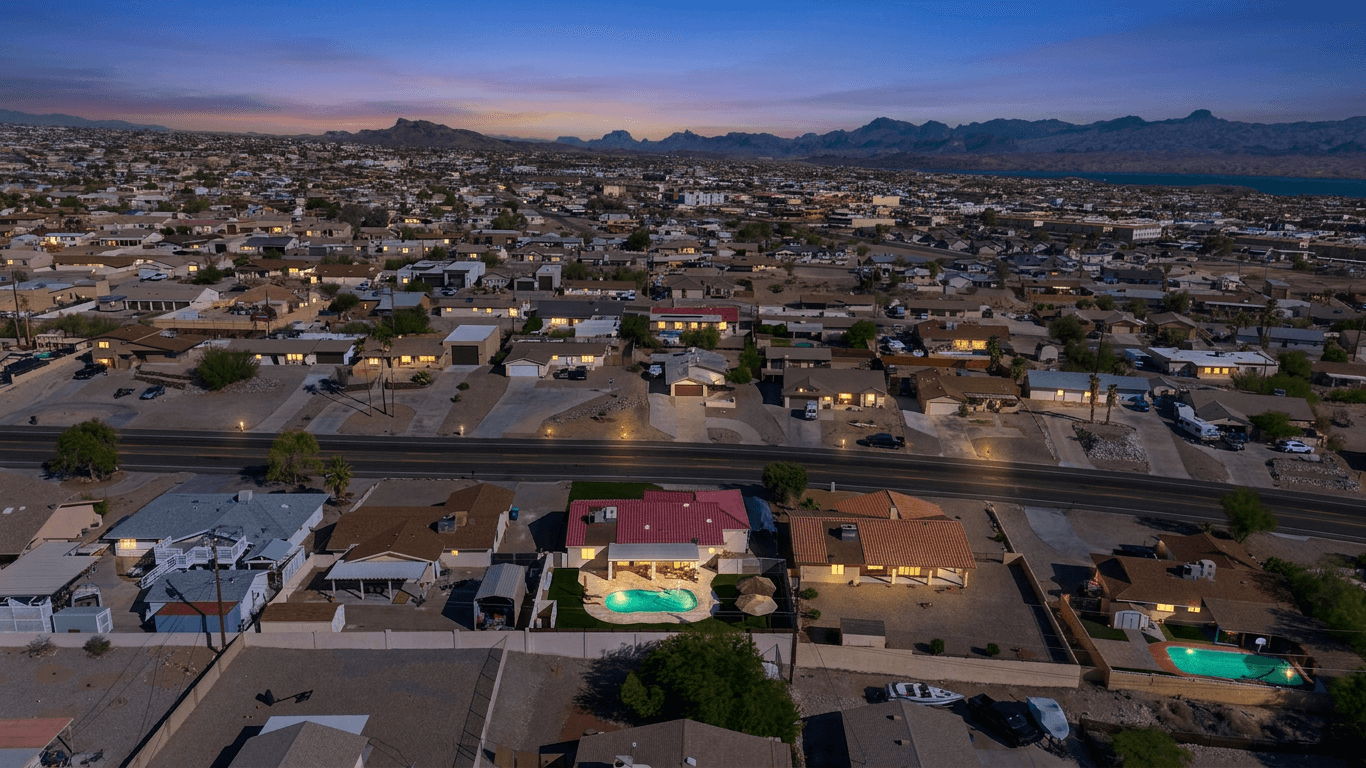
Drone and Aerial Photography for Real Estate: A Practical Guide
Everything you need to know about drone photography for real estate listings, including FAA Part 107 requirements, best practices for angles and altitude, editing tips, pricing, and when aerial shots actually add value.