Which AI Photo Edits Need Disclosure? AB 723 and MLS Rules, Edit by Edit
California's AB 723 splits listing photo edits into adjustments and alterations. Here is which side each common AI edit falls on, with real before/afters.
About 4 in 10 agents who type their own instructions into Twilight ask to remove something from a photo. Almost 1 in 3 ask for a new sky or a dusk look. About 1 in 8 ask to add furniture, and about as many ask to fix a lawn. Since January 1, 2026, a California agent who publishes any of those edits has a new question to answer first: is this an adjustment, or an alteration?
The short answer: if an edit changes what the buyer would see when they walk in, it needs a label and a link to the original. If it only changes how the photo looks (brightness, colour, straightness), it does not.
This guide goes through the common AI edits one at a time and puts each on one side of that line, with real before/afters from Twilight.
Not legal advice
This is a plain-language reading of the law and common MLS practice, written for agents deciding what to label. Your brokerage, your MLS and, if in doubt, a lawyer have the final word.
What AB 723 actually requires
AB 723 added Section 10140.8 to California's Business and Professions Code. In practice it asks three things of a licensee who advertises a property with a digitally altered image:
- A statement that the image has been altered, reasonably conspicuous and on or next to the image.
- A way to see the original: a link, URL or QR code that leads to the unaltered image, clearly identified.
- On your own listing website, the unaltered version shown alongside the altered one.
The law defines an altered image as one changed with photo editing software or AI, and its examples are the physical parts of a home: fixtures, furniture, appliances, flooring, walls, paint colour, hardscape. It also lists what does not count: lighting, sharpening, white balance, colour correction, angle, straightening, cropping, exposure, and other common adjustments that do not change the representation of the property.
That exclusion list is the useful part. It tells you the line is not "was AI involved" but "does the property look different".
Outside California, many MLSs already had a version of this rule for virtual staging, and some apply it to any edit that adds or removes something. Check yours. The safest habit, wherever you list, is the California one: label it and keep the original one click away.
The edits, one by one
| Edit | Adjustment or alteration? | Label it? |
|---|---|---|
| Brightness, exposure, HDR blend | Adjustment | No |
| White balance, colour cast | Adjustment | No |
| Straightening verticals, cropping | Adjustment | No |
| Turning on lights the home already has | Adjustment (lighting) | No, if nothing else changes |
| Removing bins, hoses, toys, personal items | Grey area | Label it to be safe |
| Removing furniture | Alteration (furniture is named) | Yes |
| Virtual staging | Alteration | Yes |
| Repairing or greening a lawn | Alteration (changes the property's condition) | Yes |
| Replacing the sky, day to dusk | Grey area | Label it to be safe |
| Removing power lines, poles, cracks, stains | Alteration | Yes, and think twice |
| Changing paint, flooring, worktops | Alteration (named in the law) | Yes |
Three of these are worth a closer look.
Clearing clutter: a grey area, so label it
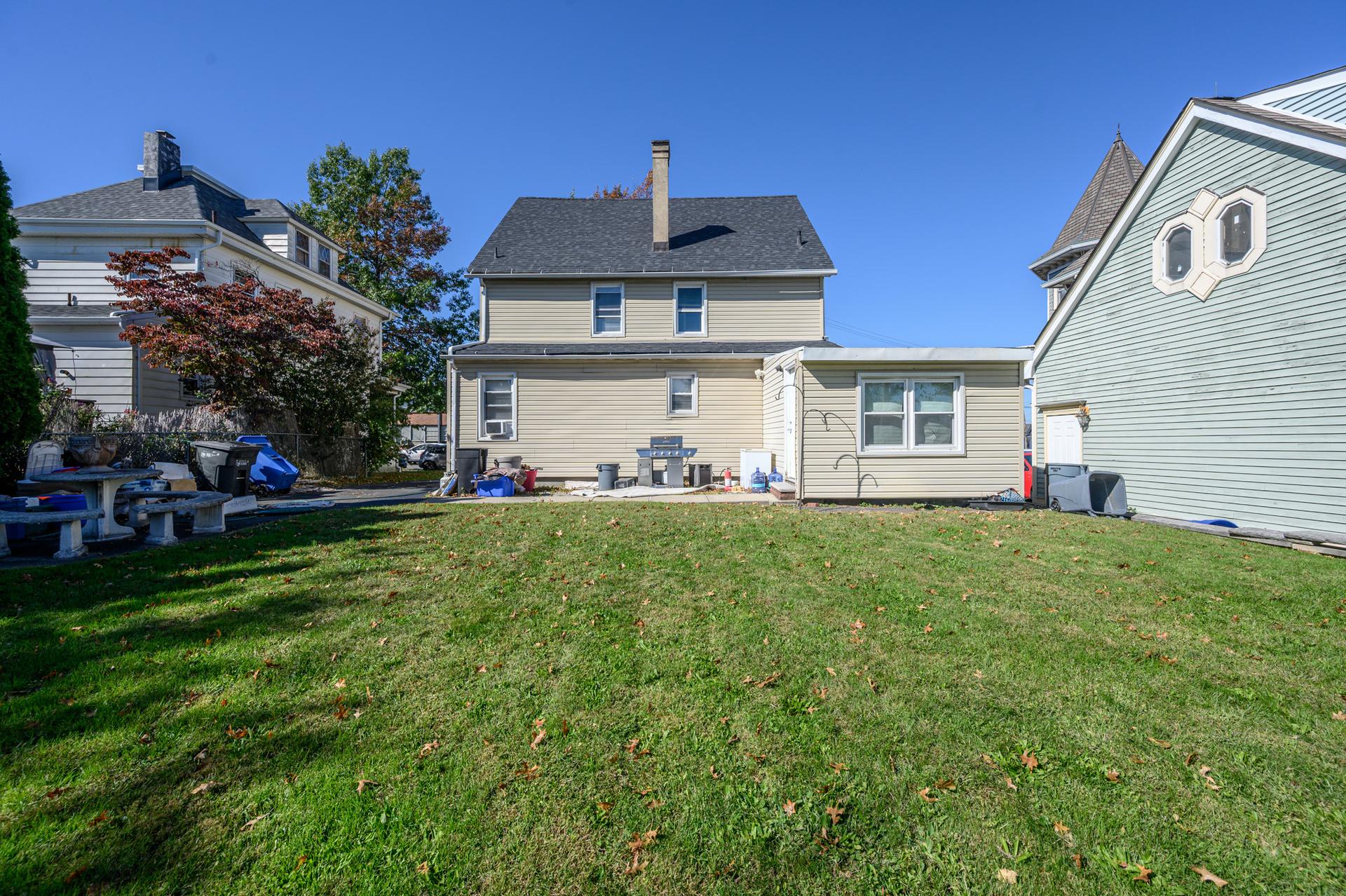
Removing things the seller will take with them (bins, a barbecue, a garden hose, water bottles) does not change the property. But the law's exclusion list is about photographic adjustments, and object removal is not on it. Until someone tests it, the cheap answer is to add the label.
 Clutter removed
The request was "remove trash cans, bbq grill, water bottles, clutter by the left fence, clutter in front of the house, but don't remove the stone table". The wall of the house came out clean and the stone table stayed. Look at the edges, though: the bins by the left fence and the one on the right are still there. Removal edits often do most of a list, so check every item before you publish, labelled or not.
Virtual staging: always an alteration
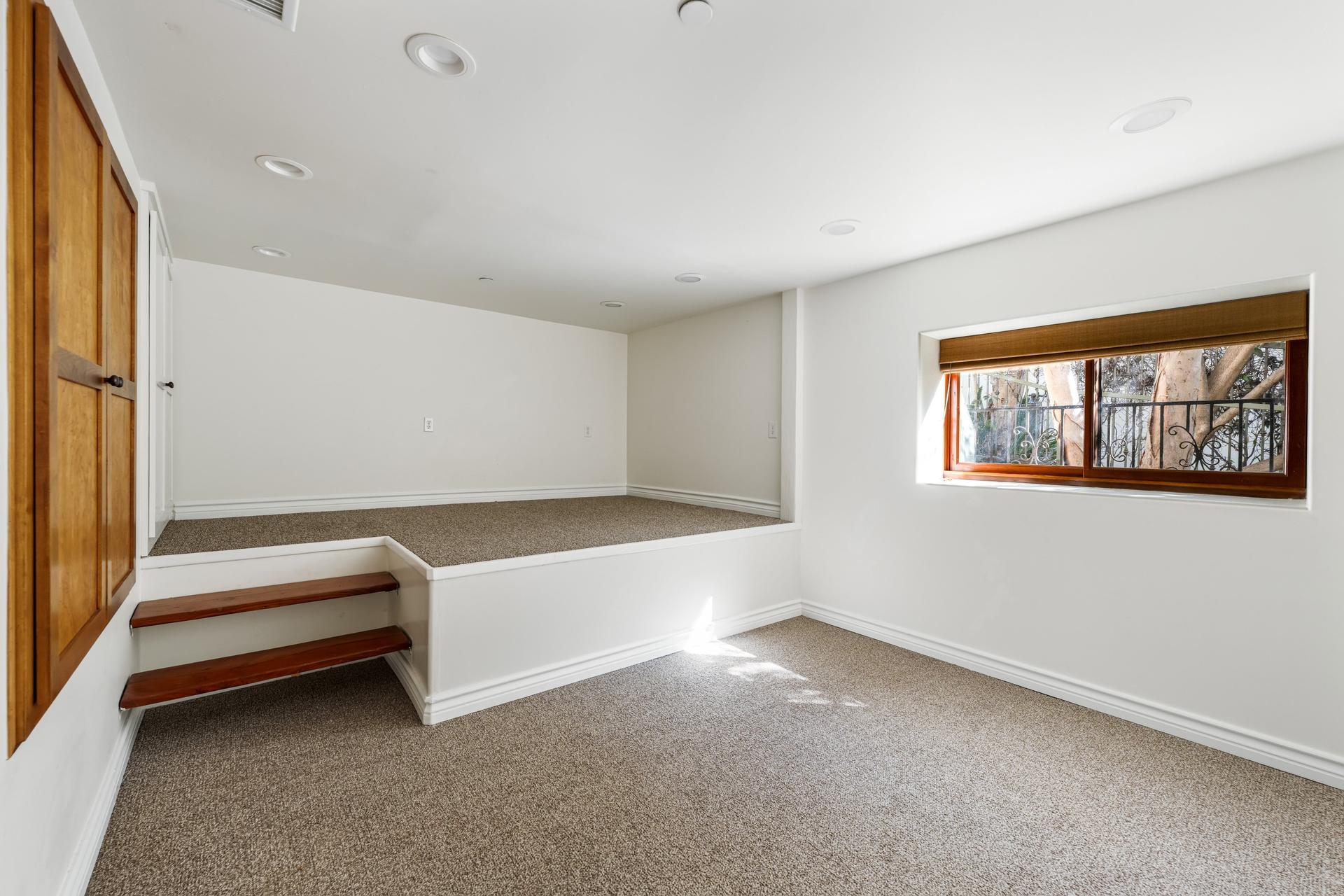
Furniture is named in the law, so a staged photo needs the statement and the link to the empty original. This is also the edit MLSs were labelling before AB 723 existed.
 Virtually staged
Staging adds more than furniture. Here it also added wall decals, string lights and framed prints, and it dropped the wall outlets on the platform. None of that is a problem in a labelled staged photo, because the buyer can click through to the empty room. It is exactly why the original has to be available.
Lawn repair: small edit, real alteration
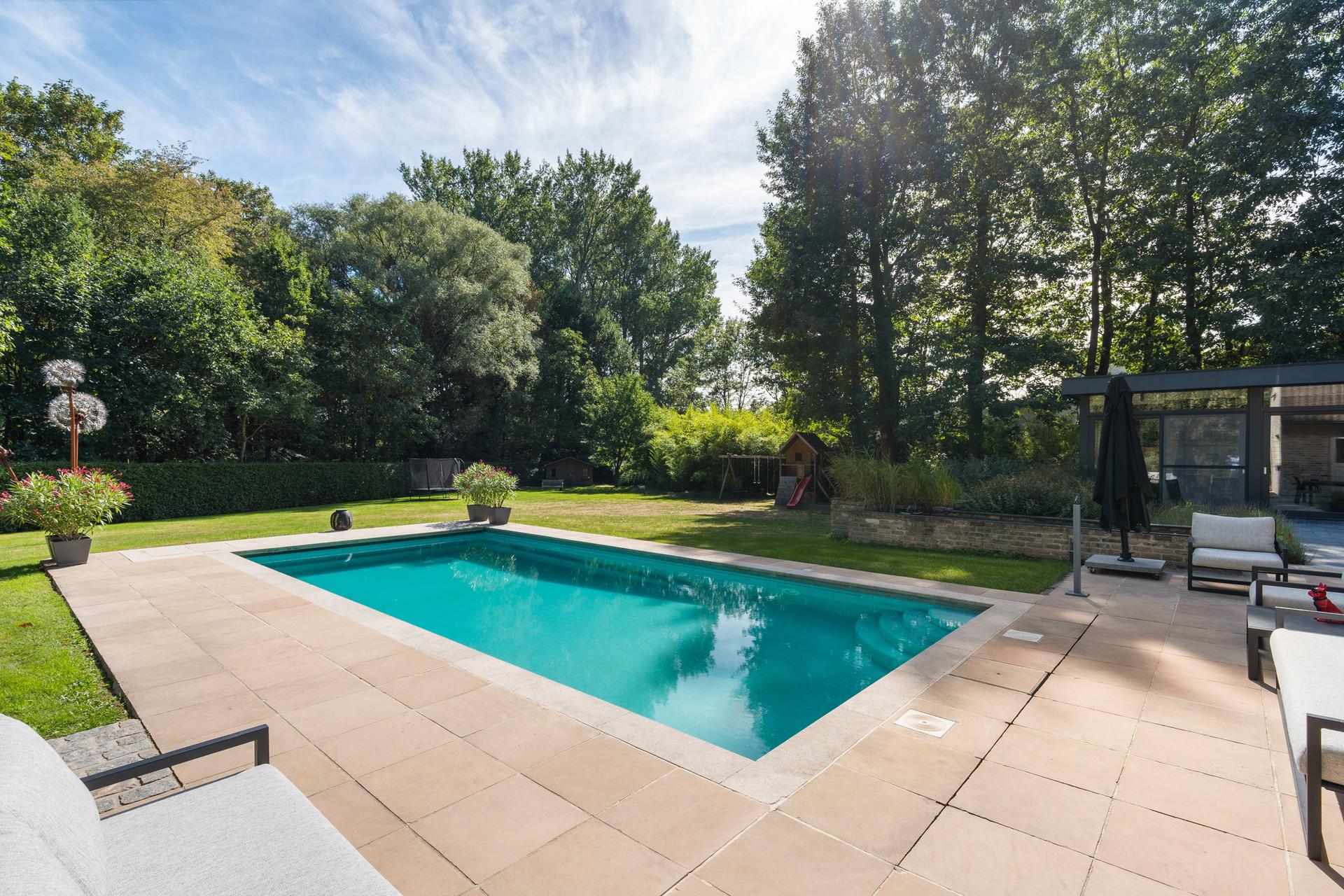
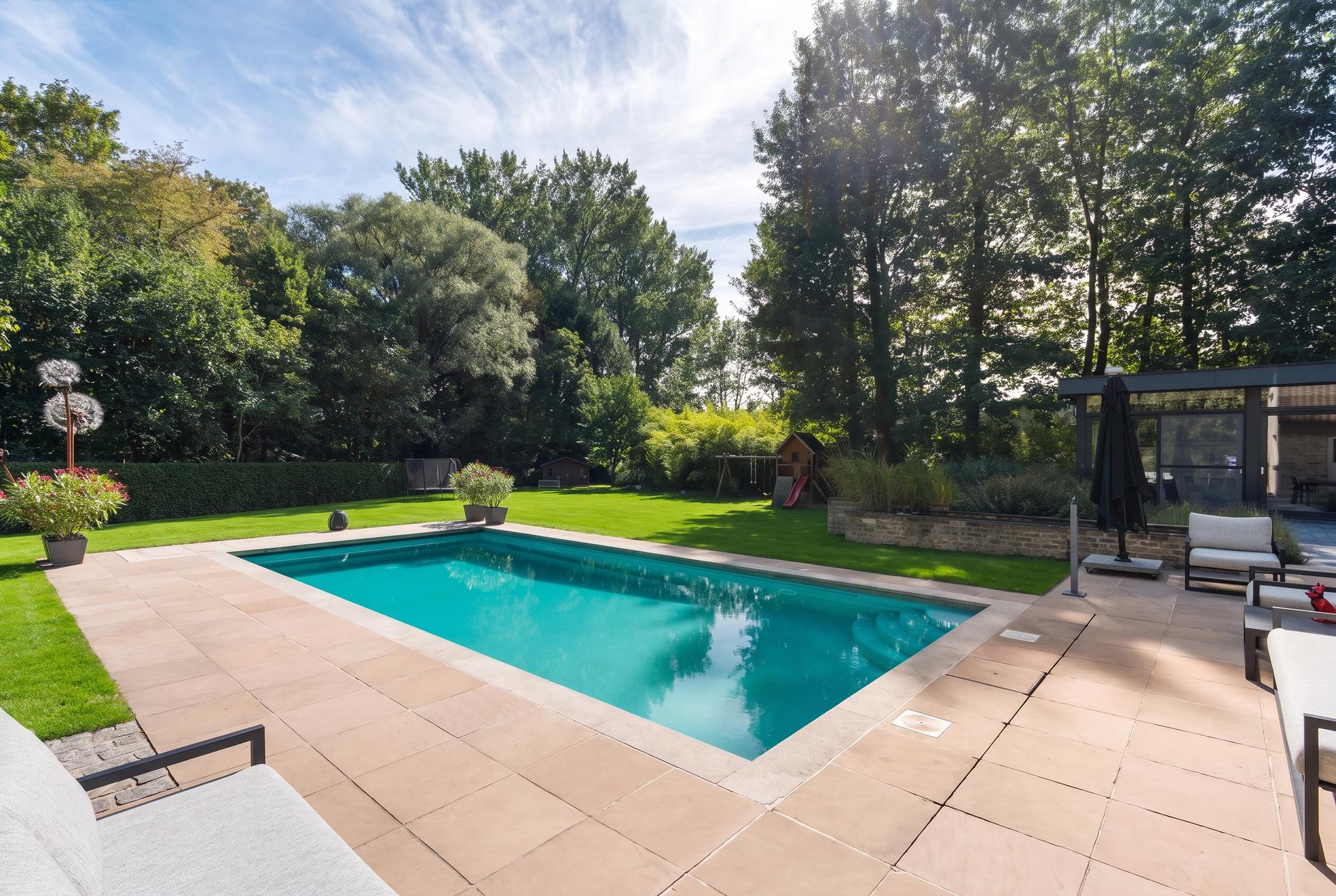
A greener lawn feels like colour correction. It is not. Filling in bare patches changes the condition of the garden, and a buyer who arrives to a patchy lawn has been shown something that is not there.
 Lawn repaired
The request was three words: "Repair patchy lawn". The pool, the terrace and the planting stayed put, and the lawn is even. It is a good edit and a fair one to publish, with a label.
Where alterations become misrepresentation
A label covers you for the edit. It does not make every edit fair. Removing a utility pole and its wires from a front elevation, erasing a crack in the driveway, or hiding water staining on a ceiling all remove things the buyer will have to live with. A disclosure line under the photo is easy to miss, and the person who discovers the pole at the viewing will not care that it was technically labelled.
A test that works: would the buyer feel misled if they saw only the edited photo? If yes, either leave the feature in or make sure the original is next to the edit, not behind a link.
A workflow that keeps you compliant
- Keep every original. Twilight keeps the original next to each version, so the unaltered photo is always one download away.
- Decide per photo, not per listing. A shoot can mix adjustments (no label) with one staged room (label).
- Put the statement on or next to the image. A note in the remarks field is not "adjacent to the image".
- Host the originals somewhere public. Your listing website, or a shared gallery link. Twilight's share links show the edited photos, so keep a second link for the unaltered set.
- Check the whole frame. AI edits sometimes change things you did not ask for. Those changes need the same label as the ones you did.
For the full list of what agents ask an AI editor to change, see the listing photo fixes agents ask for most. If staging is the edit you need most, virtual staging in Twilight starts from your empty room and keeps the original alongside it.
Try it free
Transform your first property photo in seconds, no account needed.
Related Articles
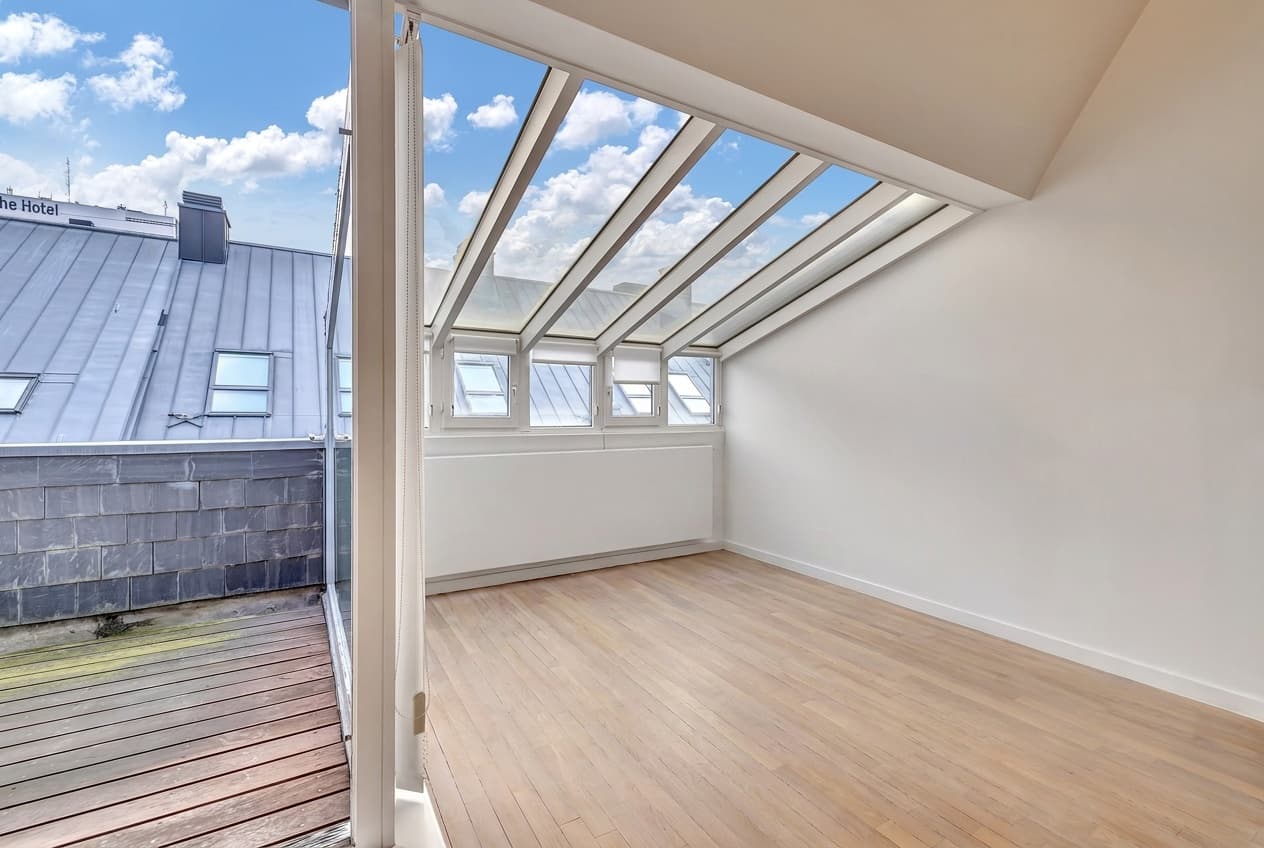
The Listing Photo Fixes Agents Ask For Most, and How to Get Each Right
Removing clutter, turning lights on, fixing the sky and the lawn. The edits agents request most, with real before/afters and what to type for each.

How to Write AI Prompts for Real Estate Photo Editing: A Practical Guide
AI photo editing prompts for real estate that produce reliable edits: templates for day-to-dusk, sky replacement, decluttering, exposure fixes and more.
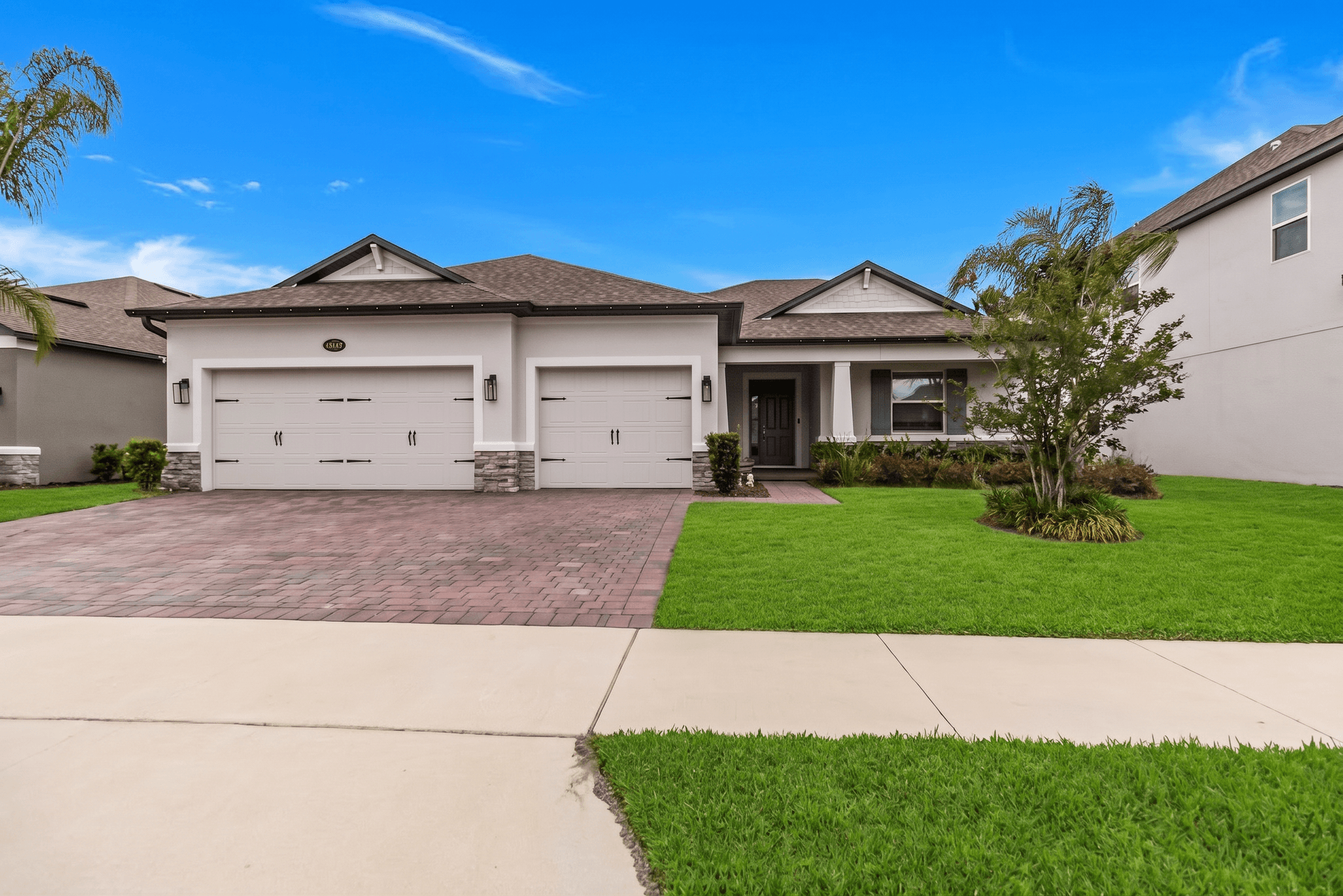
Day-to-Dusk AI Conversion: A Technical Deep Dive for Real Estate Photographers
How AI turns a daytime exterior into a magazine-quality dusk shot: the model, the prompt, the failure modes, and a checklist for consistent results.