Day-to-Dusk AI Conversion: A Technical Deep Dive for Real Estate Photographers
How AI turns a daytime exterior into a magazine-quality dusk shot: the model, the prompt, the failure modes, and a checklist for consistent results.
Day to dusk photo editing is the single most popular AI edit in real estate photography, and it is the one most likely to be done badly. A great twilight image stops the scroll, anchors the listing, and routinely earns 2–3× the click-through of the same property shot at noon. A bad one looks like a Photoshop mishap and destroys agent credibility on the first impression.
This guide explains, in detail, what is actually happening inside an AI day-to-dusk conversion: what the model is doing, why specific prompt phrasing matters, where it tends to fail, and how to get consistent professional results across hundreds of listings.
What "Day to Dusk" Actually Means
A real twilight photograph is taken during civil twilight: the 20-to-30-minute window after the sun drops below the horizon when ambient sky brightness is low enough that interior lights become visible without overpowering the exterior. The defining characteristics:
- Sky in a vertical gradient: indigo at the top, transitioning through magenta and orange toward the horizon
- Interior lights glowing through windows at a brightness roughly 1–2 stops above the exterior
- Soft warm landscape lighting that mimics low-angle sunset bounce
- Clean, deep shadows that no longer carry midday harshness
- Architectural lighting (path lights, sconces, uplights) visible if present
A good AI conversion reproduces all five characteristics. A bad AI conversion gets two of them and breaks the rest.
What the AI Model Is Actually Doing
When you feed a daytime photo into an editing-tuned model like Google Nano Banana Pro with a "convert to dusk" instruction, the model runs an internal sequence that roughly looks like this:
- Scene parsing. The model identifies objects in the image: sky, building, roof, windows, vegetation, ground, sidewalks. This parsing drives every subsequent decision.
- Sky region segmentation. It locates the sky pixels, including tricky regions like sky visible through tree branches or between roof gables, and prepares them for replacement.
- Lighting re-estimation. The model computes how the scene would look if the dominant light source were a low-angle sunset rather than overhead noon sun. This involves changing shadow angles, color temperature, and intensity across surfaces.
- Window emission synthesis. Each window in the image is identified and filled with warm interior light that respects the window's angle and depth.
- Recomposition. The model composites the new sky, the re-lit exterior, and the glowing windows into a single coherent image.
Most of the failure modes come from steps 1, 2, and 4. If the model misidentifies a window as a wall panel, or misses a sky region behind tree branches, the output will look subtly wrong even if the rest of the conversion is excellent.
Why some AI editors are dramatically better at this
Day-to-dusk is unusually demanding because it requires the model to change global lighting AND add localized light sources AND replace a region (sky) AND preserve all geometry, all in one pass. Editing-tuned models (Nano Banana, Flux) handle this gracefully. Generation models (DALL-E, Imagen) tend to produce a dusk image but not your house at dusk.
The Anatomy of a Reliable Day-to-Dusk Prompt
Working from the prompt structure that performs consistently across editing models:
Convert this daytime exterior of a [home style] property to a
twilight scene shot 20 minutes after sunset. The sky should
transition from deep indigo at the top to warm orange and pink
near the horizon. Add warm interior lighting visible through
all windows so the home appears occupied and welcoming.
Preserve all architectural features, window mullions, rooflines,
landscaping, exterior materials, and ground-level details exactly
as in the source. The result should look like a single
long-exposure real estate photograph by a professional
architectural photographer. Photorealistic, no oversaturation,
no halos.
Four specifications carry most of the weight:
- "20 minutes after sunset": anchors the model to a specific lighting condition. Without this, results drift between "magic hour" (too warm) and "blue hour" (too dark).
- "Transition from deep indigo at the top to warm orange near the horizon": specifies the sky gradient direction and palette. Without this, you frequently get a flat purple sky.
- "Add warm interior lighting visible through all windows": explicitly requests window glow. Without this, you sometimes get a dusk sky and dark windows, which looks like an empty house at night.
- "Preserve all architectural features...": the geometry lock that stops the model from re-imagining the home.
The Five Most Common Failure Modes
Failure 1: Window glow on the wrong windows
The model adds warm light to most windows but misses one or two, often a dormer, a transom, or a window partly hidden behind landscaping. The result reads as inconsistent.
Fix: Re-prompt with a sentence directly listing the windows: "Ensure the dormer windows on the second floor and the small window above the garage door also show warm interior light."
Failure 2: Sky bleeding through the roofline
The replacement sky leaks slightly into the roof outline, producing a faint halo. This is the single most common giveaway of an AI-converted twilight image.
Fix: Re-prompt: "The transition between sky and roofline must be clean and crisp with no halo or color bleed." If the issue persists, run a second pass on the full output, treating it as a "repair" instruction.
Failure 3: Lawn turning blue or purple
The model applies the sky's color cast too aggressively to the ground plane. Lawns and walkways should pick up some warm bounce light, not the sky's blue.
Fix: "Lawn and walkways should pick up warm orange light from the horizon, not the blue from the upper sky."
Failure 4: Architectural lighting not added
If the home has visible exterior path lights or sconces in the daytime photo, a great twilight conversion turns them on. Most models do not do this by default.
Fix: "Activate any visible path lights, sconces, and architectural exterior fixtures so they glow warmly."
Failure 5: Identity drift
The home in the output looks similar but subtly different: slightly wider porch, a chimney that has shifted, a different roof pitch.
Fix: This is usually a model selection problem, not a prompt problem. If you are using a generation model (DALL-E, Imagen), switch to an editing model (Nano Banana, Flux). If you are already on an editing model, strengthen the preservation clause and re-run.
When to Convert vs. When to Shoot
A real twilight shoot has advantages an AI conversion cannot replicate:
- Real reflections in windows of the actual sky
- Authentic relationship between sky color and any cars/people in the scene
- Verifiable proof for buyers that the property looked this way
An AI conversion has advantages a real shoot cannot replicate:
- No second-trip cost to the property
- Repeatable looks across seasons (no "looks great in October, terrible in February")
- Consistent inventory for an agent who has 30 active listings and cannot reshoot every one
- Per-image cost of pennies versus $150–$400 for a twilight shoot
The professional answer in 2026 is both. Schedule real twilight shoots for hero listings (luxury, premium, top-of-portfolio). Use AI conversion for mid-market, refresh photography, expired listings being relisted, and any case where you need a hero shot fast.
A Production Checklist for Consistent Results
Use this checklist before publishing any AI-converted twilight image:
- Sky gradient runs deep indigo at top to warm orange/pink at horizon
- No halo or color bleed at the roofline
- All windows that show interior space have warm glow
- Lawn and ground show warm bounce light, not sky-blue tint
- Path lights and sconces are activated if visible in source
- Architectural geometry matches the source exactly
- No invented features (extra dormer, second chimney, missing porch)
- Exposure feels intentional: not crushed shadows, not blown highlights
- Color saturation is restrained (real twilight is subtle)
- Reflections (windows, cars, water) are consistent with the new lighting
If two or more items fail the checklist, regenerate or re-prompt. Do not publish.
Try it free
Transform your first property photo in seconds, no account needed.
Source Photo Quality: What Goes In Matters
The quality of an AI day-to-dusk conversion is more dependent on the source photo than most photographers expect. Best results come from:
- Time of day: Late afternoon (golden hour) source photos convert better than midday photos because the lighting is already partially aligned.
- Sky condition: Partly cloudy is ideal. Fully overcast loses the depth that makes twilight feel three-dimensional. Fully clear can produce flat, banded gradients.
- Window visibility: Photos shot from an angle that shows windows as windows (not as flat panels in deep shadow) convert dramatically better.
- Resolution: 3000-pixel-wide source photos convert noticeably better than 1500-pixel ones. The model has more detail to preserve.
- Composition: Tight framing of the home (versus wide-angle showing lots of street) produces tighter, more dramatic twilight shots.
If you have control over the shoot, plan source photos with future twilight conversion in mind. The 30 seconds of foresight will save you a re-edit later.
Frequently Asked Questions
Can AI really replace a real twilight shoot?
For most listings, yes. For luxury hero photography where buyers will scrutinize every detail, real twilight still wins. The right answer depends on the property's price point and the agent's marketing budget.
How long does an AI day-to-dusk conversion take?
On modern editing-tuned models, about 30 seconds per photo. A photographer who shoots 20 properties per week can convert their entire portfolio's hero shots to twilight in under 15 minutes.
Is it ethical to use AI day-to-dusk conversion for listings?
Generally yes, with two conditions: (1) the home must actually look like that at dusk (you cannot invent landscape lighting that does not exist) and (2) some MLSs and state regulations require disclosure of any AI-altered photos. Check your local rules.
Why does my AI twilight photo look "off" but I cannot say why?
It is almost always one of three things: a halo at the roofline, inconsistent window glow, or unrealistic shadow direction. Train your eye on those three and you will catch 80% of the failures.
What is the best AI tool for day-to-dusk conversion?
Twilight's day-to-dusk editor was built specifically for this transformation and is named for it. You can try it free on one of your own daytime exteriors. Other tools (BoxBrownie, PhotoUp) offer day-to-dusk as one of many services; the differences come down to speed, cost, and how well the underlying prompt has been engineered for the conversion. See how they stack up in our BoxBrownie alternative and PhotoUp alternative comparisons.
Can I do day-to-dusk conversion in Photoshop?
You can, but a manual conversion takes a skilled editor 20–60 minutes per image. AI does the same job in about 30 seconds at a fraction of the cost. For a single hero photo of a luxury listing, manual still wins on the high end. For volume production, AI is dramatically more efficient.
Related Articles
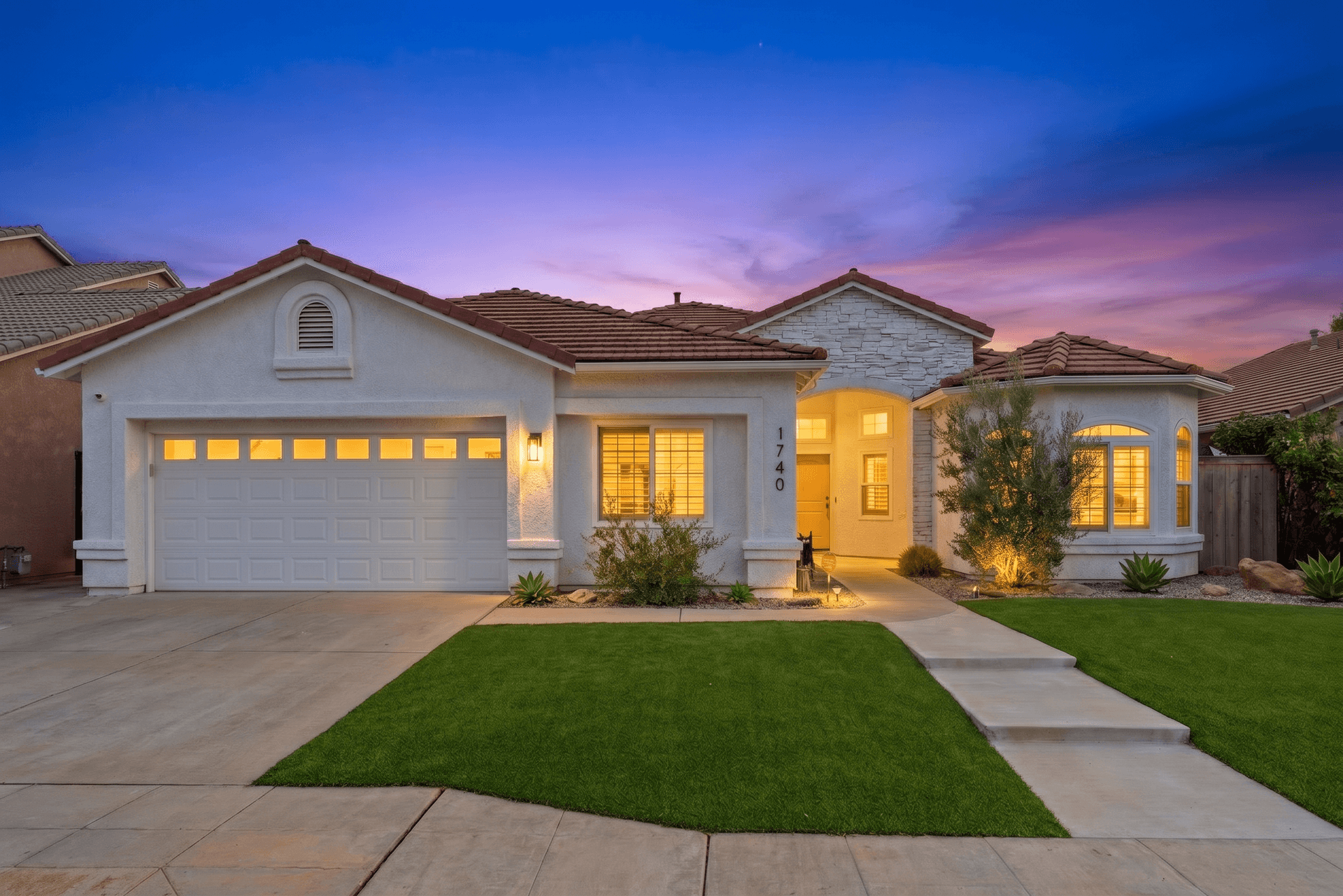
How to Write AI Prompts for Real Estate Photo Editing: A Practical Guide
AI photo editing prompts for real estate that produce reliable edits: templates for day-to-dusk, sky replacement, decluttering, exposure fixes and more.
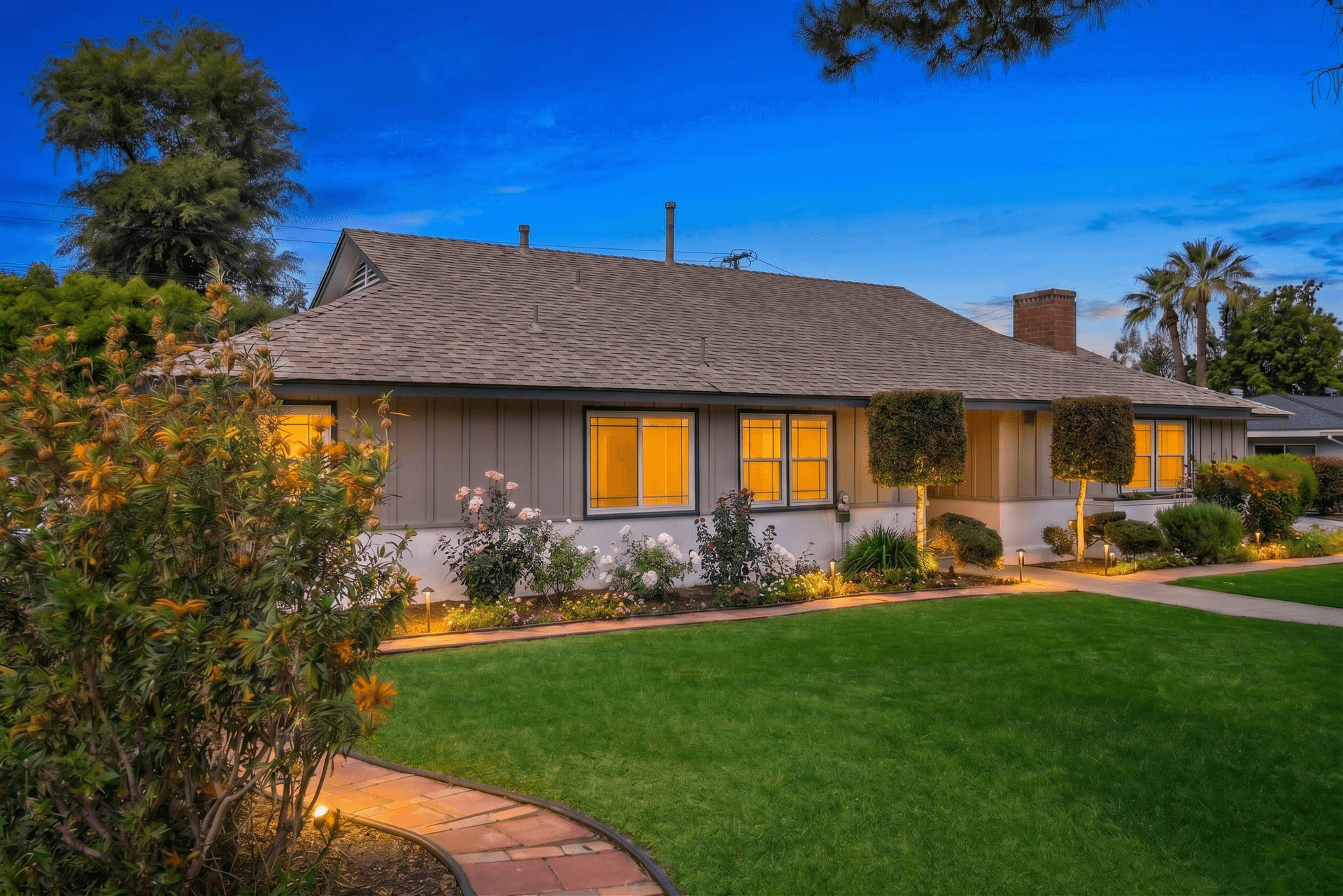
Curb Appeal Photography: How to Make Any Exterior Look Its Best
Exterior real estate photography tips for curb appeal: timing, angles, landscaping, sky replacement and twilight conversions that attract more buyers.
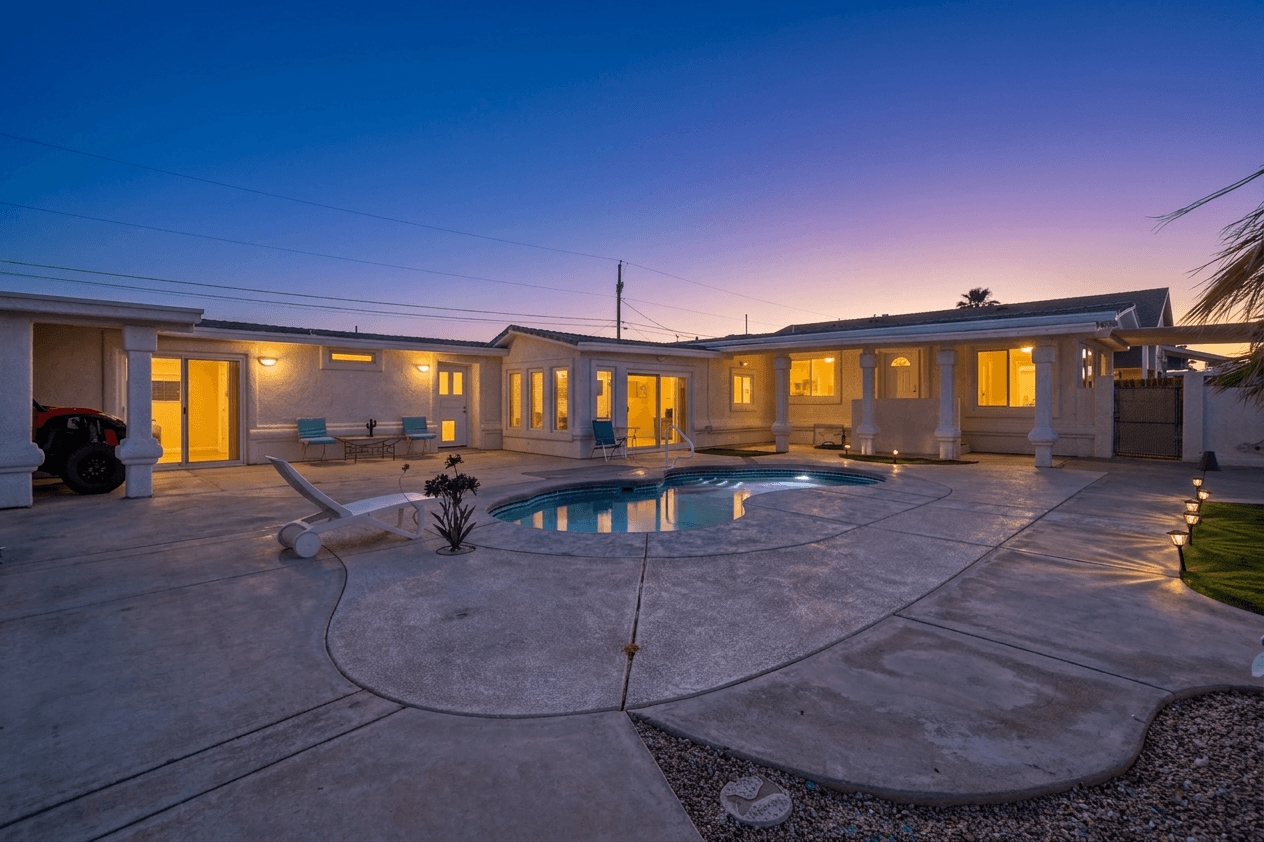
Twilight Photography for Real Estate: The Complete Guide
Why twilight photography sells homes faster, how to shoot it at golden hour, and how AI creates a virtual twilight from any daytime photo.