Optimizing Real Estate Photos for Social Media: Instagram, Facebook, and TikTok
Learn how to optimize real estate listing photos for Instagram, Facebook, and TikTok. Covers ideal dimensions, engagement strategies, before/after content, hashtags, and content calendars for agents.
The MLS is no longer the only place buyers discover homes. In 2026, social media is a primary real estate marketing channel --- not a supplementary one. Over 50% of home buyers report that they found properties through social media platforms before ever contacting an agent, and agents with a strong visual presence online consistently outperform those who rely solely on MLS syndication and yard signs.
But posting listing photos on social media is not the same as uploading them to the MLS. Each platform has its own optimal image dimensions, content formats, audience behavior, and algorithm preferences. A photo that looks stunning on a desktop MLS listing can look cropped, blurry, or unengaging when dropped into an Instagram feed without optimization.
This guide covers everything you need to know about adapting your real estate photography for social media: the right dimensions for every platform, which editing styles drive the most engagement, how to create compelling before-and-after content, and how to build a consistent posting strategy that turns followers into clients.
Platform Dimensions and Format Guide
Getting your image dimensions right is the foundation of social media photo optimization. Posting a photo with incorrect dimensions means the platform will auto-crop it, often cutting off key parts of the image. Here are the current optimal specifications for each major platform.
Optimal Image Dimensions by Platform
| Platform & Format | Aspect Ratio | Recommended Resolution | File Format | Notes |
|---|---|---|---|---|
| Instagram Feed (Square) | 1:1 | 1080 x 1080 px | JPEG | Classic grid format, safe for all compositions |
| Instagram Feed (Portrait) | 4:5 | 1080 x 1350 px | JPEG | Takes up more feed space, best for engagement |
| Instagram Stories/Reels | 9:16 | 1080 x 1920 px | JPEG/MP4 | Full-screen vertical, ideal for room reveals |
| Instagram Carousel | 1:1 or 4:5 | 1080 x 1080 or 1080 x 1350 px | JPEG | All images in carousel must match ratio |
| Facebook Feed | 1.91:1 | 1200 x 628 px | JPEG | Landscape format optimized for news feed |
| Facebook Listing Post | 1:1 | 1200 x 1200 px | JPEG | Square works well for property showcases |
| Facebook Stories | 9:16 | 1080 x 1920 px | JPEG/MP4 | Same as Instagram Stories |
| TikTok | 9:16 | 1080 x 1920 px | MP4 | Vertical video is the primary format |
| TikTok Photo Mode | 9:16 | 1080 x 1920 px | JPEG | Carousel of up to 35 vertical images |
| 1.91:1 | 1200 x 628 px | JPEG | Professional audience, luxury listings | |
| 2:3 | 1000 x 1500 px | JPEG | Tall pins perform best, strong for interiors |
The 4:5 Advantage on Instagram
Portrait-format posts (4:5) take up approximately 25% more screen real estate in the Instagram feed than square posts (1:1). This means your listing photo occupies more of the viewer's screen as they scroll, increasing the chance they stop to look. For listing photos, the 4:5 format almost always outperforms square. Crop your horizontal MLS photos to 4:5 by centering the composition and accepting some loss on the left and right edges.
Preparing Multiple Crops From One Photo
Professional real estate photos are typically shot in 3:2 or 4:3 horizontal format. To use them effectively across platforms, you need to create multiple crops from each original:
- Start with the full-resolution horizontal for MLS and Facebook feed
- Crop to 4:5 portrait for Instagram feed --- center the composition and adjust vertically to feature the most compelling part of the room
- Crop to 1:1 square for Instagram grid consistency and Facebook listing posts
- Create 9:16 vertical for Stories, Reels, and TikTok --- this usually requires shooting vertically on site or creating a vertical composition by combining the photo with text overlays and borders
The key is to plan for these crops during the shoot. When composing a shot, mentally note whether the important elements are centered enough to survive a square or portrait crop. Avoid placing critical details at the extreme left or right edges of the frame.
Which Edit Styles Get the Most Engagement
Not all editing styles perform equally on social media. The algorithms on Instagram, Facebook, and TikTok favor content that stops the scroll --- and certain visual styles are more thumb-stopping than others.
High-Engagement Editing Styles
Twilight and dusk conversions consistently outperform other editing styles on social media. The dramatic color palette --- warm interior glow against a deep blue sky --- creates an emotional response that horizontal daylight shots simply cannot match. Twilight images receive 2-3x more likes, comments, and saves than standard daytime exteriors. For a deep dive on this technique, see our guide to twilight photography for real estate.
Bright and airy interiors perform well because they align with the interior design aesthetic that dominates Instagram. Clean, light-filled rooms feel aspirational and shareable. Followers who may not be actively home shopping will still engage with a beautiful bright and airy interior because it doubles as design inspiration.
High-contrast, dramatic edits work on TikTok where content competes for attention in a fast-scrolling vertical feed. Slightly more saturated, slightly higher contrast versions of your listing photos can perform better on TikTok than the more subtle editing you would use for MLS.
Before-and-after comparisons are engagement machines across all platforms. The transformation narrative is inherently compelling --- viewers want to see the "after" and are drawn to slide or watch through the content. We will cover this format in detail below.
Styles to Avoid on Social Media
Flat, unedited photos get scrolled past instantly. If you are posting the same un-enhanced JPEG that came straight from the camera, you are losing engagement to agents who invest in post-processing.
Over-processed HDR with unnatural halos, oversaturated colors, and a "painted" look reads as amateurish on platforms where visual quality standards are high. The HDR glow that was acceptable in 2015 now hurts rather than helps engagement.
Dark, underexposed images perform poorly because social media feeds are designed to be bright and visually appealing. Dark photos look like thumbnails even at full size and fail to convey the space effectively on small phone screens.
Before-and-After Content: The Engagement Engine
Before-and-after real estate photo content is one of the most reliable engagement formats on social media. It works on every platform and appeals to a broad audience --- not just home buyers but also design enthusiasts, photographers, and other agents.
Instagram Carousel Before/After
Create a carousel post with the before photo as the first slide and the after photo as the second. This format:
- Encourages swipe-through behavior (which the algorithm rewards)
- Creates a satisfying reveal moment
- Generates comments like "Wow, what a difference" that boost algorithmic reach
- Works for both interior enhancements and exterior twilight conversions
Include a caption that explains what changed and why. Followers who learn from your content are more likely to follow, save, and share.
For inspiration on before-and-after content, see our galleries of real estate photo editing transformations and Airbnb photo editing examples.
TikTok Transformation Reveals
TikTok's format is ideal for transformation content. Create short videos (15-30 seconds) that show:
- A quick pan through the "before" version of the property
- A dramatic cut or transition to the "after" version
- Text overlay explaining the editing technique used
The trending audio and transition effects on TikTok change constantly, but the transformation format itself is evergreen. A well-executed before-and-after TikTok for a listing can reach 50,000-500,000 views, far more than any MLS listing.
Facebook Before/After Posts
Facebook's algorithm favors posts that generate comments and shares. Before-and-after photos in a simple two-image post format work well when you:
- Ask a question in the caption ("Which do you prefer --- the original or the enhanced version?")
- Tag the listing location
- Use the post to tell a story about the property or the selling process
Creating Before/After Content With Twilight
Twilight makes before-and-after content creation effortless because the platform automatically preserves the original alongside every edit. Upload a listing photo, apply a preset, and you have a perfectly paired before-and-after set ready for social media. The most shareable combinations are:
- Daytime exterior to twilight conversion
- Dark interior to bright and airy enhancement
- Overcast sky to vivid blue sky replacement
- Dull kitchen to vibrant, warm kitchen enhancement
Using Twilight Shots for Maximum Engagement
Twilight and dusk photography deserves its own section because of its outsized impact on social media engagement. The dramatic visual quality of twilight images makes them the single most effective type of real estate photo for social media marketing.
Why Twilight Photos Dominate Social Feeds
Twilight images work on social media for the same reasons they work in print advertising --- they evoke an emotional response. The warm glow of interior lights against a cooling sky triggers feelings of home, comfort, and aspiration. On a phone screen, where users are scrolling quickly through dozens of posts, the distinctive color palette of a twilight image stands out immediately against the sea of standard daytime photos.
Twilight as Your Lead Image
Always use the twilight or dusk exterior as the first image in any social media listing post. It is your thumbnail, your hook, and your first impression. On Instagram, the first carousel image determines whether someone swipes through. On Facebook, the lead image determines click-through. On TikTok, the opening frame determines whether someone watches past the first second.
Twilight for Non-Listing Content
Twilight images are versatile beyond individual listing promotion. Use them for:
- "Just listed" announcements --- the twilight image signals quality and draws engagement
- "Just sold" celebrations --- pairs the beautiful image with a success story
- General brand content --- a stunning twilight photo with an inspirational caption positions you as a quality-focused agent
- Cover photos and profile backgrounds --- a single great twilight image can define your visual brand across platforms
Hashtag Strategy for Real Estate
Hashtags remain relevant on Instagram and TikTok for discovery. A strategic hashtag approach ensures your content reaches potential clients beyond your existing followers.
Hashtag Categories
Build your hashtag sets from four categories:
Location-specific (highest value):
- #[City]RealEstate (e.g., #AustinRealEstate)
- #[City]Homes (e.g., #AustinHomes)
- #[Neighborhood]Living (e.g., #EastAustinLiving)
- #[City]HomesForSale
Industry-specific:
- #RealEstatePhotography
- #ListingPhotos
- #RealEstateAgent
- #HomeForSale
- #DreamHome
- #NewListing
Style-specific:
- #TwilightPhotography
- #BrightAndAiry
- #InteriorPhotography
- #ArchitecturePhotography
- #HomeDesign
Engagement-focused:
- #BeforeAndAfter
- #HomeTransformation
- #JustListed
- #OpenHouse
- #HouseHunting
Hashtag Best Practices
- Use 20-25 hashtags on Instagram (the platform allows 30 but using all 30 can appear spammy)
- Use 3-5 hashtags on TikTok in the caption, plus trending sounds and effects for discovery
- Use 2-3 hashtags on Facebook (Facebook's algorithm does not weight hashtags heavily)
- Rotate your hashtag sets between posts to avoid being flagged as repetitive
- Mix high-volume and low-volume hashtags. #RealEstate has millions of posts and your content will be buried quickly. #[YourCity]Homes has far less competition, and your content stays visible longer.
Save Hashtag Sets
Create 4-5 pre-built hashtag sets that you rotate between posts. Save them in your phone's notes app for quick copy-paste. Having ready-made sets eliminates the time sink of writing new hashtags for every post and ensures you consistently use an optimized mix.
Content Calendar for Real Estate Social Media
Consistency beats virality. Agents who post sporadically when they have a new listing get less overall engagement than those who maintain a regular posting schedule. Here is a practical weekly content calendar built around your listing photography.
Weekly Posting Schedule
Monday: Just Listed Post your newest listing with the twilight hero image as the lead. Include key property details, pricing, and a call to action to schedule a showing or visit the listing link.
Tuesday: Interior Spotlight Feature a single standout interior photo from a current or recent listing. Focus on one room with a compelling story --- "This kitchen island seats six and overlooks a private backyard" performs better than "New listing kitchen."
Wednesday: Before and After Post a before-and-after transformation. This can be a photo editing comparison, a renovation progress shot, or a just-listed-vs-just-sold comparison. This is your highest-engagement day --- lean into it.
Thursday: Tips and Education Share a tip related to buying, selling, or home preparation. Pair it with a relevant listing photo. Example: "Three things I look for in a listing photo that tell me the agent cares about marketing." Educational content builds authority and trust.
Friday: Neighborhood or Lifestyle Post content about the neighborhoods you serve: a local restaurant, park, school, or community event. Use a mix of listing photos (exterior shots that show the neighborhood) and your own lifestyle photography. This content humanizes your brand and appeals to buyers researching areas.
Saturday: Stories/Reels (Behind the Scenes) Use Instagram Stories, Facebook Stories, or TikTok for informal behind-the-scenes content: a walkthrough of a new listing, you preparing a home for photography, or a quick market update. This ephemeral content builds connection without cluttering your curated feed.
Sunday: Market Insight Share a market statistic, trend observation, or success story. Pair it with a beautiful listing photo to maintain your visual brand even when the content is data-driven.
Adapting for Multiple Platforms
You do not need to create unique content for every platform every day. Instead, repurpose:
- Instagram feed post becomes a Facebook post with a slightly adjusted caption
- Instagram Reel gets reposted to TikTok (remove the Instagram watermark and re-upload natively)
- Instagram Stories get mirrored to Facebook Stories (Instagram has a built-in sharing feature)
- The best-performing post of the week gets repurposed into a LinkedIn article or Pinterest pin
The goal is maximum reach from your existing photo assets with minimal additional effort.
Repurposing Listing Photos for Social Media
You already have the most valuable social media asset in real estate: professional listing photos. The key is extracting maximum value from each set.
One Listing, Multiple Posts
A single 25-30 photo listing set can generate a week or more of social media content:
- Day 1: Just Listed carousel (5-7 best photos, twilight hero as lead)
- Day 2: Kitchen spotlight (single image with detailed caption about the kitchen features)
- Day 3: Before-and-after of the exterior twilight conversion
- Day 5: Interior design inspiration post (the best-styled room, tagged with design hashtags to reach a broader audience)
- Day 7: Neighborhood context (exterior photo paired with information about the area)
- Day 10: Price update or open house reminder (reuse the hero image)
- Day 14: "Still available" with a different hero image from the set
Seasonal Content From Your Archive
Your photo archive is a content goldmine. Listing photos from different seasons can be repurposed year-round:
- Winter: Share warm, cozy interior shots from listings with fireplaces
- Spring: Post exterior shots with blooming landscaping
- Summer: Feature listings with pools, patios, and outdoor entertaining spaces
- Fall: Showcase properties with autumn color and warm curb appeal
For agents who work with vacation and short-term rental properties, our guide to Airbnb listing photos that drive bookings covers additional strategies for marketing rental properties through visual content.
Editing Specifically for Social Media
Your MLS photos and your social media photos should not always be identical. Social media benefits from slightly different editing choices that account for how content is consumed on small screens.
Increase Contrast Slightly
Phones display photos at relatively small sizes, and feed scrolling is fast. A subtle increase in contrast --- slightly deeper shadows, slightly brighter highlights --- makes photos read more clearly on small screens. What looks perfectly balanced on a desktop monitor can look flat and washed out as a 3-inch thumbnail in an Instagram feed.
Warm Up the Color Temperature
Social media audiences respond more positively to warm-toned images. A slight bump in color temperature (50-100K warmer than your MLS version) makes interiors feel more inviting and exteriors more appealing. This is not about making the photo inaccurate --- it is about optimizing for the emotional response that drives engagement.
Crop Tighter for Mobile
MLS photos show the full room for informational purposes. Social media photos should be cropped tighter to create visual impact. Cut empty corners, zoom in on the most compelling part of the frame, and remove dead space that does not add value to the composition. On a phone screen, a tightly framed kitchen counter with beautiful stone countertops is more engaging than a wide shot that includes an inch of blank ceiling.
Add Text Overlays for Stories and Reels
For Instagram Stories, Facebook Stories, and TikTok, add text overlays to your photos:
- Property price and address
- Key features ("4 bed / 3 bath / Pool")
- Call to action ("DM for details" or "Link in bio")
- Engaging hooks ("Wait until you see the backyard")
Keep text minimal and positioned in the center third of the frame to avoid being cut off by platform UI elements at the top and bottom of the screen.
Measuring What Works
Post consistently for a month, then analyze what performed best. Every platform provides analytics that tell you which content resonated:
Key Metrics to Track
- Saves (Instagram): The strongest signal of intent. People save posts they want to revisit --- saved listing posts often indicate genuine buyer interest.
- Shares: Content shared to Stories or DMs extends your reach beyond your followers.
- Profile visits: Posts that drive profile visits are successfully converting casual viewers into people interested in your brand.
- Comments: Engagement in comments signals to the algorithm that your content is worth showing to more people.
- Reach vs. followers: If your reach consistently exceeds your follower count, the algorithm is pushing your content to non-followers --- a sign of strong performance.
Track which types of photos, editing styles, and post formats generate the best numbers for your specific audience. Then do more of what works and less of what does not. Social media marketing is iterative, not formulaic.
Bringing It Together
Social media marketing for real estate is fundamentally a visual medium, and your listing photography is your most powerful asset. The agents who win on social media are not necessarily the ones with the most followers or the biggest ad budgets --- they are the ones who consistently post high-quality, properly formatted, emotionally engaging visual content.
Optimize your images for each platform's dimensions. Edit for social media engagement, not just MLS accuracy. Build a content calendar that keeps you visible between listings. Repurpose every photo set into multiple pieces of content. And use before-and-after transformations as your secret weapon for engagement.
Your listing photos are already doing the work of selling homes. With the right social media strategy, they can also sell your personal brand, attract new clients, and build the kind of online presence that generates inbound business for years to come.
Related Articles
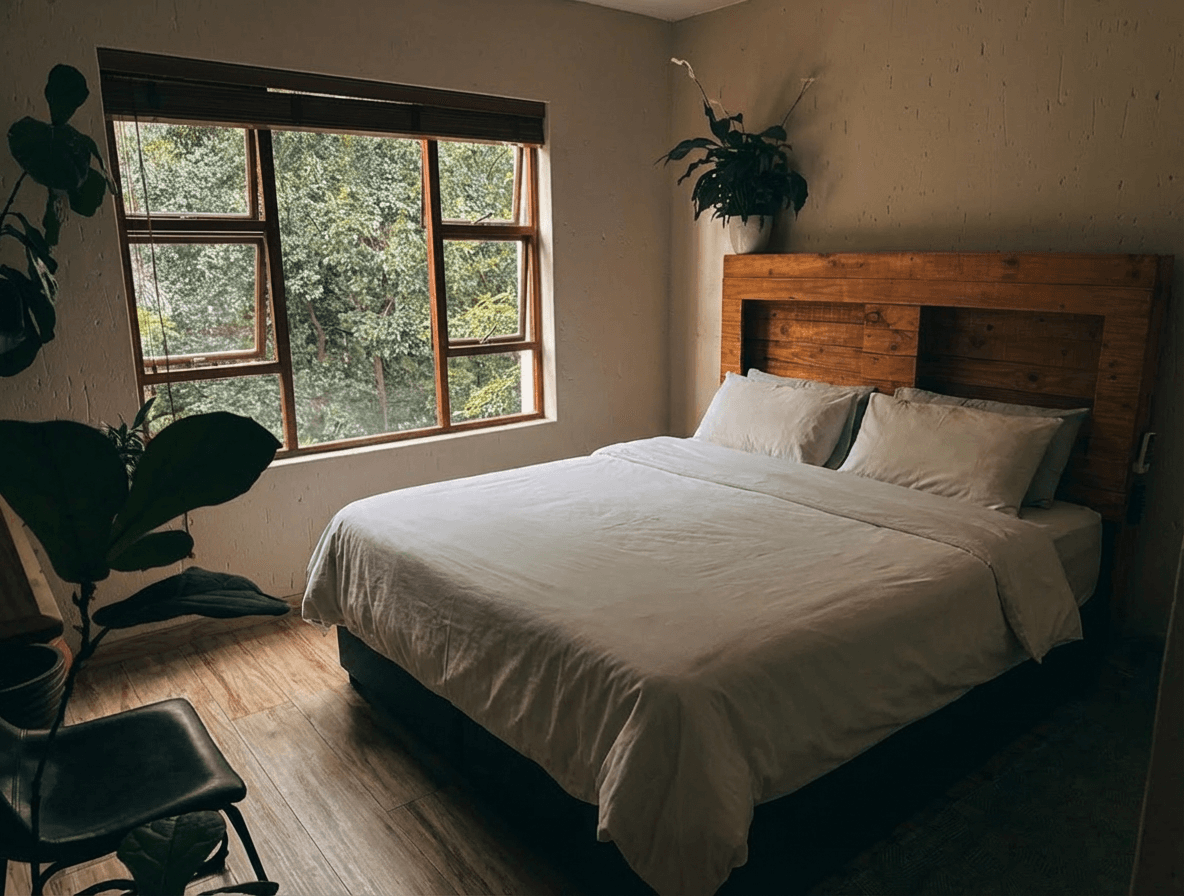
Real Estate Social Media Photos: Instagram, TikTok, and Facebook Strategy for Agents
How to repurpose listing photos for social media marketing. Image specs, content ideas, and editing tips for Instagram, TikTok, and Facebook.
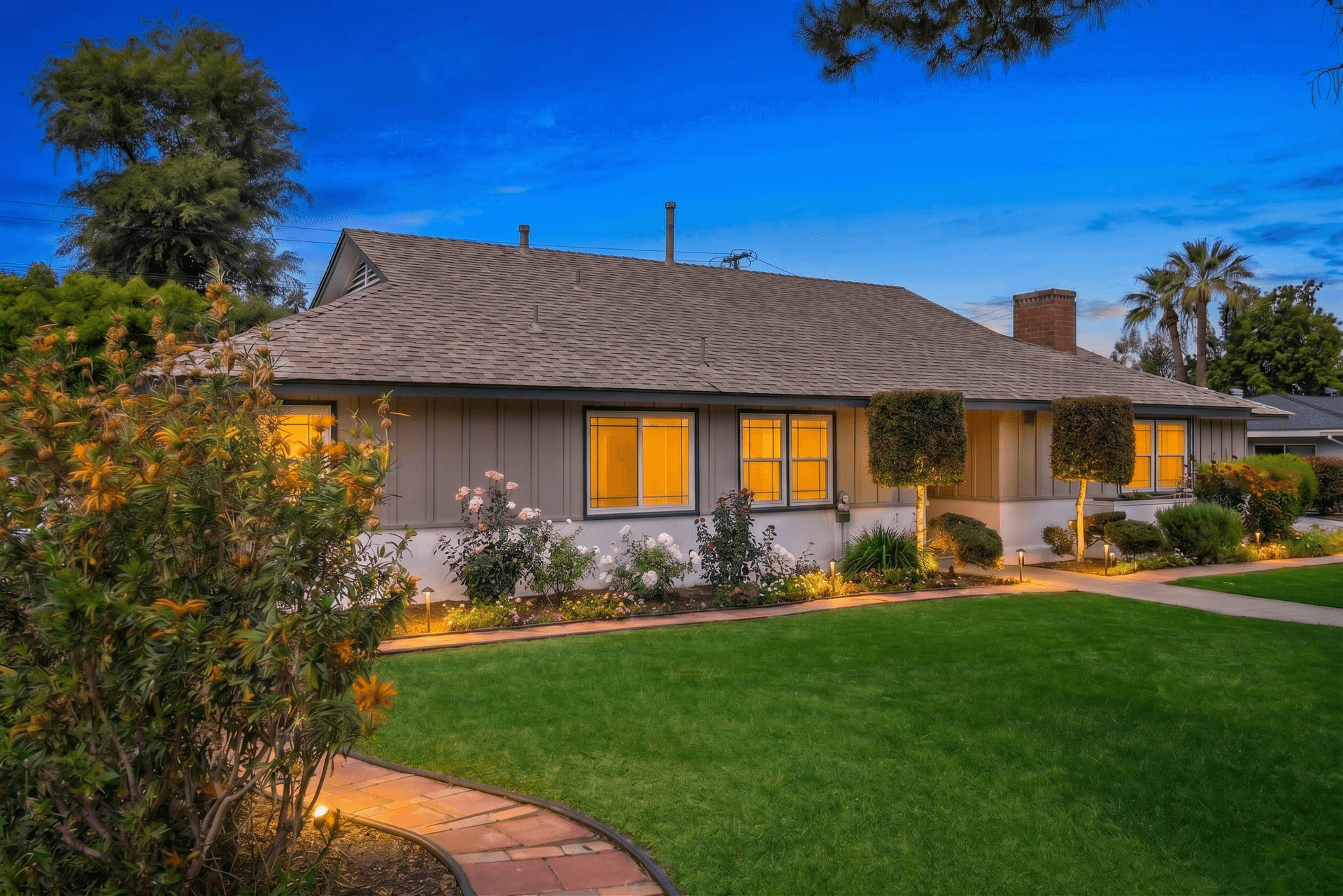
Curb Appeal Photography: How to Make Any Exterior Look Its Best
Master exterior real estate photography with practical tips on timing, angles, landscaping enhancement, sky replacement, and twilight conversions that maximize curb appeal and attract more buyers.
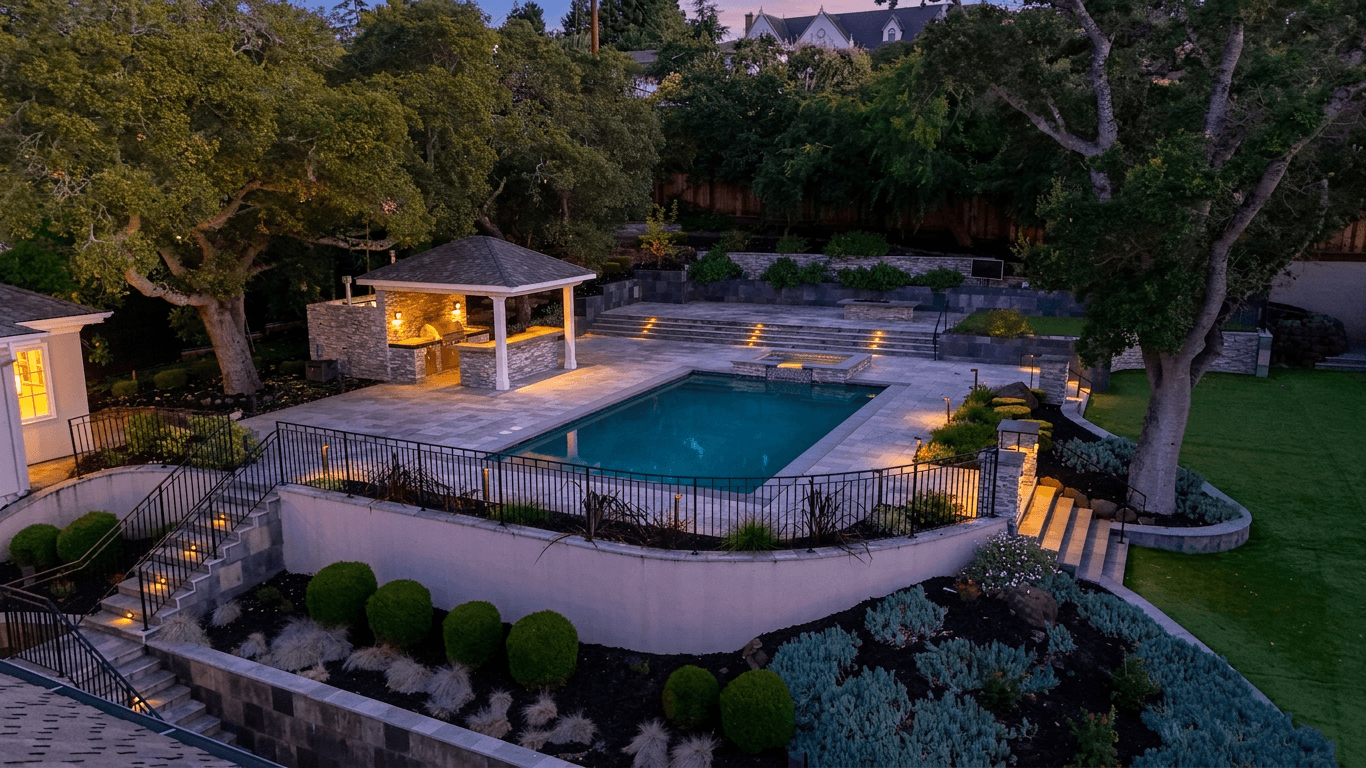
Virtual Staging vs Photo Editing: What Real Estate Agents Need to Know
Compare virtual staging and photo editing for real estate listings. Learn the differences, costs, use cases, legal considerations, and how to decide which approach works best for each property.