How Real Estate Photographers Can Upsell Editing Services and Scale Revenue
A business guide for real estate photographers: add AI-powered editing upsells, increase per-shoot revenue, and scale without hiring editors.
Most real estate photographers hit a revenue ceiling. You can only shoot so many properties per day, the market sets a price range for standard shoots, and adding hours to the workday is not sustainable. If you are shooting 2-3 properties per day at $150-$250 per shoot, you know the ceiling intimately: roughly $75,000-$120,000 per year before you burn out.
But there is a path through the ceiling that does not require shooting more properties or working longer hours. It requires changing what you sell. Specifically, it means adding editing upsells (premium photo enhancements that transform your standard deliverable into a premium package) and using AI tools to deliver those enhancements at margins that make them among the most profitable parts of your business.
The Revenue Ceiling Problem for Real Estate Photographers
The fundamental challenge of real estate photography as a business is that your revenue is directly tied to your physical presence. You must be at the property to take the photos. This creates a hard cap on daily volume.
The typical ceiling:
- Maximum 3-4 shoots per day (with travel)
- $150-$250 per standard residential shoot
- $200 average, 3 shoots per day, 5 days per week, 48 weeks per year
- Ceiling: ~$144,000 before accounting for expenses, taxes, and the inevitable slow weeks
To break through this ceiling, you need revenue that does not require you to be physically present for each additional dollar earned. Editing upsells are exactly that: services you sell alongside your photography that can be delivered using AI tools with minimal additional time investment.
Editing as a Revenue Stream, Not a Cost Center
Most photographers think of editing as a cost: the hours spent after the shoot that you cannot bill for separately. This mindset leaves money on the table.
Agents are increasingly aware that different photo edits produce different listing outcomes. They have seen how twilight images get more clicks, how bright and airy interiors feel more spacious, and how sky replacement transforms a dull exterior. They want these enhancements. They just need someone to offer them, and that someone should be you.
When you reframe editing from an unbillable cost to a sellable service, the economics of your business change dramatically:
| Revenue Model | Per-Shoot Revenue | Monthly Revenue (60 shoots) |
|---|---|---|
| Standard shoot only | $200 | $12,000 |
| Standard shoot + average upsell | $300 | $18,000 |
| Standard shoot + premium upsell | $400 | $24,000 |
A $100-$200 average upsell per shoot (achievable with the right offerings) adds $6,000-$12,000 per month to your revenue. Annually, that is $72,000-$144,000 in new revenue, potentially doubling your income.
Five Editing Upsells Every Photographer Should Offer
These are the five highest-demand, highest-margin editing services that real estate agents will pay for.
1. Twilight Conversion ($25-$75 per image)
Twilight hero images are the gold standard of real estate marketing. Listings with twilight exteriors receive 50-75% more engagement than daytime alternatives. Agents know this, and many will pay a premium for a twilight hero shot.
The traditional approach: Return to the property at dusk, shoot during the 20-30 minute twilight window, and hope for clear weather. This requires a second trip and adds 1-2 hours to the job.
The AI approach: Convert the daytime exterior you already shot into a stunning twilight image using AI. Time investment: under 1 minute. Cost: one edit credit.
Pricing strategy: Charge $25-$75 per twilight conversion depending on your market. In luxury markets ($1M+ listings), $75 is easily justified. In standard residential markets, $25-$35 is the sweet spot. Your cost is essentially zero, making this a near-100% margin service.
Packaging Tip
Offer twilight conversion as the default hero image in your standard package rather than as a separate line item. Build the cost into your base price, then offer additional twilight conversions (back exterior, aerial) as upsells.
2. Sky Replacement ($15-$30 per image)
Overcast shooting days are inevitable. Rather than rescheduling (which costs you time and the agent patience), shoot the property and upsell sky replacement for all exterior images.
Pricing strategy: $15-$30 per image, or $50-$75 for a package of all exterior shots (typically 3-5 images). Position this as "weather insurance": no matter when you shoot, the exteriors will have a beautiful sky.
3. HDR Enhancement ($10-$20 per image or $50-$100 per listing)
HDR processing balances interior exposures, recovers window detail, and creates that polished, professional look that agents associate with high-end photography. While some photographers include basic HDR in their standard package, there is room to offer enhanced HDR processing as an upgrade.
Pricing strategy: If basic processing is included in your standard package, offer "premium HDR" with enhanced detail recovery, more natural blending, and consistent color grading for an additional $50-$100 per listing.
4. Declutter Enhancement ($15-$30 per image)
Occupied homes with visible clutter are one of the most common pain points for listing agents. AI decluttering removes personal items and surface clutter, making rooms look clean and show-ready.
Pricing strategy: $15-$30 per image for targeted decluttering. This is particularly valuable for agents who list occupied homes regularly and cannot control the state of the property. Position it as "digital pre-staging" that eliminates the need for a physical stager to come in and prepare the home.
5. Bright and Airy / Style Enhancement ($50-$100 per listing)
Beyond technical corrections, agents increasingly want a specific aesthetic applied to their listing photos. "Bright and airy" is the most popular, but "warm and inviting," "clean and modern," and "dramatic" are all sellable looks.
Pricing strategy: Offer 2-3 editing styles as package upgrades. The agent chooses their preferred aesthetic, and you apply it consistently across all interior photos. $50-$100 per listing for the style enhancement, on top of your standard processing fee.
Pricing Your Editing Upsells
Pricing editing services requires balancing market rates, perceived value, and your actual delivery costs.
Market Rate Research
| Editing Service | Low Market | Mid Market | Luxury Market |
|---|---|---|---|
| Twilight conversion | $20-$30 | $35-$50 | $50-$100 |
| Sky replacement | $10-$15 | $15-$25 | $25-$40 |
| Full HDR package | $30-$50 | $50-$80 | $80-$150 |
| Declutter (per image) | $10-$15 | $15-$25 | $25-$40 |
| Style enhancement (per listing) | $30-$50 | $50-$80 | $80-$150 |
Value-Based Pricing
Rather than pricing based on your costs (which are near-zero with AI), price based on the value to the agent. A twilight conversion that helps sell a $500,000 home 10 days faster is worth far more than $50 to the agent. Position your pricing in the context of listing performance, not production cost.
Bundled Packages
Bundles increase average order value and simplify the buying decision. Here are three proven bundle structures:
Essential Package (included in base price)
- Standard exposure and color correction
- Basic retouching
- MLS-ready exports
Premium Package (+$75-$150)
- Everything in Essential
- Twilight hero image conversion
- Sky replacement on all exteriors
- Bright and Airy interior enhancement
- Shareable gallery link
Luxury Package (+$200-$400)
- Everything in Premium
- Additional twilight angles
- Declutter enhancement on occupied rooms
- Custom color grading
- Print-ready exports
- Rush 2-hour delivery
Most agents, when presented with three options, choose the middle option. This is the classic "decoy effect" in pricing psychology. Your Premium package should be the one with the best margin, and it should be clearly the best value compared to buying individual upsells.
Delivering Editing at Scale with AI
The reason editing upsells are so profitable is that AI tools have collapsed the delivery cost to nearly zero while the perceived value remains high.
Cost and Margin Analysis
| Upsell | Your Price | AI Cost | Time Cost (5 min @ $50/hr) | Margin |
|---|---|---|---|---|
| Twilight conversion | $40 | $0.20-$0.30 | $4.17 | ~89% |
| Sky replacement (3 images) | $50 | $0.60-$0.90 | $4.17 | ~90% |
| Full HDR listing (25 images) | $75 | $5.00-$7.50 | $8.33 | ~83% |
| Declutter (5 images) | $75 | $1.00-$1.50 | $8.33 | ~87% |
| Style enhancement (25 images) | $75 | $5.00-$7.50 | $8.33 | ~83% |
Compare these margins to your standard photography service. If you charge $200 for a shoot that takes 4 hours (including travel, shooting, and basic editing), your effective hourly rate is $50/hour. Editing upsells delivered with AI generate $75 in revenue for 5 minutes of work, an effective hourly rate of $900.
For more on optimizing your editing workflow with AI, see our real estate photography workflow guide.
Client Communication: How to Present Editing Options
How you present editing options matters as much as what you offer. Here are proven approaches.
The Booking Confirmation Email
After an agent books a shoot, send a confirmation email that includes your service tiers. Keep it visual: show before/after examples of each enhancement. Let the agent select their package before the shoot so you know what to plan for.
The On-Site Mention
While shooting, casually mention specific enhancements that would benefit this particular property: "This exterior is going to look incredible as a twilight shot" or "With these overcast skies, I'll definitely recommend sky replacement for the outdoor images." Planting the seed in context makes the upsell feel like professional advice, not a sales pitch.
The Delivery Preview
Send the standard edited photos first, then follow up with a sample showing what the premium enhancement looks like on one hero image. "Here is your standard set. I also ran the hero shot through our twilight conversion. What do you think?" This is often the most effective upsell moment because the agent can see the exact difference on their specific property.
Sample Pricing Menu
Present your pricing as a clean, simple menu:
Photography Packages for [Your Business Name]
Standard: $200 Professional photography with color correction and exposure optimization. 25-30 edited photos delivered same-day.
Premium: $300 (Most Popular) Everything in Standard, plus twilight hero image, sky replacement on exteriors, and Bright & Airy interior enhancement.
Luxury: $450 Everything in Premium, plus additional twilight angles, digital decluttering, custom color grading, and rush 2-hour delivery.
Building Recurring Revenue from Editing
One-off upsells are profitable, but recurring revenue is transformative.
Agent Retainers
Offer your top agents a monthly retainer that includes a set number of shoots and premium editing. For example:
- 4 shoots per month with Premium editing included: $1,000/month (vs. $1,200 à la carte)
- 8 shoots per month with Luxury editing included: $2,400/month (vs. $3,600 à la carte)
The agent saves money. You get predictable monthly revenue and a committed client. Both sides win.
Always-On Editing Service
Offer agents the ability to send you photos from any source (their phone, a previous photographer, even MLS photos from a new listing they just took over) and you will enhance them with AI editing. Price this as a per-image service ($3-$5 per image) or a monthly subscription ($50-$100 for unlimited images).
This turns you from a photographer into a photography partner, creating a relationship that is much stickier than a per-shoot transaction.
Case Study: From $150/Shoot to $350/Shoot
The photographer: Maria, a real estate photographer in Charlotte, NC. She had been shooting for 3 years, averaging 12 shoots per week at $150 per shoot.
The problem: Maria's revenue was $93,600 per year. After expenses (equipment, insurance, vehicle, software, taxes), she was netting around $55,000. She could not raise her base price without losing clients to cheaper competitors.
The change: Maria introduced three editing tiers (Standard at $150, Premium at $250, Luxury at $375) and switched to AI-powered editing to deliver the premium enhancements. She spent two weeks creating sample before/after images and building a visual pricing guide.
The results (first 6 months):
| Metric | Before | After | Change |
|---|---|---|---|
| Average shoots per week | 12 | 13 (slight increase from referrals) | +8% |
| Package distribution | 100% Standard | 30% Standard / 55% Premium / 15% Luxury | n/a |
| Average revenue per shoot | $150 | $262 | +75% |
| Monthly revenue | $7,800 | $13,624 | +75% |
| Annual revenue (projected) | $93,600 | $163,488 | +$69,888 |
| AI editing cost | $0 | $89/month | n/a |
| Net revenue increase | n/a | n/a | +$68,820/year |
Maria's editing upsells added nearly $70,000 to her annual revenue. Her cost to deliver those upsells was $89 per month for an AI editing subscription. She did not work more hours, did not hire staff, and did not buy additional equipment.
The key insight from Maria's experience: agents did not resist the upsell. They welcomed it. Many told her they had wanted enhanced editing but did not know it was available or did not know who to ask.
Getting Started
You do not need to overhaul your business overnight. Start with one upsell (twilight conversion is the easiest to demonstrate and the most universally appealing) and add it to your next 10 bookings. Track the take rate, gather before/after samples, and iterate on your pricing.
Once you have proven the model with twilight, add sky replacement and style enhancement. Within a month, you will have a three-tier pricing structure that transforms your per-shoot revenue.
The photographers who build sustainable, six-figure businesses in real estate are not just good shooters. They are smart businesspeople who package their expertise, leverage technology, and deliver maximum value to their agent clients. AI editing is the tool that makes this possible at any scale.
For more on building an efficient photography business, see our complete workflow guide and our software comparison guide.
Related Articles
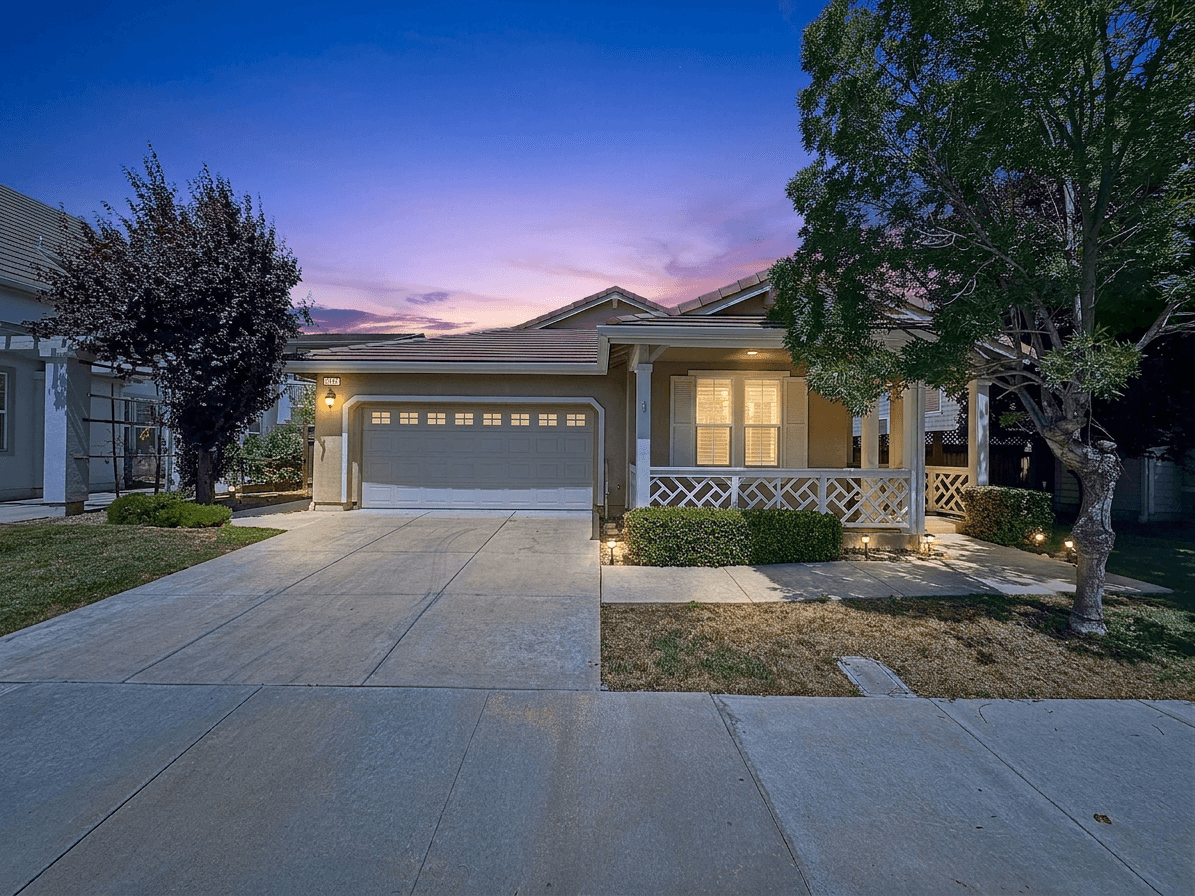
Starting a Real Estate Photography Business in 2026: The Complete Guide
Everything you need to know about launching a profitable real estate photography business. From equipment and pricing to finding clients and scaling with AI editing tools.
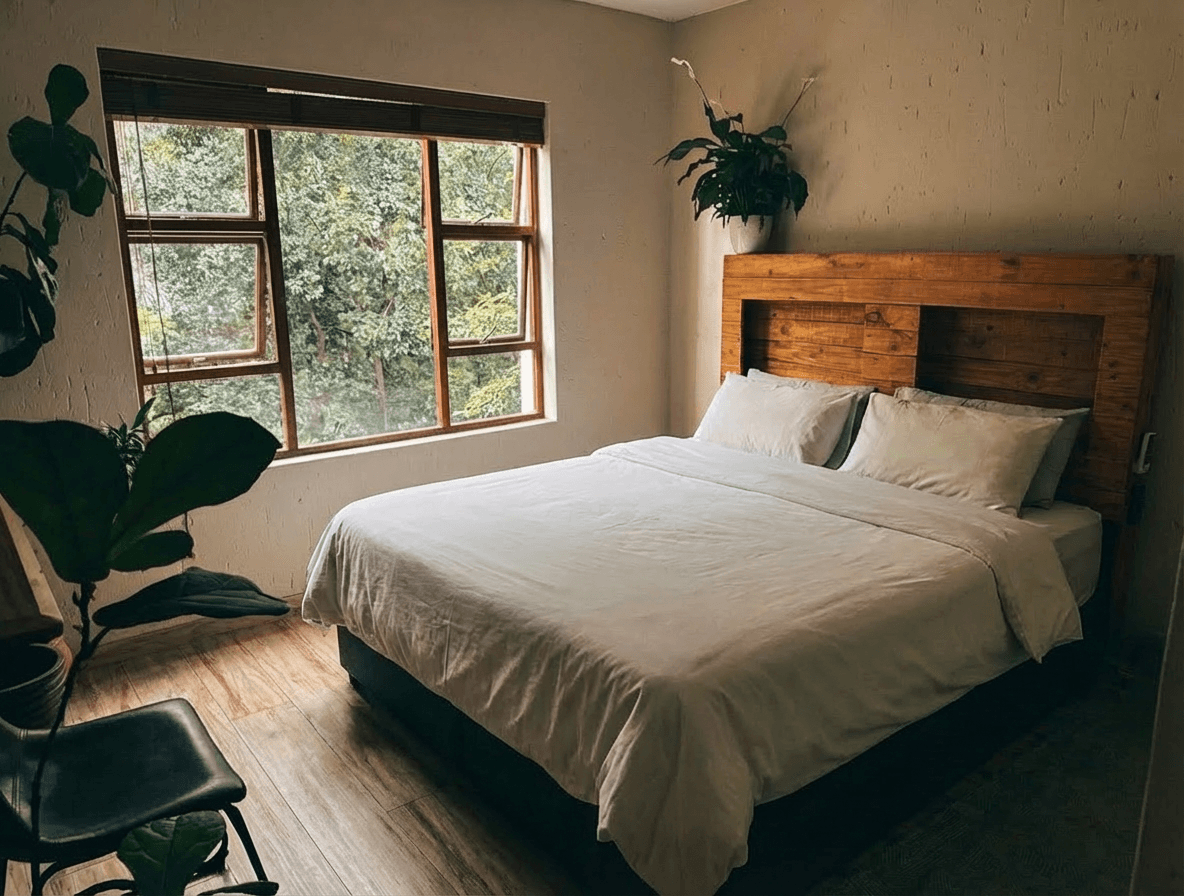
Managing Photos for Multiple Airbnb Properties: A Scaling Host's Workflow
Running multiple vacation rentals? Here's how to efficiently photograph, edit, and manage listing photos across your entire portfolio.
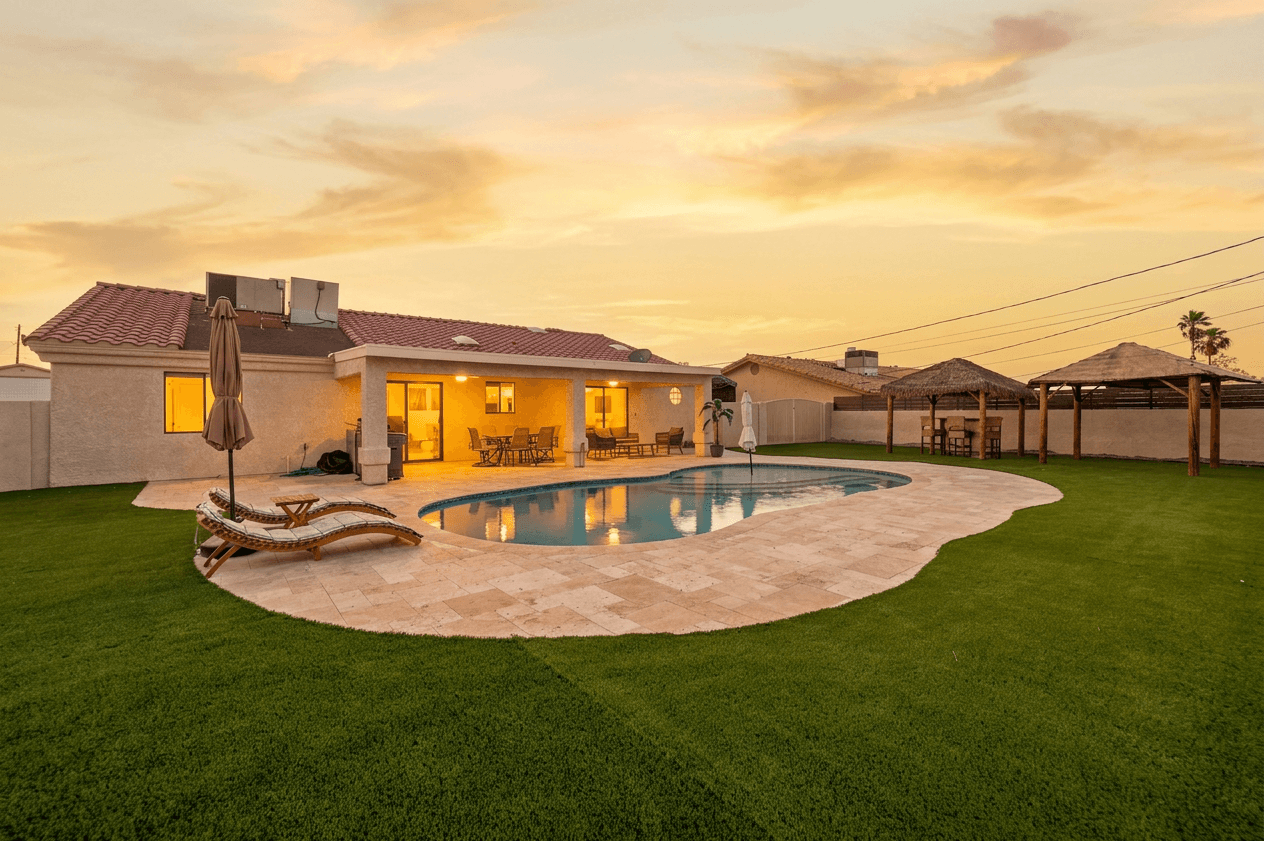
Real Estate Photography Workflow: Shoot to Delivery in Under 2 Hours
The complete workflow for real estate photographers -- from pre-shoot planning through AI-assisted editing to client delivery. Save hours per listing.